Top 7 Facebook Story Viewer Tools for Anonymous Viewing and Downloads
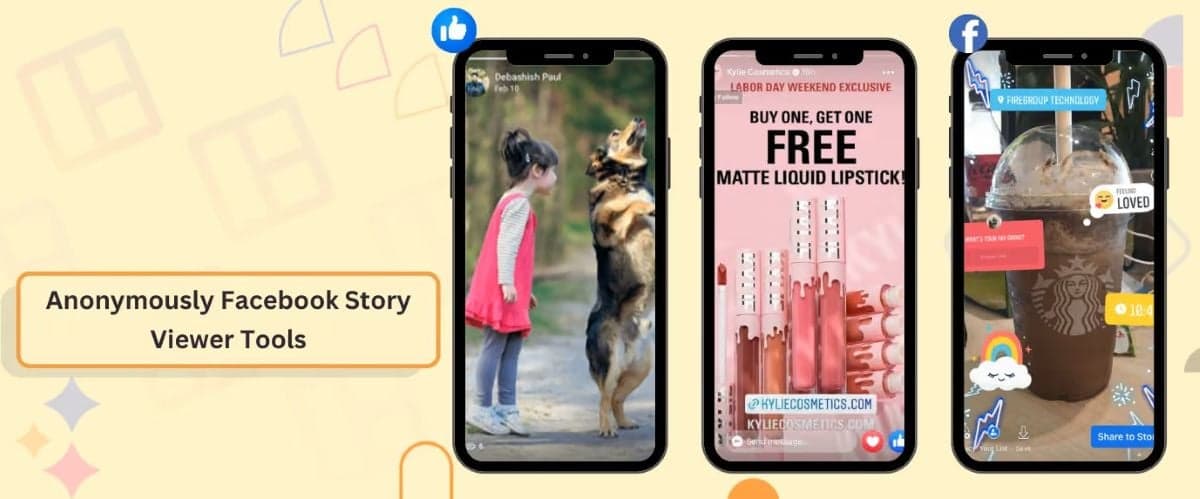
A Facebook Story Viewer lets you view publicly available Facebook Stories without using Facebook’s standard Story-viewing experience. Some tools also let you download available Story photos and videos without requiring a Facebook login. Popular options include FBTake, BraveDown, MediaPuller, Facebook Story Viewer, StoryViewer.ai, DupliChecker, and FDownloader.net.
If your goal is to do more than privately view Facebook content, a social wall offers a different use case. Social Walls by Taggbox can help event teams collect available social content, moderate it, and display selected posts on venue screens, turning social media activity into part of the live event experience.
If you want to browse or save public Facebook Stories without logging into Facebook, here are 7 Facebook Story Viewer and downloader tools worth checking out.
What is a Facebook Story Viewer Tool?
A Facebook Story Viewer is a third-party tool that lets you view available Facebook Stories outside Facebook’s usual viewing experience.
Many of these tools work by asking you to enter a public Facebook profile, Page, username, or Story URL. Depending on the tool, you may also be able to download Story photos or videos.
These tools can be useful for:
- Viewing public Stories privately
- Researching competitor content
- Saving Stories you own or have permission to keep
- Reviewing social media content without logging into Facebook
One important limitation: a Story Viewer is not a way to bypass Facebook’s privacy settings. Public Stories are the usual use case, while private, restricted, expired, or unavailable content may not work.
Top Facebook Story Viewer and Downloader Tools for 2026
Here are seven tools to know if you want to view or download publicly available Facebook Stories.
1. FBTake
FBTake lets you download content from Facebook and view Stories anonymously. One just has to enter a Facebook profile or Page link to view available Stories anonymously.
It also supports downloading available Story content in HD, Full HD, and 4K.
Why consider it: People looking for anonymous Facebook Story viewing with download options.
2. BraveDown
With this tool, you get the option of a browser-based Facebook Story Viewer and downloader. You can enter a Story link to view available content or save it to your device.
The tool supports photo and video Stories, with availability depending on whether the Story is publicly accessible.
Why consider it: Users who want a simple link-based way to view or save available Facebook Stories.
3. MediaPuller
The advantage of MediaPuller is that its Facebook Story Viewer focuses on public profiles and Pages and, of course, lets you do all of this anonymously.
All you have to do is enter a public Facebook profile URL or username to check available Stories without signing into Facebook. The tool is intended for publicly accessible content, not private or restricted Stories.
Why consider it: Users who want to check active public Stories without using their Facebook account.
4. Facebook Story Viewer
One of the best tools designed to view and download public Facebook Stories anonymously.(We know you were searching for this one :p)
The workflow uses a public Facebook username or profile URL and doesn’t require a Facebook login.
Why consider it: Users looking for a straightforward public Facebook Story Viewer without signing in.
5. StoryViewer.ai
View public Facebook stories easily and anonymously with this tool.
Users can enter a Facebook profile URL or username without creating an account or logging into Facebook. The browser-based setup also means there is no separate app to install.
Why consider it: Users who want a browser-based option for checking public Facebook Stories privately.
6. DupliChecker
The USP OF DupliChecker is its other online tools, but it also provides a Facebook Story Downloader.
Its tool uses a URL-based workflow to download available Facebook Story content. It is more relevant to users who want to save Stories than those looking specifically for anonymous viewing.
Why consider it: Users who mainly want to save available Facebook Story content rather than use a dedicated anonymous viewer.
7. FDownloader.net
Primarily a Facebook video downloader, but it also lets people download Story videos alongside other Facebook video content.
It uses a browser-based workflow and requires no additional software.
Why consider it: Users who want a broader Facebook downloading tool that also supports Story videos.
Facebook Story Viewer vs. Social Wall: What’s the Difference?
A Facebook Story Viewer and a social wall both deal with social media content, but they solve different problems.
A Facebook Story Viewer is mainly designed for individual content discovery and viewing. You might use one to check a public Story, research competitor content, or find social media inspiration.
A social wall is designed to bring social content to an audience.
For example, at an event, you may want to collect Facebook posts and other social media content, review the content, and then display selected posts on venue screens.
With Social Walls by Taggbox, event teams can collect, moderate, customize, and display social content across event screens and digital displays.
The difference is simple:
Facebook Story Viewer = discover and view social content.
Social Wall = collect, curate, and display social content for an audience.
How to Turn Social Media Content Into an Event Display
If you’re using Facebook content for an event, simply viewing it may not be enough.
You may want to bring the conversation happening on social media into the physical event space.
A social wall can help you:
- Collect event-related social posts
- Bring content from multiple social platforms together
- Showcase attendee photos and videos
- Moderate content before displaying it
- Customize the display to match event branding
- Show selected content on TVs and venue screens
- Encourage attendees to participate
- Create a live social media experience
This changes the role of social content from something people view individually to something the entire audience can experience together.
Use Social Walls by Taggbox to Display Social Content
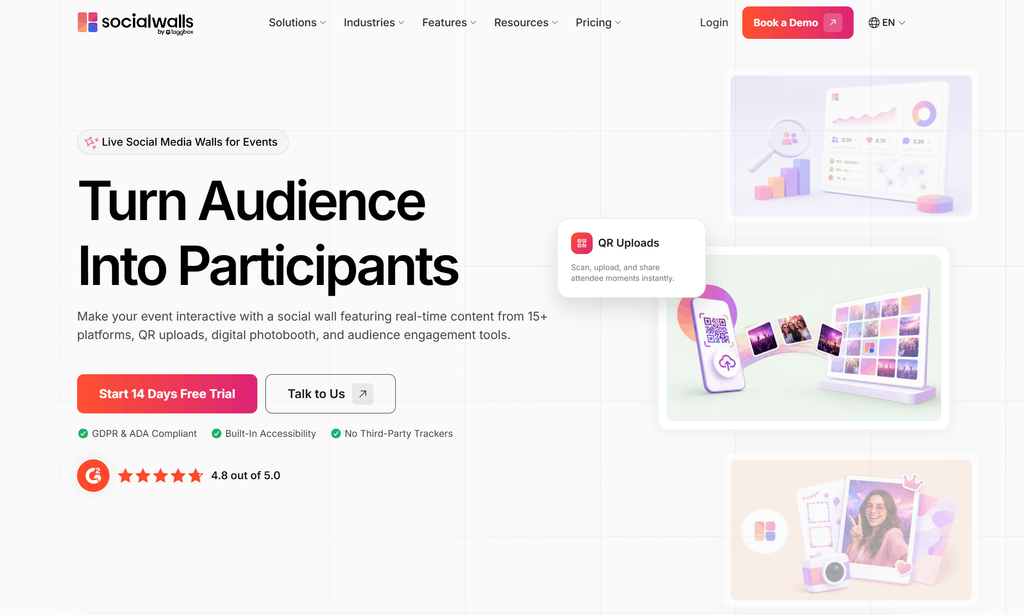
Social Walls by Taggbox is an event-focused audience engagement platform that helps teams turn social media content into live audience experiences.
Instead of keeping social content on individual phones, event teams can bring relevant social posts, photos, videos, and attendee-generated content together and display selected content on screens throughout the venue.
The workflow is simple:
Collect → Moderate → Customize → Engage → Display
With Social Walls by Taggbox, event teams can:
- Display social media posts on event screens
- Bring event hashtag content into the venue
- Showcase attendee photos and videos
- Collect content through QR-based uploads with SnapUp
- Moderate content before it appears publicly
- Add Reactions, Polls, and Live Q&A
- Customize the social wall with event branding
- Display content across TVs, LED walls, projectors, and digital displays
- Track social wall performance through analytics
So, if a Facebook Story Viewer helps you find and view social content, Social Walls by Taggbox helps you turn social content into an audience-facing experience.
Your audience is already sharing photos, videos, and posts. Bring that content into the event and give attendees a reason to participate.
 No Credit Card Required
Why Use a Social Wall for Facebook and Other Social Content?
Facebook is only one part of an event’s social conversation.
Attendees may share content across Facebook, Instagram, X, LinkedIn, TikTok, and other platforms. Looking at each platform individually can make it difficult to create a unified event experience.
A social wall brings relevant content together in one place.
For event teams, this can help:
Create a Live Social Feed
Bring relevant social posts into one continuously updated display instead of asking attendees to check different platforms individually.
Showcase Attendee Content
Give attendees a chance to see their photos, videos, and posts featured on event screens.
Increase Participation
When people know their content may appear on the big screen, it can encourage more attendees to participate and share.
Keep Content Moderated
Review and curate content before it reaches a public-facing display.
Extend Social Media Into the Venue
Turn online conversations into something people can see and experience in the physical event space.
Conclusion
A Facebook Story Viewer is useful when you want to browse publicly available Facebook Stories, research content, or download content that you’re allowed to keep.
Tools such as FBTake, BraveDown, MediaPuller, Facebook Story Viewer, StoryViewer.ai, DupliChecker, and FDownloader.net focus on different combinations of Story viewing and downloading.
But viewing social content is only one part of the social media experience.
If you’re managing an event, brand activation, conference, or other live experience, you may want to take that content one step further.
Instead of simply asking, “How can I view this Facebook Story?”, you can also ask:
“How can I bring social content to my audience?”
That’s where a social wall fits.
Social Walls by Taggbox helps event teams collect, moderate, customize, and display social content on event screens. You can bring together relevant Facebook content and other social media posts, showcase attendee-generated content, and turn online conversations into part of the live event experience.
Use a Facebook Story Viewer to discover social content. Use a social wall to bring social content to your audience.
Bring social content, audience participation, and live displays together in one experience.
No Credit Card RequiredFrequently Asked Questions
Yes. Available Facebook content can be collected and displayed through a social wall, allowing event organizers to bring social media activity onto venue screens and other digital displays.
Instead of only viewing Facebook content individually, event organizers can bring relevant posts, photos, and videos onto event screens. This can help attendees see what others are sharing and encourage more participation.
Yes. With Social Walls by Taggbox, you can bring available content from Facebook and other social media platforms into one social wall. This makes it easier to showcase different types of event-related content in one place.
Yes. Social Walls by Taggbox provides moderation features that allow event teams to review and curate content before displaying selected posts publicly.
A Facebook Story Viewer is mainly designed for viewing available Stories, while a social wall is designed to collect, curate, and display social content for an audience.