







Best SocialWall Pro Alternatives: Compare the Top Picks
Looking for a SocialWall Pro alternative? For most teams, the best all-round replacement is Social Walls by Taggbox, which covers events, venue screens and digital signage in one plan. Walls.io is the strongest pick for interactive event walls, Flockler for website-first publishing, Everwall for one-off events with flat per-event pricing, and Curator.io or Onstipe if budget is the deciding factor.
The best SocialWall Pro alternative ultimately depends on your goals, budget, and where you want to display your content. In this comparison, we look at the top options based on pricing, social media sources, event features, digital signage support, moderation, customization, analytics, and audience engagement to help you choose the right platform.
Why Look for a SocialWall Pro Alternative?
The reason people start looking is usually one of two things. SocialWall Pro’s BasicTool runs $80/day, $400/month or $2,400/year, and ProTool runs $300/day, $1,500/month or $9,000/year and even ProTool aggregates only Twitter/X, Instagram, Facebook and LinkedIn (still in beta), with no TikTok, YouTube or Google Reviews. If your audience posts on TikTok, or you want a wall on your website and your lobby screens, you’ll hit those limits fast.
- Better pricing. SocialWall Pro starts at $80/day or $400/month for its BasicTool. Alternatives offer different pricing models, including lower-cost monthly plans and one-off event options.
- More supported social networks. Four networks versus 10–15+ on most alternatives. TikTok, YouTube, Google Reviews and RSS are the common gaps.
- Easier setup. Most alternatives are self-serve with a free trial and no credit card, no quote and no onboarding call.
- Better moderation. AI-powered moderation and profanity filtering now ship as standard on several platforms rather than as a premium tier.
- Website embedding. Many teams want the same feed on the event screen and the site. Some tools include unlimited-domain embedding at every tier.
- Digital signage compatibility. If you’re running permanent lobby, retail or stadium screens, look for platform handles multiple displays and ongoing signage use.
- More customization. Custom CSS, brand fonts, logos and layout control beyond a fixed template set.
- Advanced analytics. Reach, top contributors and engagement reporting you can put in a post-event recap.
- Improved audience engagement. Live polls, reactions, photo booths, QR code uploads, and leaderboards.
In fairness: SocialWall Pro is an event-focused platform. Per-day pricing suits agencies running occasional one-off events, gamification and leaderboards are included from the Basic tier, and private walls via SMS, email or web form are useful for closed corporate meetings where nobody wants to post publicly. If that describes your use case, staying put is a reasonable call.
Combine social aggregation, UGC, audience engagement, analytics, and digital signage in one platform.
 No Credit Card Required
Quick Comparison of Top SocialWall Pro Alternatives
| Platform | Content Update Speed | Multi-Screen & Digital Signage | Audience Engagement | Advanced Analytics | Customer Support | Free Trial |
| SocialWall Pro | Updates in minutes | Digital signage & event screens | Q&A, polls, gamification, contests & rankings | Live stats & post-event reports | Support available | Trial available |
| Social Walls by Taggbox | Updates in seconds | Multiple screens & unlimited displays on Digital Signage plans | Polls, Reactions, Spotlight, Leaderboards & Studio | Yes — engagement, views, clicks & contributor insights | 24/7 support | 14 days |
| Walls.io | Updates in minutes | Digital displays supported | Polls, Media Mix & Leaderboards | Analytics available | Support available | 14 days |
| Flockler | updating sources | Digital signage available | Shoppable UGC & interactive displays | Engagement analytics | Email support | 14 days |
| Curator.io | Updates vary by source/plan | Limited compared with signage-focused platforms | Limited interactive features | Basic analytics | Email support | Free plan / trial |
| Everwall | Updates in minutes | Unlimited screens | Polls, Leaderboards & Announcements | Advanced statistics & reporting | Support options | 14-day trial |
| Juicer | Updates vary by plan | Event screens supported | Limited interactive features | Analytics on paid plans | Email support | Free plan |
| Onstipe | As fast as 1 minute on selected plans | Digital displays supported | CTAs & sponsored posts | Analytics available | Email support | Free trial |
| Tagboard | Updates in minutes | Broadcast, venue & large-screen displays | Broadcast graphics, sponsor integrations & live experiences | Advanced reporting | Dedicated support | Quote-based |
Best SocialWall Pro Alternatives
If you’re comparing SocialWall Pro alternatives, the right option depends on where you want to display your content, which social networks you need, and whether you are using the platform for a single event or ongoing campaigns. Below are eight SocialWall Pro competitors covering different use cases, pricing models, and feature sets.
1. Social Walls by Taggbox
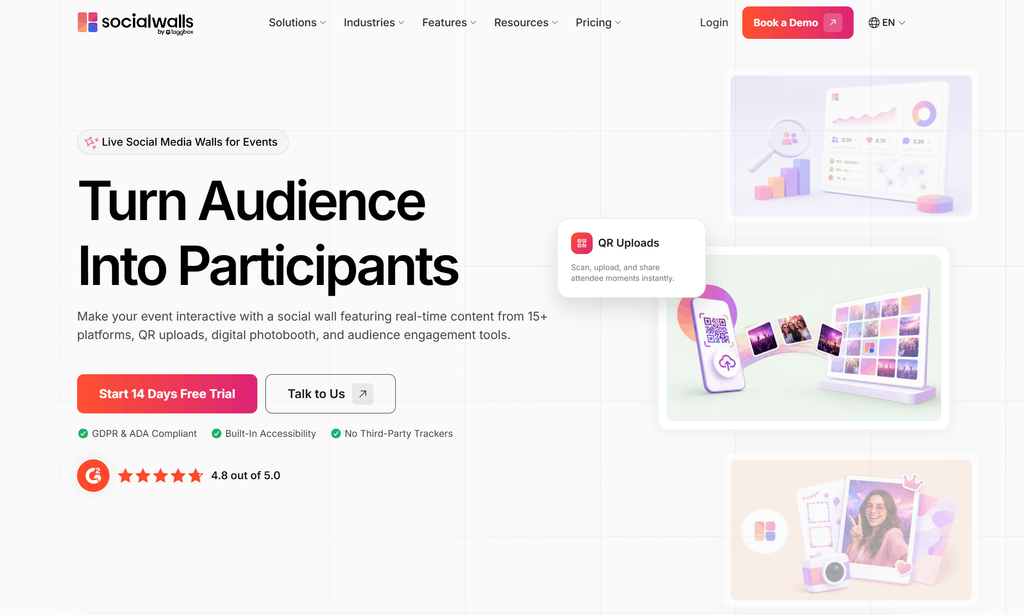
Social Walls by Taggbox is an all-in-one audience engagement tool for collecting, moderating, customizing, & displaying social content across events, digital signage, & multiple screens. Its easy-to-use platform brings social media feeds, UGC collection, interactive features, moderation, analytics, and content publishing into one workflow, so teams can manage their social wall without complex technical setup.
Social Walls also supports real-time content updates, QR codes that let attendees post without needing a public social account, multiple themes, responsive displays, custom branding, content moderation, visual search, analytics, and API access. For businesses running digital signage, the platform supports multiple screens and remote screen management, while its signage plans include unlimited display and embed capabilities. Which is what makes it a good replacement for SocialWall Pro rather than a partial one.
Key features:
- 15+ Content Sources: Collect content from Instagram, TikTok, YouTube, Facebook, X, LinkedIn, Google Reviews, and other supported sources.
- SnapUp: Let attendees upload photos and videos directly through a QR code without posting on social media first.
- AI-Powered Moderation: Automatically filter irrelevant or inappropriate content, identify duplicate or unwanted posts, and use recommendation and sentiment insights to help curate content.
- Engagement tools: Studio for live polls, Leaderboards, timers and stopwatches, Photo Booth via QR scan, Spotlight to highlight a single post, Reactions and ticker.
- Multiple Screens & Unlimited Display: Manage and display content across multiple screens and locations from a central setup.
- Responsive Design: Display social walls across TVs, mobile devices, digital signage, and DOOH screens while adapting to different screen sizes.
- Customization: Customize themes, layouts, backgrounds, banners, logos, colors, and other visual elements. Custom CSS is also available for deeper design control.
- API Access: Connect Social Walls with other systems and create customized integrations when needed.
- Advanced Analytics: Track metrics such as posts, engagement, clicks, views, reactions, and other campaign performance data.
- Compliance and reporting: GDPR and ADA compliant, with engagement and top-contributor analytics
Best for: Teams looking for an easy-to-use, all-in-one audience engagement tool for events, digital signage, DOOH, and multi-screen content displays.
Pricing: Event plans (one-time payment, dedicated success manager) and Digital Signage plans (unlimited displays and embeds, 20% off annual) are priced separately. 14-day free trial, no credit card.
Add polls, reactions, QR uploads, leaderboards, and more to your next event or campaign.
No Credit Card Required2. Walls.io
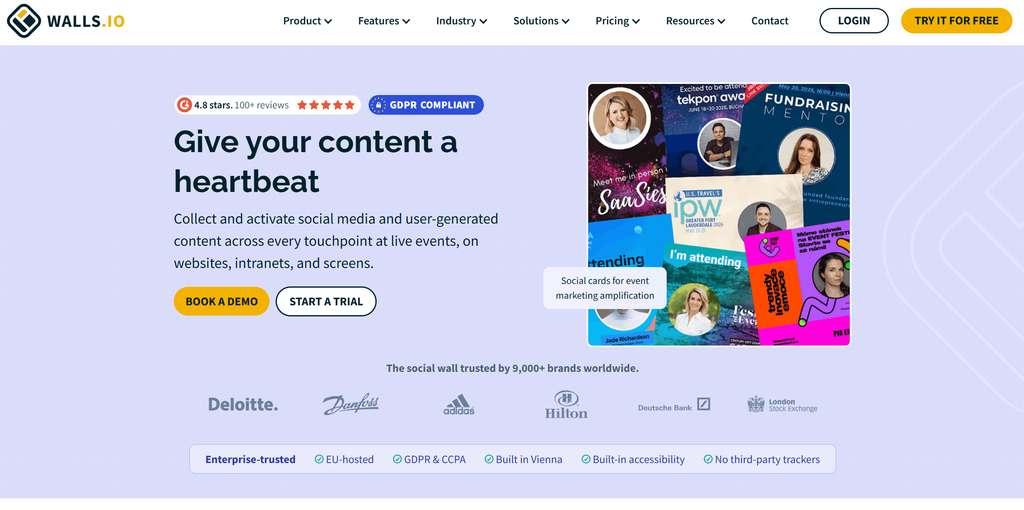
Walls.io provides social media walls for events, websites, and digital displays. Its event features include live polls on screen, a photo booth, and leaderboard. It also offers content moderation, customization options, and real-time social content updates, making it suitable for event displays and ongoing campaigns. Website embedding is included at every tier and across unlimited domains, which makes it more flexible than its event positioning suggests.
Key features:
- Engagement: Live polls, photo booth, QR-code contributions from attendees without a social account
- Display: Signage-optimised layouts and a website embed included on every tier, unlimited domains
- Moderation: Manual and automated filtering before posts hit the screen
- Compliance: EU-focused hosting and GDPR handling, useful if your legal team asks where the data sits
- Commercials: 30-day event pass for one-off use, or annual plans with a discount
Best for: Conferences and brand activations where audience participation is the point.
Pricing: A 30-day event pass runs $270, and the enterprise plan reaches $2,400. 14-day free trial available.
3. Flockler
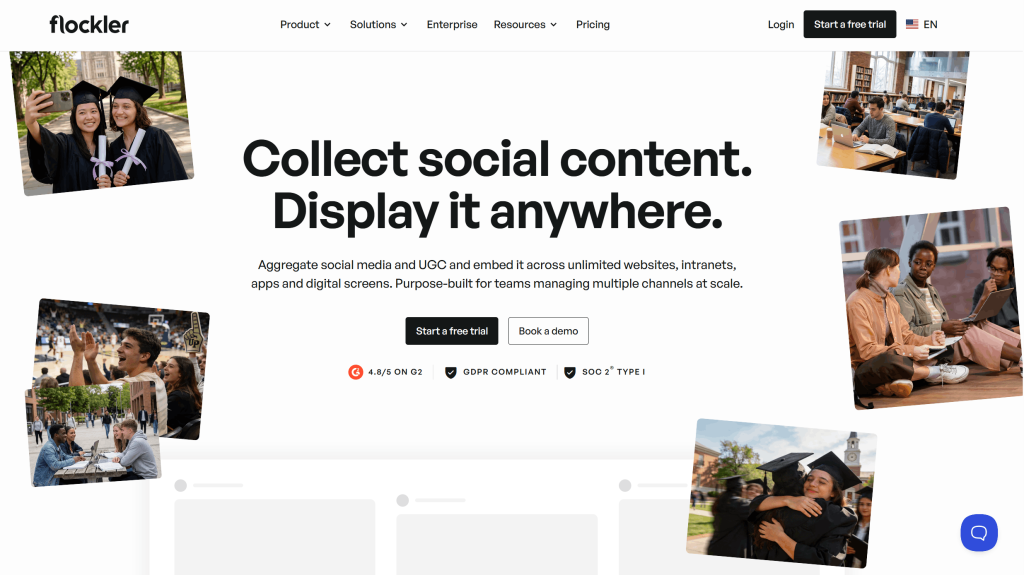
Flockler comes at the category from the marketing side rather than the events side. The intended job is social proof on a website: campaign landing pages, product pages, careers pages, intranets. Its strongest option is to support a broad range of content sources and provide layouts for websites and screens. It’s the weakest option if you need something to run on a stage screen with a producer watching it.
Key features:
- Display: Grid, wall, and other layouts for websites and digital displays
- Moderation: AI moderation included at all tiers, not gated behind an upgrade
- Accessibility: Alt text on aggregated images, which almost nothing else here offers
- Commerce: shoppable UGC with product tagging for retail and ecommerce
- Refresh: 5 to 15 minutes, which is fine for a website and too slow for a live hashtag wall
Best for: Content and web teams running always-on feeds across many pages.
Pricing: Basic $110/month billed annually, or $129 month-to-month. Business $195 or $229. Pro $325 or $379. Premium is custom. 14-day trial, no credit card.
4. Curator.io
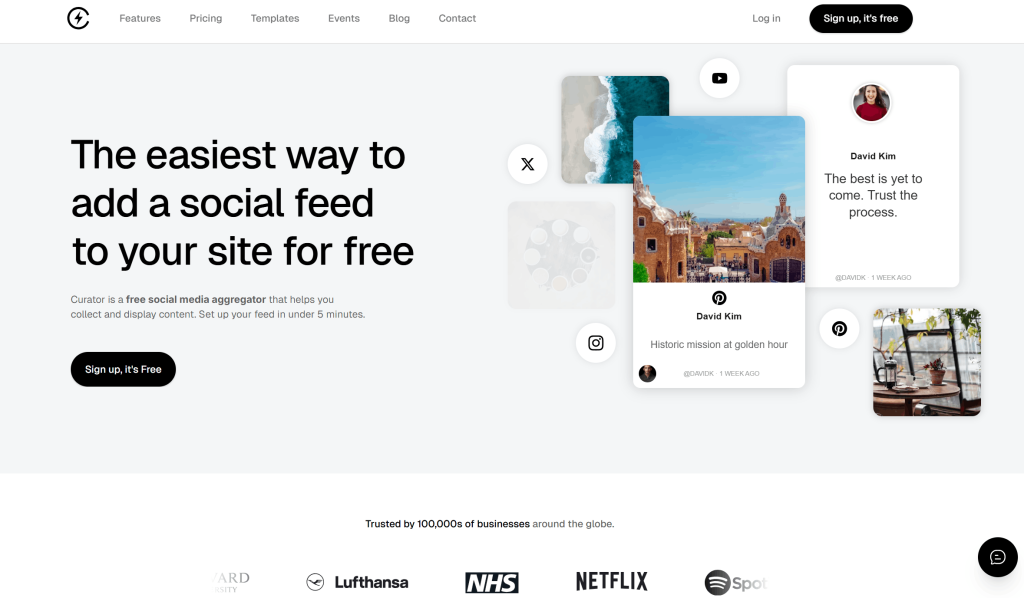
Curator is a social media aggregation platform focused primarily on creating and embedding social feeds on websites. TIt also provides moderation, customization, and analytics features, making it suitable for businesses that want to manage and display curated social content across their websites. It offers feed themes, content curation, and different plans based on the number of sources and page views.
Key features:
- Sources: 5 to 15, Source availability varies by plan
- Curation: Manual edit-and-pin control over which posts appear and in what order
- Display: Pre-built feed themes with light styling control
- Developer access: API from the Business plan upward
- Events: A dedicated Event plan with a 5-minute refresh
- Limits to watch: Free and lower tiers are capped by monthly page views
Best for: Small sites and startups that need a tidy feed, not an event platform. It can also be a consideration when evaluating a Curator.io alternative for broader event-focused needs.
Pricing: Free (page-view capped); Professional $25/month; Business $59/month; Agency $100; Event $200/month.
5. Everwall
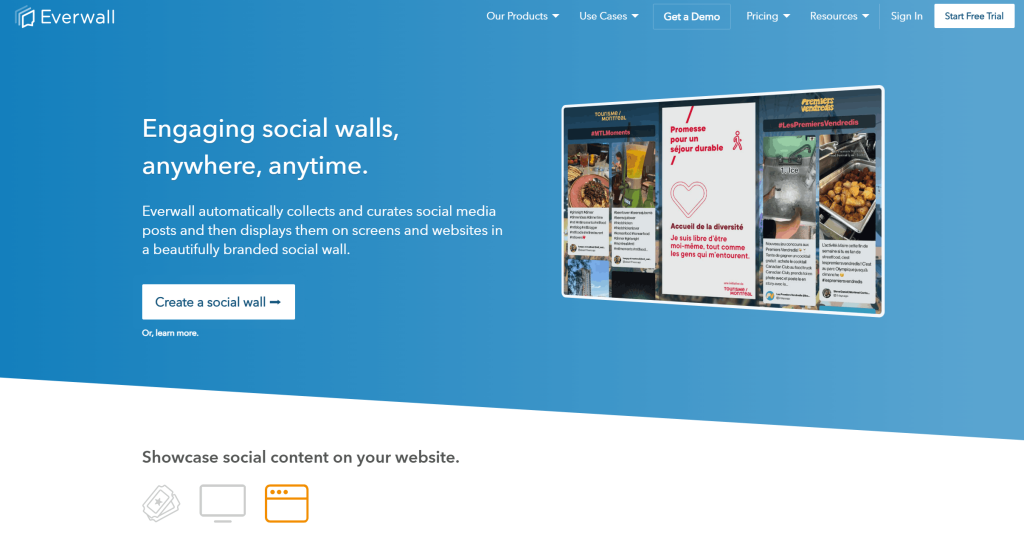
Everwall focuses on social walls for events and provides event-based as well as monthly pricing. The platform includes moderation, branding controls, website display options, and different service levels for organizations that want to manage the wall themselves or receive additional support. For a single conference where the finance team wants one number, it’s hard to beat.
Key features:
- Pricing: Event-based and monthly pricing options
- Commercials: Flat day rate or monthly rate, no per-attendee pricing, no add-on creep
- Included as standard: Moderation and branding removal, which several competitors charge for
- Capacity: Unlimited attendees and permanent content storage, so the wall stays available after the event
- Display: Website embed bundled free with event and monthly plans, plus ticker and sponsor slots
- Service levels: Self-service, managed services, and on-site support
Best for: A single conference or launch where you want a fixed cost and no add-on creep.
Pricing: Self-service walls from $49/day up to $399/month. Full-service starts at $299/day with a setup fee of around $2,500, and the on-site VIP tier starts at $10,000.
6. Juicer
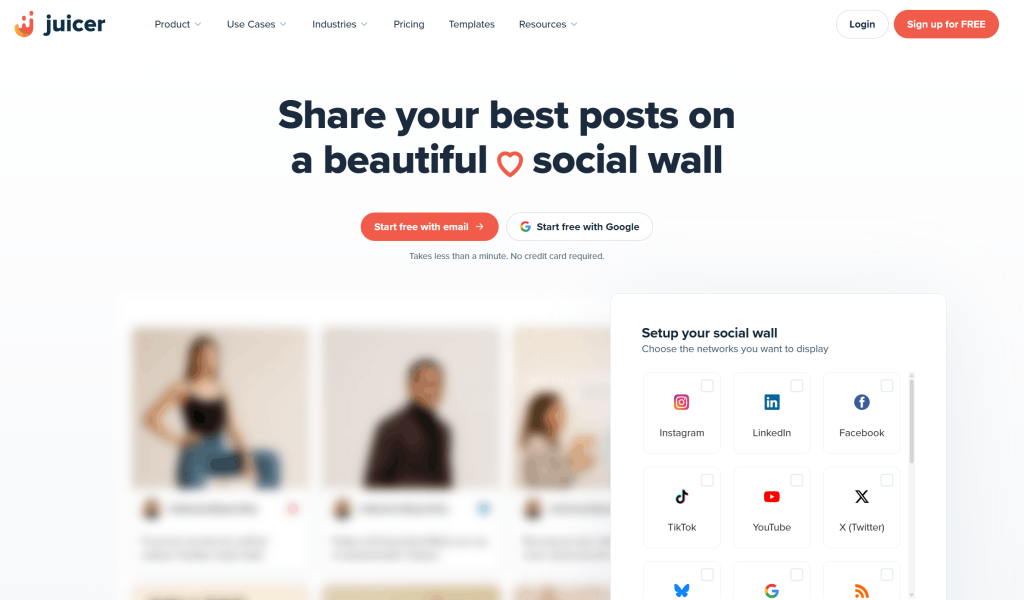
Juicer provides social media feeds that can be embedded on websites. Its free plan allows users to create a basic feed with limited sources, while paid plans add more sources, moderation, customization, and developer features. The tradeoff is scope: one feed from one source at zero cost, feed-style output rather than a stage-ready wall, and moderation tools that only appear once you’re paying.
Key features:
- Free plan: One feed, one source, no time limit
- Sources: 15+ on paid tiers, though see the note below on LinkedIn and X
- Moderation: Keyword and profanity filters on paid tiers only
- Traffic: Unlimited page views once you’re above the free plan
- Developer access: API and custom CSS for styling the feed
- Best fit: Website feeds, not live event walls
Best for: Bloggers, small businesses and anyone testing the idea before spending.
Pricing: Free; Lite from about $15/month; up to about $99/month; Enterprise from a $199/month minimum. Note that third-party analysis in April 2026 found LinkedIn and X gated to higher tiers, worth checking if you sell B2B.
7. Onstipe
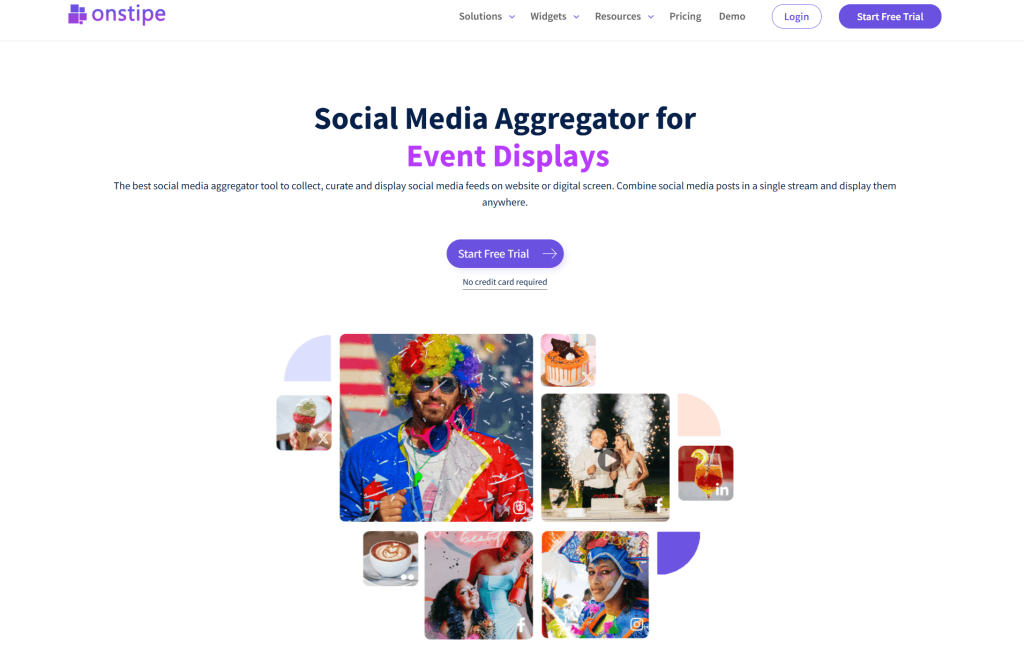
Onstipe offers social media walls for events, websites, and digital displays with event-based pricing options. Its supported sources include mainstream social networks as well as platforms such as Vimeo, Flickr, Tumblr, and RSS, which is useful if your content isn’t all on the big four networks. The compromise is presentation: the templates are functional rather than designed, so it suits an internal screen or a small community event better than a flagship brand moment.
Key features:
- Sources: 9 including YouTube, Vimeo, Flickr, Tumblr and RSS alongside the mainstream networks
- Display: Hashtag walls for events, plus website embedding and signage output
- Moderation: Manual moderation on all plans, automated filtering on the top tier only
- Commercials: Per-event tiers rather than monthly commitment, plus a 14-day trial
- Limits to watch: Basic template range and limited branding control
Best for: Small events and side projects where price beats polish.
Pricing: $29 for a micro event, $49 for a mini event, and $99 per day for a professional event. 14-day trial. Templates are basic: fine for internal screens, less so for a flagship brand site.
8. Tagboard
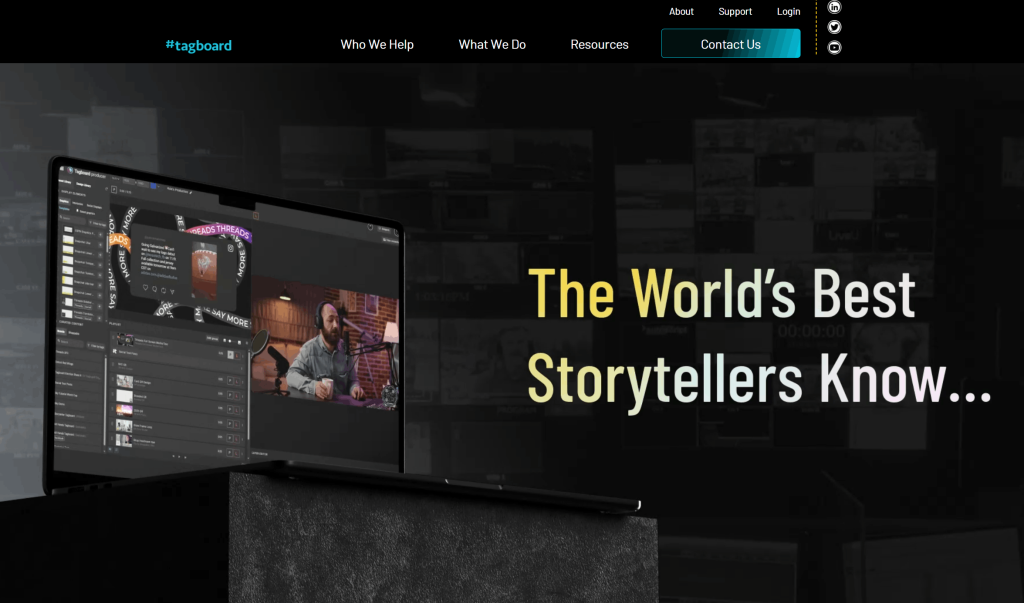
Tagboard combines social content aggregation with broadcast and live production tools. Its platform is designed for organizations working with live broadcasts, sports, media, and large-scale events where social content needs to be incorporated into professional production workflows.
Key features:
- Production: Integration with broadcast graphics and control-room workflows
- Sponsorship: Layouts built for sponsor placement and rights-holder requirements
- Reliability: Real-time performance at broadcast scale and audience size
- Best fit: Stadium screens, live television, large rights-holder events
- Limits to watch: No self-serve entry point and a website embed that is secondary to the broadcast use case
Best for: Stadium video boards and live broadcast, with a producer on the desk.
Pricing: Tagboard does not publish rates itself. Industry tracking by SoftwareSuggest puts it at three event tiers: Starter at $500 per event, Premium at $1,250 and Ultimate at $2,500. Overkill and over-budget if all you need is a feed on your website.
Expert Opinion
“Choosing a SocialWall Pro alternative should start with your actual event and content needs, not just the price. Look for a platform that makes it easy to collect, moderate, and display content while giving your audience simple ways to participate. Features such as real-time updates, QR-based uploads, interactive tools, analytics, and multi-screen support can make a noticeable difference. The right platform should also be easy to manage before, during, and after your event.”
— Upendra Goswami
Marketing Strategist
Conclusion
The right SocialWall Pro alternative depends on how you plan to collect and display content. For teams that need more than a basic social feed, Social Walls by Taggbox combines 15+ content sources with UGC collection, moderation, audience engagement, analytics, website publishing, and digital signage. Features such as SnapUp, Reactions, Live Polls, Spotlight, Leaderboards, Photo Booths, and multi-screen displays make it an option for events, and ongoing screen-based campaigns. Curator.io and Juicer work well for simpler website feeds, while Everwall and Onstipe are options for event-based campaigns.
Walls.io adds interactive event features, Flockler focuses on website and digital content publishing, and Tagboard is designed for broadcast and large-scale experiences. Each platform has a different balance of pricing, social sources, moderation, engagement, analytics, and display capabilities. Compare these capabilities with your required social networks, number of displays, engagement needs, budget, and support requirements to choose the SocialWall Pro replacement that fits your use case.
Choose a platform based on your social sources, displays, engagement needs, and budget.
No Credit Card RequiredFAQs
Social Walls by Taggbox is a strong SocialWall Pro alternative for events, especially for conferences, trade shows, corporate events, and brand activations. It combines social media aggregation with moderation, audience engagement, QR-based content collection, analytics, and live display options.
Social Walls by Taggbox, Everwall and walls.io supports social media digital signage, making it a suitable SocialWall Pro alternative for displaying live social content on venue screens, TVs, LED walls, and other digital displays.
Social Walls by Taggbox. You get reach, impressions, top posts, top contributors and engagement in a recap you can hand to a sponsor, covering your website, event and signage together. Flockler and Walls.io are comparable. Curator.io, Juicer and Onstipe stay at basic counts.
Yes. AI moderation filters spam and inappropriate content automatically before it reaches the screen, with manual override available, and event walls update in real time.