







8 Best Kitcast Alternatives for Social Walls in 2026
The best Kitcast alternatives for building a social media wall in 2026 include Social Walls by Taggbox, Walls.io, Flockler, Curator.io, Juicer.io, Everwall, Onstipe, and SocialWall Pro. These platforms are purpose-built for social media walls, offering capabilities that Kitcast lacks.
Kitcast built its name pushing content, menus, and social feeds to screens across Apple TV, Android TV, and other devices, with a social wall as one widget among many. That works when signage is the main job. But events, offices, retail stores, and marketing teams now treat the social media wall as its own category, and they need more source integrations, stronger moderation, deeper customisation, and pricing that fits a single campaign instead of a full signage contract.
This guide breaks down the eight alternatives worth shortlisting, what each is best for, and how they compare in terms of pricing and features.
Why Look for a Kitcast Alternative?
Kitcast covers the basics, but a few gaps push teams toward dedicated tools:
- Advanced Social Wall Features: Kitcast treats the social wall as one widget among many, not the core product, so wall-specific features like QR uploads, real-time updates, reactions and more are missing.
- More social platforms: Beyond Facebook, Instagram, X, and TikTok, many teams also need YouTube, LinkedIn, Google Reviews, or Pinterest in a single feed.
- Better moderation: Manual approval queues, keyword blocklists, and AI-based filtering matter once a wall goes live at a public event.
- Advanced customisation: Matching a wall to brand colours, fonts, and layout templates without writing custom code.
- Event engagement features: Leaderboards, live polls, digital photo-booth and direct uploads that keep a physical audience engaged, not just watching a feed scroll by.
- Budget considerations: Signage-first tools bundle the wall into enterprise pricing, while teams running a single campaign or event usually want a standalone, shorter-term plan.
8 Powerful Kitcast Alternatives for Creating Social Media Walls
1. Social Walls by Taggbox
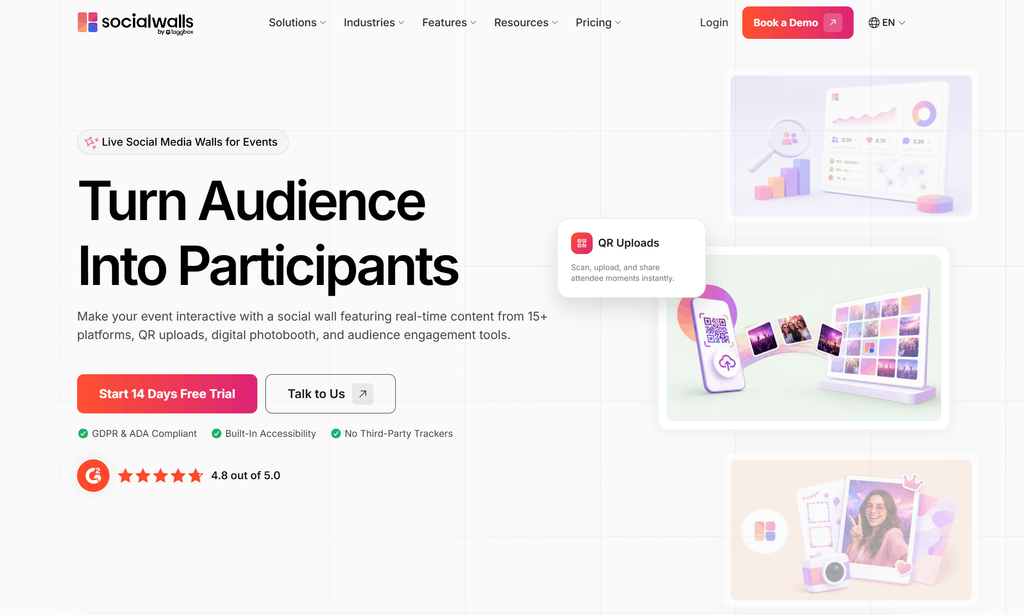
Social Walls by Taggbox is a trusted social media wall platform that collects and displays live photos, videos, and posts from multiple platforms in a single feed. It aggregates content in real time, gives audiences a direct way to add content on the spot, and turns it into readable performance data on the same dashboard. Most tools on this list are built to do one part of that loop well: display, collection, or reporting. Social Walls is built to run all three from a single platform, which is what sets it apart from a typical Kitcast alternative.
Key features:
- SnapUp: A QR code photo-sharing tool that lets attendees add content straight to the wall while capturing their contact details for follow-up.
- Review Hub: Collects reviews through a shareable link or QR code and displays them alongside social content on the same wall.
- Analytics Dashboard: Tracks sentiment, top creators, word cloud trends, and click-through rate in one view, rather than basic view counts alone.
- AI Moderation: Filters incoming content automatically before it reaches the live wall.
- Write with AI: Generates review drafts from a few simple prompts, lowering the friction for attendees to leave feedback.
- Multi-platform Aggregation: Pulls content from major social networks into a single branded feed, with layout and theme customisation to match brand guidelines.
Best for: Events, retail stores, and offices that want an all-in-one wall with lead capture and built-in audience analytics.
Pricing: 14-day free trial and custom plans available for any event.
Explore Social Walls by Taggbox and turn live social content, audience uploads, and event interactions into engaging experiences.

 No Credit Card Required
2. Flockler
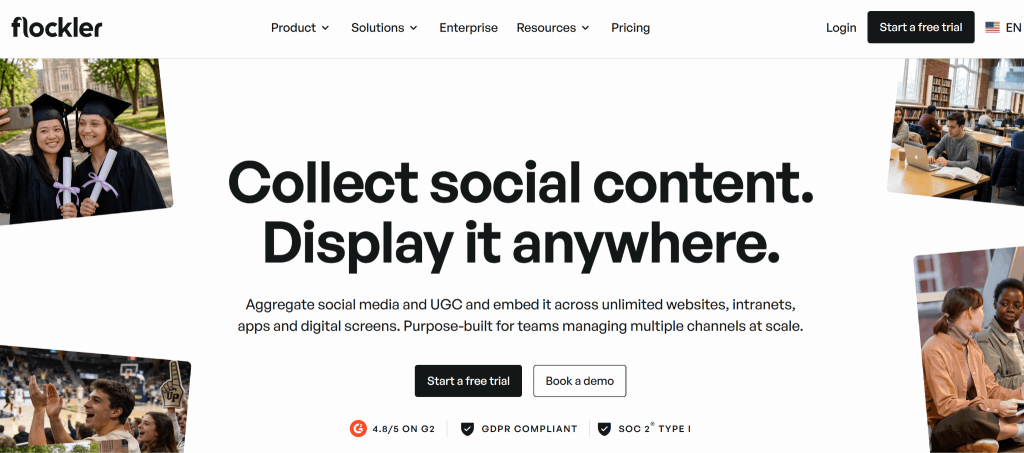
Flockler is a social content aggregation tool built for marketing teams and agencies that want the same feed reused across multiple surfaces, not just a single event wall. It’s a strong option for teams already running shoppable UGC campaigns.
Key features:
- Platform Coverage: 13+ social media platform integrations
- Moderation: AI-powered content moderation
- Shoppable Galleries: UGC galleries with in-content product tagging
- Accessibility: AI-generated alt text
Best for: Marketing teams and e-commerce brands that want the same social feed reused across websites, apps, and digital signage.
Pricing: Plans start around $129 a month and scale with the number of feeds, with a 14-day free trial.
3. Curator.io
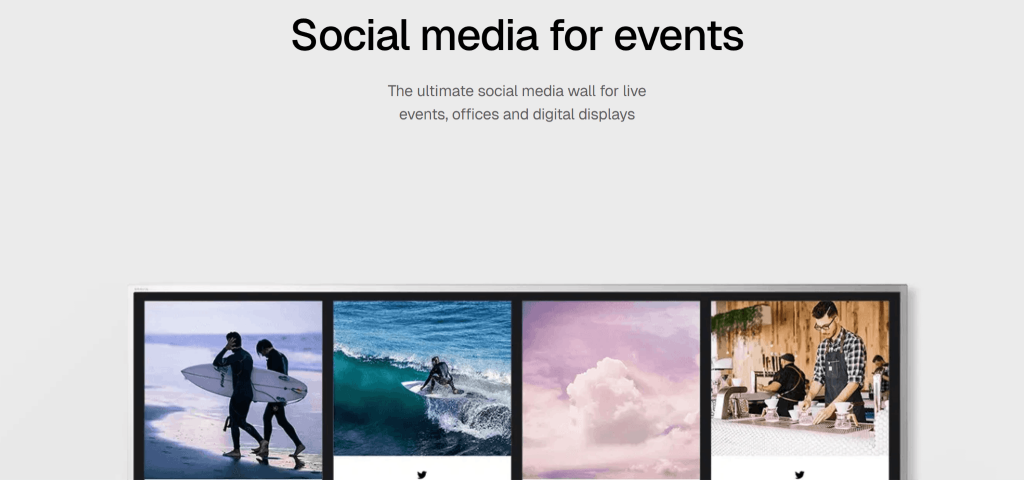
Curator.io is a social media aggregation platform with a Chrome extension-based setup and a flat feature set across most of its plans, built for teams that want something simple to configure. It works well for smaller teams without a dedicated developer on hand.
Key features:
- Content Control: Editing and pinning of live posts
- Moderation: Keyword filters
- API Access: Available on higher-tier plans
- Feed Refresh: Every 15 to 60 minutes, depending on plan
Best for: Small teams that want a lightweight wall without a steep learning curve. It’s also worth considering when comparing Curator.io competitors for different social wall and aggregation needs.
Pricing: Professional starts at $25 per month, Business at $59 a month, with Enterprise priced by source count and a free plan available.
4. Juicer.io
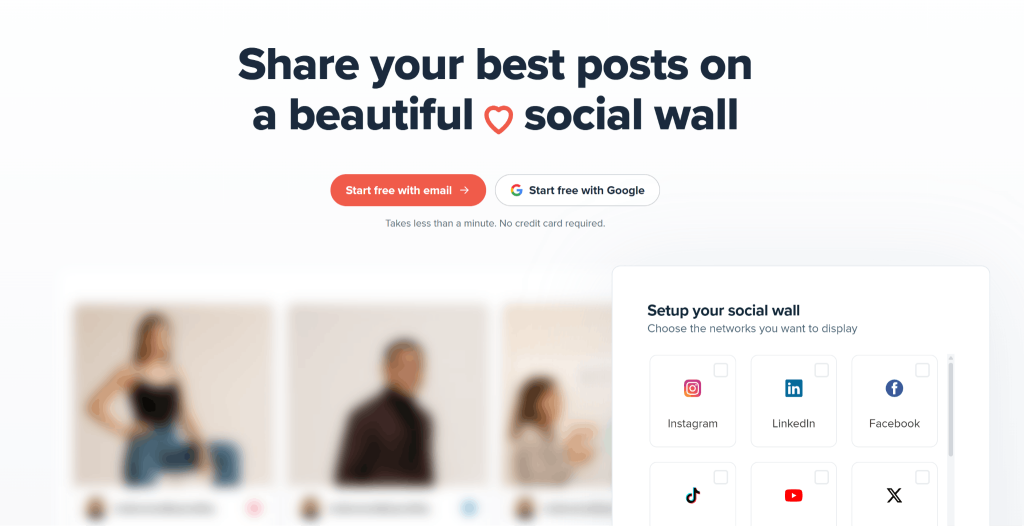
Juicer.io is one of the more budget-friendly Kitcast alternatives, built for individuals and small businesses first. It’s a sensible starting point for anyone who wants to test a social wall before committing to a bigger platform.
Key features:
- Platform Coverage: 15+ social media platform integrations
- Pages: Standalone, feed-powered landing pages
- Event Plans: Dedicated event and campaign plans for short-term walls
- Customisation: Feed themes and layouts
Best for: Solo creators, small businesses, and anyone who wants a reliable Kitcast alternative to start with before scaling up.
Pricing: A free plan covers 1 to 2 sources, with paid plans running from $13.5 to $89 a month.
5. Everwall
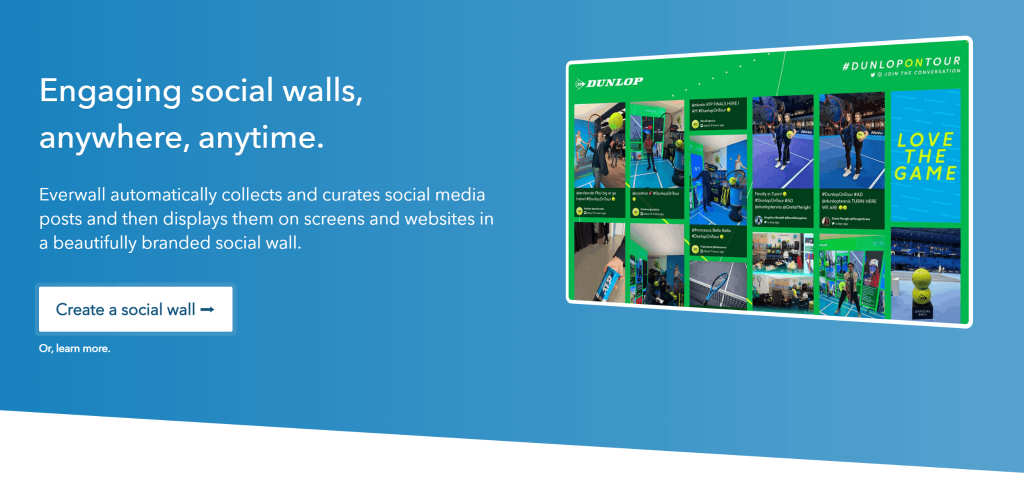
Everwall is a social media wall platform that has been helping brands and event organizers show content on social media displays. It focuses on providing a stable and reliable experience rather than constantly adding new platform integrations.
Key features:
- Moderation: Profanity and keyword filters
- Engagement: Leaderboards
- Moderation Queues: Manual approval before content goes live
- Social Media Hub: Embed the same wall on a website
Best for: Events that prioritise a stable, real-time feed over newer social platforms, since Everwall does not currently support TikTok or Pinterest.
Pricing: The plan starts at $99 a month billed annually, with event walls at $49 a day, and website walls starting at $129 a month.
6. Walls.io
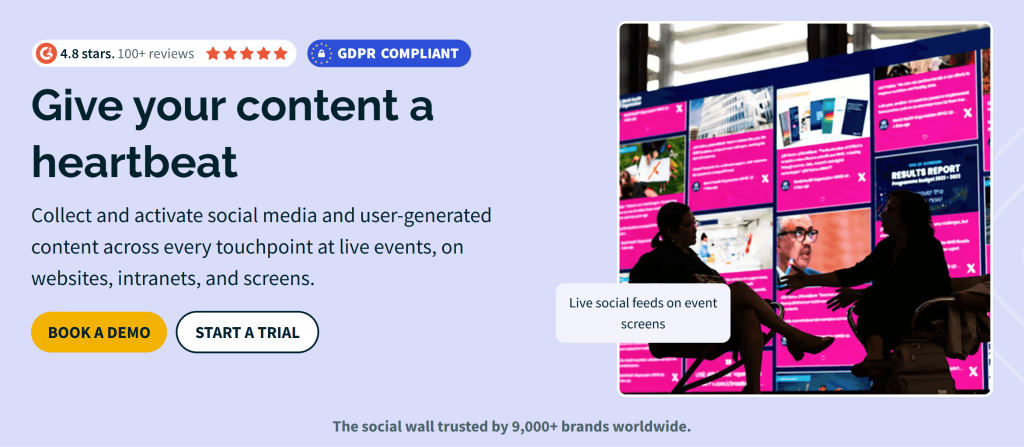
Walls.io is one of the tools designed for live events with engagement features. It’s a solid pick for teams that want a proven platform with a large existing user base rather than a newer entrant.
Key features:
- Platform Coverage: 15+ social media platform integrations
- Moderation: Keyword and profanity filtering
- Engagement: Live polls for real-time audience interaction
Best for: Large, single-day events that specifically need polls or a photo booth layered onto the wall.
Pricing: Event Pass starts at $250 for 30 days, and the Professional plan runs from roughly $215 to $270 a month.
7. Onstipe
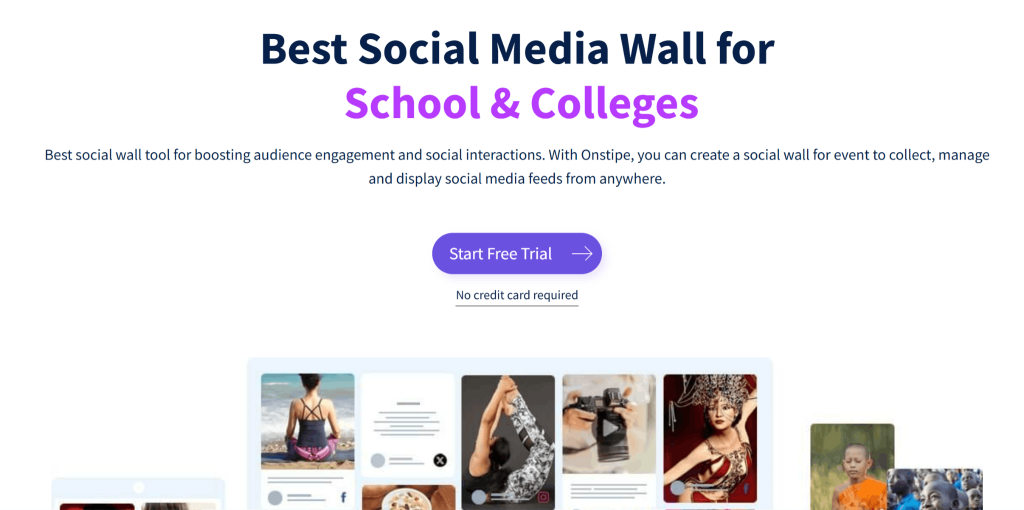
Onstipe is built for teams that want basic social wall functionality at the lowest possible cost, from weddings to small conferences. It’s a fair choice when the wall only needs to run for a day or two on a tight budget.
Key features:
- Platform Coverage: 9 integrations, including Facebook, Instagram, X, LinkedIn, and YouTube
- Collection: Hashtag, handle, and keyword-based content collection
- X/Twitter Access: Capped on lower-tier plans
- API Access: Available on select plans
Best for: Budget-conscious small businesses and one-off personal events that need a basic wall without extra features.
Pricing: Subscription plans start from $8 to $69 per month, with event-day passes starting at $29, making it a cost-effective Kitcast alternative.
8. SocialWall Pro
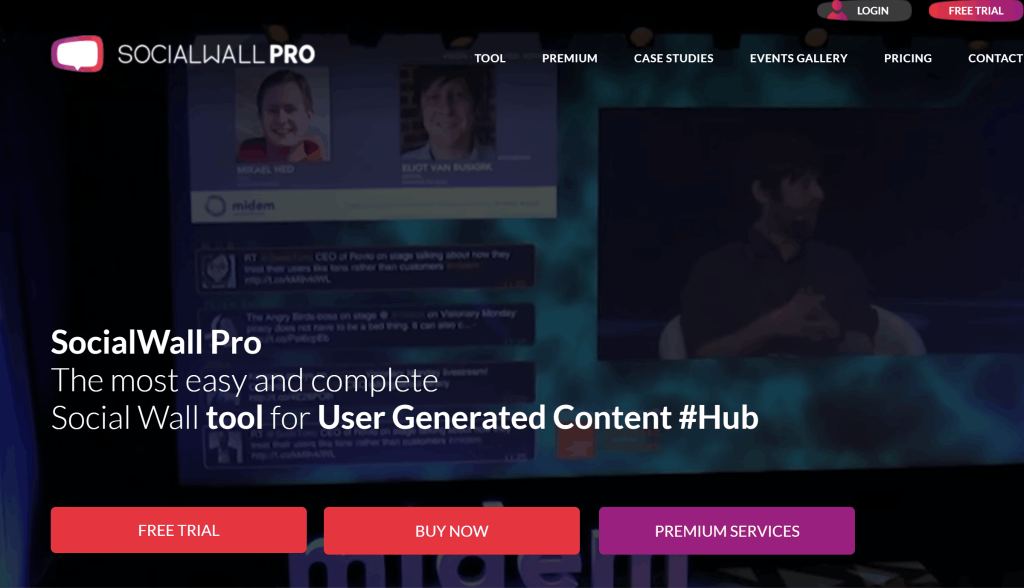
SocialWall Pro is an event-focused tool popular for broadcast, radio, and brand activation teams, offering both a lighter BasicTool and a fuller ProTool. Its template range is genuinely deep, which makes it a natural fit for teams running frequent live broadcasts.
Key features:
- Templates: 18+ editable templates
- Gamification: Leaderboards and contests
- Moderation: Comprehensive content review tools
- Platform Support: No X/Twitter support since 2023, following changes to X’s API pricing
Best for: TV, radio, and brand activation teams that want heavy template variety and gamification for live broadcasts.
Pricing: One-time packages range from $80 to $300, with subscription plans from roughly $400 to $1,500 a month, depending on scale.
Comparison Table of All Kitcast Alternatives
| Platform | Social Media Walls | Digital Signage Support | Website Embed | Moderation | Large Events | Free Trial |
| Social Walls by Taggbox | Yes | Yes | Yes | Yes | Yes | Yes |
| Walls.io | Yes | Yes | Yes | Limited | Yes | Yes (14-day) |
| Flockler | Yes | Yes | Yes | Yes (AI) | Limited | Yes (14-day) |
| Curator.io | Yes | Limited | Yes | Yes | Limited | Yes |
| Juicer.io | Yes | Limited | Yes | Yes | Limited | Yes |
| Everwall | Yes | Yes | Yes | Yes | Yes | No |
| Onstipe | Yes | Yes | Yes | Limited | Limited | Limited |
| SocialWall Pro | Yes | Limited | Yes | Yes | Yes | Limited |
Expert Take
“When choosing a Kitcast alternative, businesses should look beyond basic social media feed display and consider how well a platform supports audience engagement, content moderation, and real-time content collection. Kitcast can be a suitable choice for teams primarily focused on digital signage, but dedicated social wall platforms may offer more specialised features for events, campaigns, and interactive experiences. The right choice ultimately depends on the platforms you want to integrate and the level of moderation and customisation you need.”
— Akshita Jain
SEO Specialist
LinkedIn Profile
Conclusion
Kitcast works well when digital signage is the main job and the social wall is a secondary widget on the screen. But once a team needs QR-based audience uploads, AI moderation, lead capture, or event-specific engagement tools, most businesses end up looking beyond Kitcast for a platform built around the wall itself.
The right pick still depends on the goal, budget, event format, and template needs, which will point some teams toward a lighter or more specialised tool. For teams that specifically need QR-based uploads with lead capture, or want sentiment and audience engagement analytics alongside the wall itself, Social Wall by Taggbox covers those two gaps directly through SnapUp and its built-in analytics dashboard, without needing a separate lead-capture or reporting tool on top.
Frequently Asked Questions
Flockler and Social Walls by Taggbox support the widest range of sources, covering platforms like Instagram, TikTok, Facebook, YouTube, X, and LinkedIn within a single feed.
Yes. Every platform on this list, including Social Walls by Taggbox, offers website embedding through a simple code snippet that can be added to most website builders and CMS platforms.
Social Walls by Taggbox is the strongest option for events, since it includes moderation, live audience engagement tools, and QR- or poll-based interactions that keep attendees engaged during the event.
Yes. Most social media wall platforms let you collect and display content from multiple social media platforms in a single live feed, making it easy to showcase all your audience engagement in one place.