







15+ Best Photo Booth Apps for Any Event
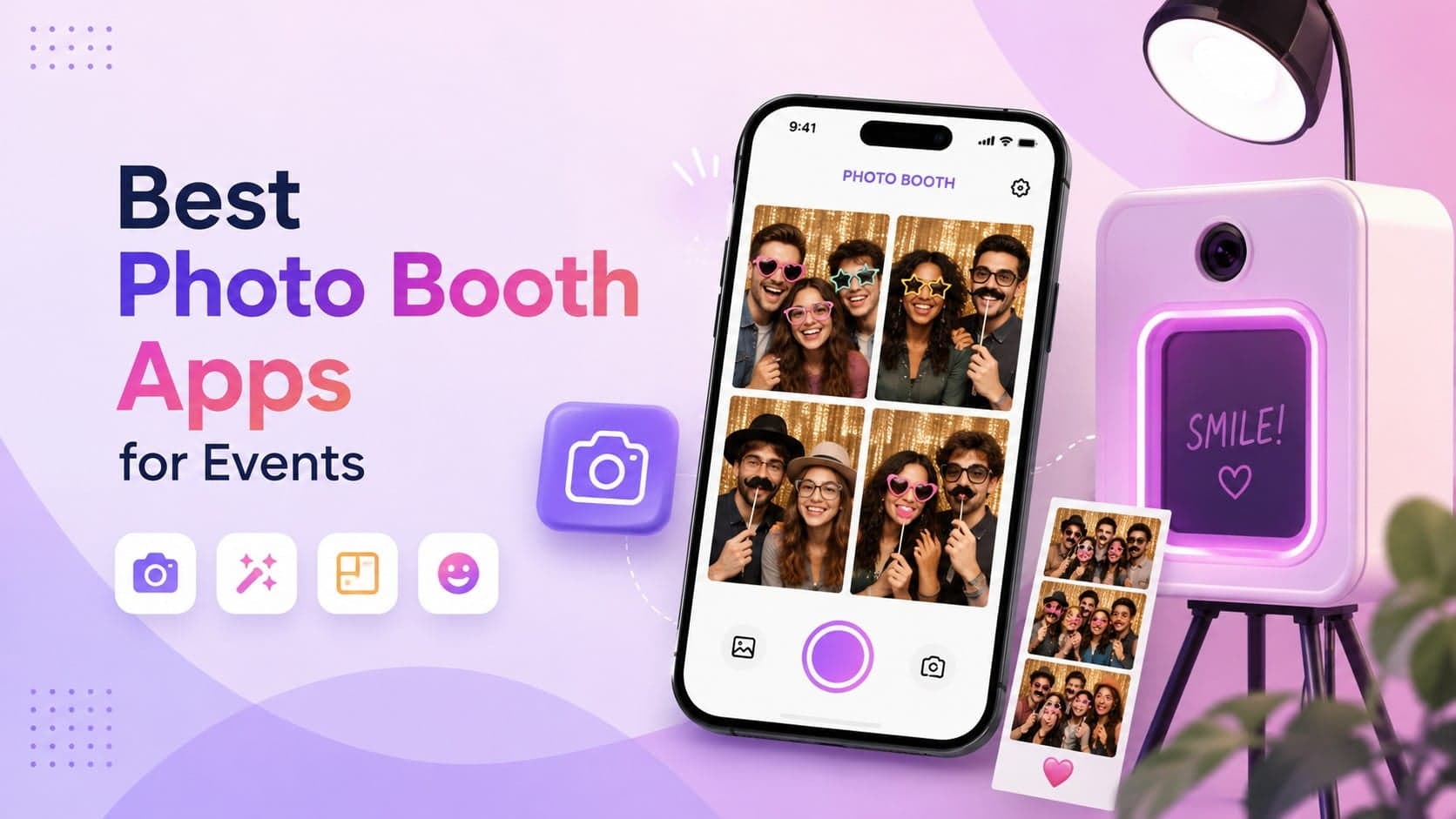
Looking for the best photo booth apps for events in 2026? We compared 15+ options based on features, device compatibility, photo and video formats, sharing, branding, and event use cases.
From DIY weddings and iPad booths to corporate events, brand activations, and 360° experiences, this guide will help you choose the right photo booth app for your event.
Quick Comparison: Best Digital Photo Booth Apps for Events
| PhotoBooth Apps | Best For | Platform | GIFs & Videos | Social Sharing | Branding | Live Display |
| Social Walls | Live event experiences | Web/Desktop | ✓ | ✓ | ✓ | ✓ |
| Sparkbooth | DIY events | Desktop | ✓ | ✓ | ✓ | — |
| Breeze Booth | Professional setups | Windows | ✓ | ✓ | ✓ | — |
| Darkroom Booth | DSLR setups | Windows | ✓ | ✓ | ✓ | — |
| Flassh | Brand activations | Web/Desktop | ✓ | ✓ | ✓ | — |
| LumaBooth | iPad photo booths | iPad | ✓ | ✓ | ✓ | — |
| Simple Booth HALO | Interactive experiences | iPad | ✓ | ✓ | ✓ | ✓ |
| Snappic | Weddings & premium events | iPad/Web | ✓ | ✓ | ✓ | ✓ |
| TapBooth | Touchless experiences | Web/Desktop | ✓ | ✓ | ✓ | — |
| TouchPix | 360° experiences | Mobile/Desktop | ✓ | ✓ | ✓ | ✓ |
| Pocketbooth | Retro photo booths | Mobile | ✓ | ✓ | ✓ | — |
| Photobooth Mini | Offline events | Android | ✓ | ✓ | ✓ | — |
| Booth.Events | Branded events | Android/Web | ✓ | ✓ | ✓ | — |
| FunEvent | Android setups | Android | ✓ | ✓ | ✓ | — |
| SLR Booth | Professional photography | Desktop | ✓ | ✓ | ✓ | — |
How We Evaluated These Photo Booth Apps
We looked at each photo booth app across the features that matter most when planning an event, including device compatibility, photo and video formats, customization, sharing options, branding, analytics, moderation, live displays, and overall event use cases. We also considered what type of event and setup each platform is best suited for, from DIY weddings and parties to corporate events, trade shows, and brand activations.
What is a Digital Photo Booth App?
A photo booth app turns a phone, tablet, computer, or professional camera setup into a digital photo booth. Depending on the software, guests can capture photos, GIFs, Boomerangs, and videos, then customize them with filters, effects, backgrounds, frames, or branded templates.
Modern photo booth apps can also make sharing easier. Guests may be able to send their content through email or SMS, share it on social media, or access it digitally instead of waiting for a print.
For events, the experience doesn’t have to stop after someone takes a picture. With a platform such as Social Walls, photo booth content can be combined with social content and showcased on a social media wall across event screens in real time.
Top 15 Event Photo Booth Apps
There are plenty of photo booth apps available, but they aren’t designed for the same type of setup or event.
Some focus on professional camera-based booths, while others are built for iPads, Android devices, 360° video, branded activations, or DIY events. The options below cover different use cases so you can compare them based on what your event actually needs.
1. Social Walls
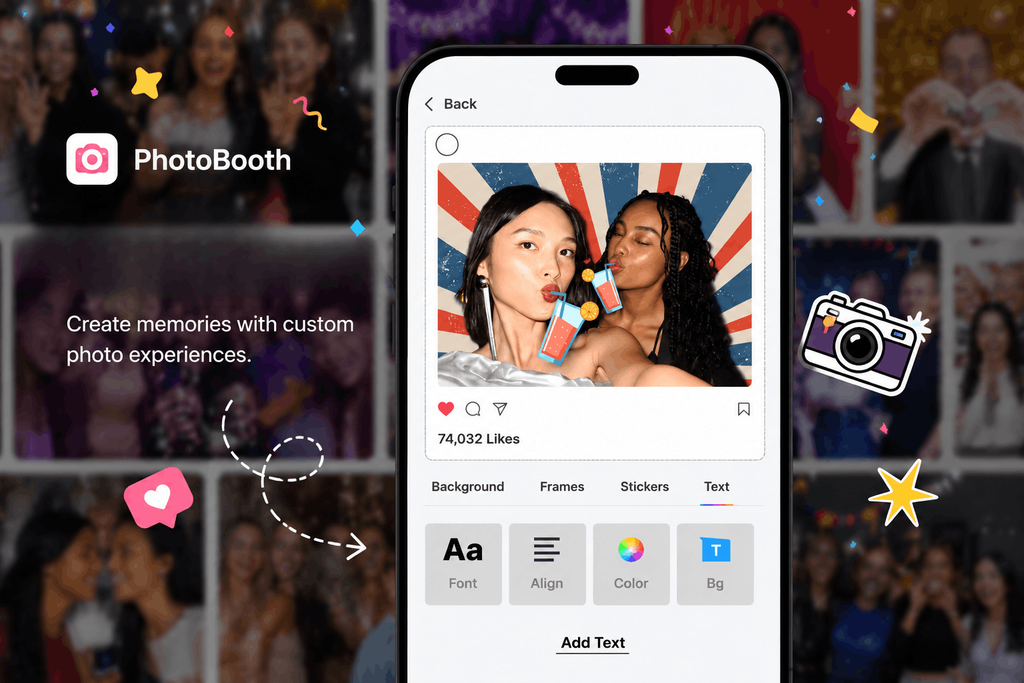
Social Walls combines digital photo booth experiences with social media aggregation and digital displays, making it a strong choice for events where guest-generated content needs to be visible beyond the booth itself.
Guests can capture photos, personalize them with themed backgrounds, frames, stickers, and emojis, and share their experiences. That content can then become part of a live event display alongside social media content.
Why choose it: It connects the entire content journey:
Capture → Share → Moderate → Display → Engage
Key features:
- Photo capture and customization
- Social media aggregation
- Real-time content display
- Content moderation
- QR Uploads
- Live social feeds
- Hashtag-based event content
- Virtual photo booth capabilities
Best for: Conferences, corporate events, weddings, festivals, trade shows, and brand activations.
Good to know: Social Walls is particularly useful when you want guest-created content to become part of the wider event experience.
Display guest-created photos and social content live across your event screens.
No Credit Card Required
2. Sparkbooth
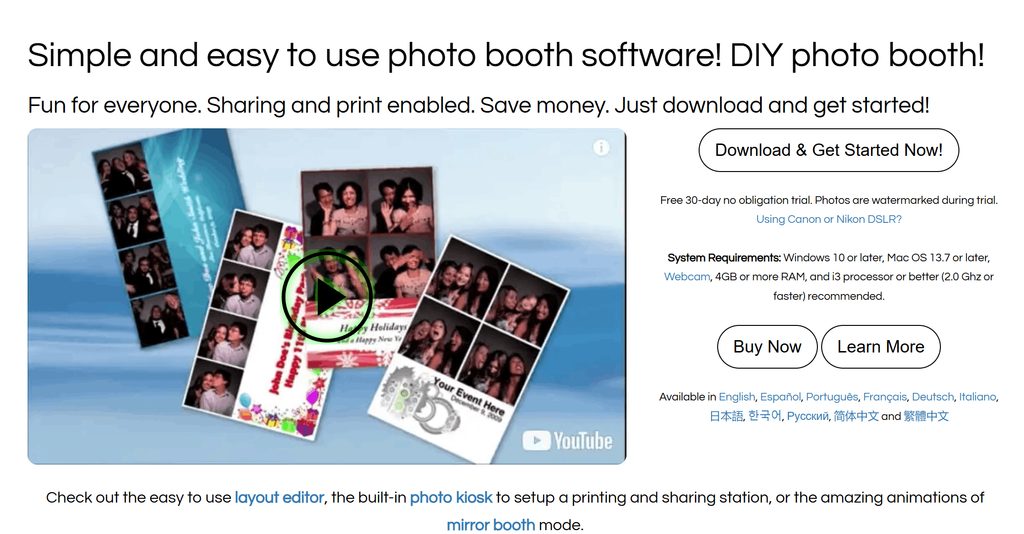
Sparkbooth is a photo booth app designed for users who want to create photos without a complicated setup. It supports photo capture, GIF creation, sharing, and printing, making it a practical option for DIY events, birthday parties, weddings, and corporate events.
Why choose it: Its simple setup makes it suitable for users who want a straightforward photo booth without a complicated workflow.
Key features:
- Photo and GIF creation
- Instant sharing
- Printing
- Customization
- Easy setup
- Social media sharing
Best for: DIY events, birthday parties, weddings, and smaller business events.
Good to know: Sparkbooth is a better fit when your priority is creating and sharing photo booth content rather than building a larger live event-content experience.
3. Breeze Booth
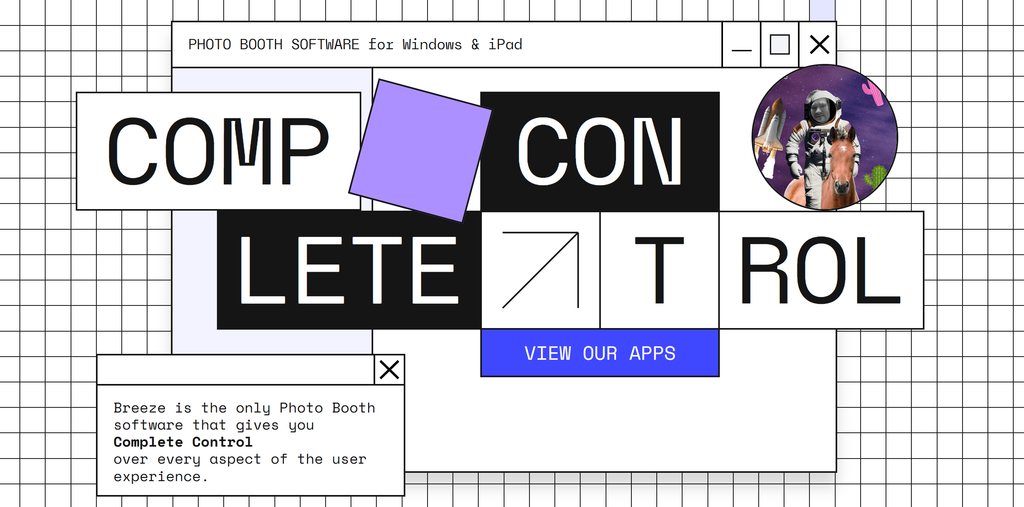
Breeze Booth is a professional photo booth software designed for Windows-based setups with cameras. It offers real-time previews, AI-powered background removal, slow-motion capture, green-screen effects, and other tools for creating more polished event content.
Why choose it: It offers professional camera support and a wider range of effects for events where image quality and production value matter.
Key features:
- Professional camera support
- Real-time previews
- AI background removal
- Green-screen effects
- Slow-motion capture
- Animated effects
Best for: Professional photographers, corporate events, red-carpet events, and large event activations.
Good to know: Breeze Booth is more suited to professional camera-based setups than simple tablet-first photo booth experiences.
4. Darkroom Booth
Darkroom Booth is an app for digital photo booths which is built for professional setups that use DSLR cameras. Its focus on camera control and image quality makes it suitable for events where the quality of the final photograph matters. It also supports green-screen experiences and customization for branded or themed events.
Why choose it: It gives professional photo booth operators more control over image capture while supporting branded and themed experiences.
Key features:
- DSLR camera support
- Green-screen functionality
- Custom templates
- Professional image capture
- Branding options
- Event photography capabilities
Best for: Weddings, trade shows, corporate events, and professional photography setups.
Good to know: Darkroom Booth makes the most sense when professional photography and DSLR-based capture are central to the event experience.
5. Flassh
Flassh is a photo booth platform that focuses on creating interactive photo and video experiences that guests can share instantly. Its analytics and data-capture capabilities can also make it useful for marketers who want to understand audience participation and measure engagement during an activation.
Why choose it: It combines interactive content creation with analytics and data capture, making it useful beyond the photo-taking experience.
Key features:
- Photo and video capture
- Instant sharing
- SMS and email sharing
- Social media sharing
- Analytics
- Data capture
- Branded experiences
Best for: Brand activations, festivals, marketing campaigns, and experiential events.
Good to know: Flassh is particularly relevant when marketers want to connect an interactive photo experience with audience data and engagement measurement.
6. LumaBooth
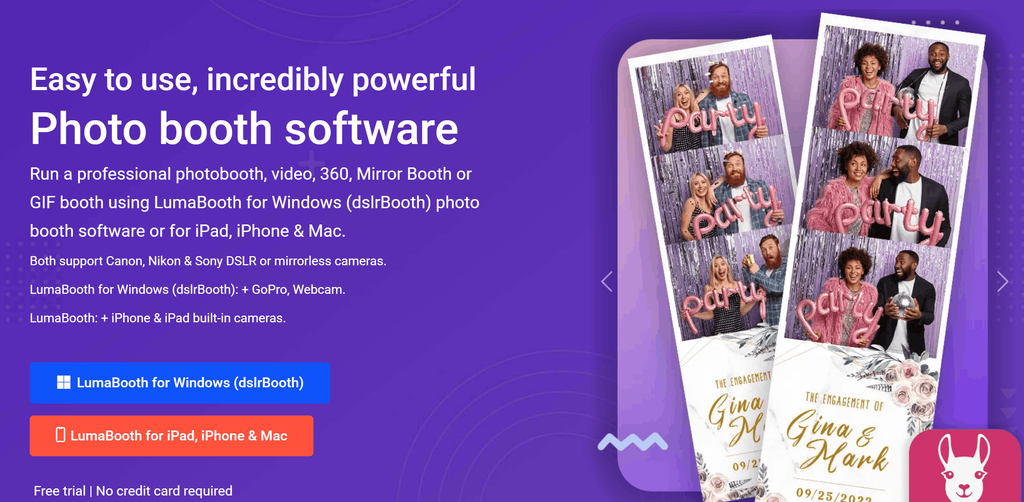
LumaBooth lets users create photo booths using iPads and supports formats such as photos, GIFs, and Boomerangs. Guests can share their creations through email, SMS, or social media, while businesses can customize the experience with their branding.
Why choose it: It offers a straightforward way to turn an iPad into a branded photo booth with multiple content formats and sharing options.
Key features:
- iPad support
- GIFs and Boomerangs
- Instant sharing
- Custom branding
- Custom templates
- Simple interface
Best for: Weddings, corporate events, and iPad-based photo booth setups.
Good to know: LumaBooth is a practical photobooth app if you’re already planning to use an iPad as the main photo booth device.
7. Simple Booth HALO
Simple Booth HALO is a digital photo booth platform designed to make photo booth setup and operation simple while offering interactive features such as live feeds, green-screen effects, and analytics. Its data collection capabilities can also help businesses understand how attendees interact with their photo booth experience.
Why choose it: It combines an easy photo booth experience with interactive features and tools for measuring audience participation.
Key features:
- Live feeds
- Green-screen effects
- Analytics
- Data collection
- Customization
- Interactive effects
Best for: Corporate events, experiential marketing, and branded activations.
Good to know: HALO is worth considering when engagement and data collection matter alongside the photo booth experience.
8. Snappic
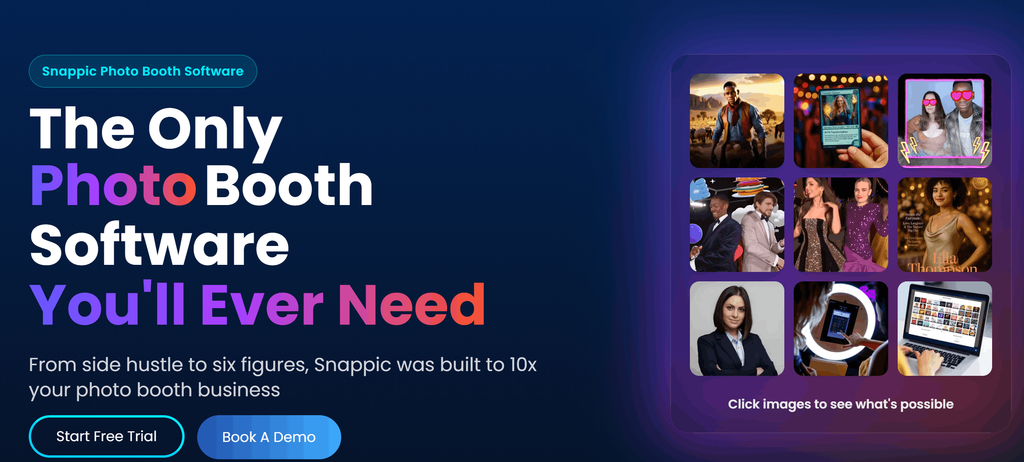
Snappic is an AI photo booth app focused on creating polished photo booth experiences with features such as AI face tracking, virtual props, animations, and live slideshows
Why choose it: Its interactive effects and live slideshow capabilities make it suitable for events where the photo booth is meant to be part of the entertainment.
Key features:
- AI face tracking
- Virtual props
- Animated effects
- Live slideshows
- Social sharing
- Photo and video creation
Best for: Weddings, premium events, and interactive brand experiences.
Good to know: Snappic is a strong fit when you want a polished, interactive booth experience with guest photos visible during the event.
9. TapBooth

TapBooth offers a simple app for photobooth experiences, allowing guests to capture and share photos while giving businesses tools to track engagement. Guests can apply effects and send their photos through SMS or email, making it suitable for events where quick, touchless sharing is important.
Why choose it: Its touchless experience and quick sharing options make it useful when guests need a fast way to capture and receive their content.
Key features:
- Touchless photo experiences
- Photo effects
- SMS sharing
- Email sharing
- Analytics
- Engagement tracking
Best for: Corporate events, experiential activations, and private celebrations.
Good to know: TapBooth is a practical option when touchless interaction and fast sharing are priorities.
10. TouchPix
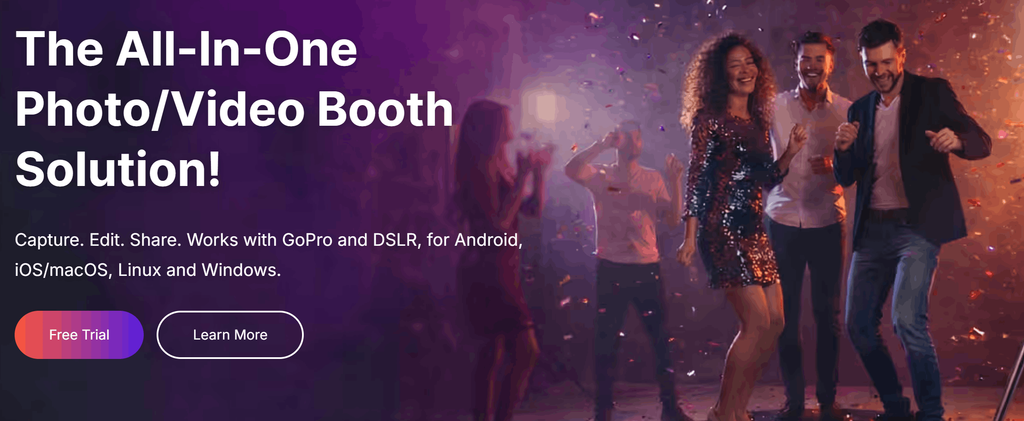
TouchPix combines traditional photo booth capabilities with 360-degree video experiences. It supports photos, GIFs, Boomerangs, slow-motion videos, and other formats, while customization features let brands add overlays, backgrounds, effects, and digital props.
Why choose it: It gives events a 360° content format while still supporting photos, GIFs, videos, and branded effects.
Key features:
- 360° video
- GIFs
- Boomerangs
- Slow-motion video
- AI background removal
- AR effects
- Custom overlays
- Live galleries
Best for: 360° booths, brand activations, parties, and experiential events.
Good to know: TouchPix makes the most sense when software for 360 photo booth experiences is a major part of the event rather than simply an additional feature.
11. Pocketbooth
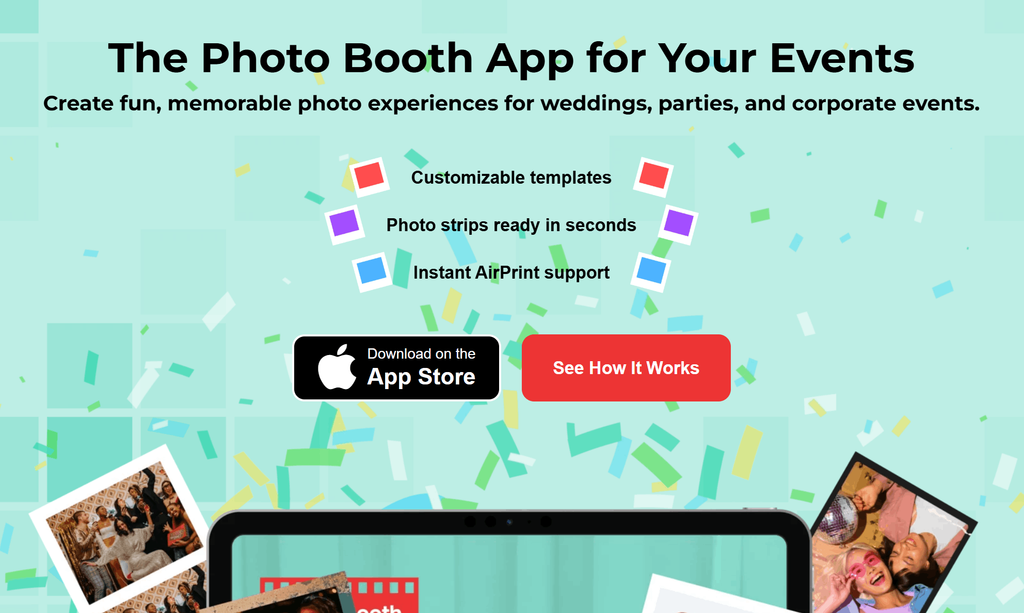
Pocketbooth focuses on recreating the look and feel of a traditional photo booth through vintage filters, photo strips, and printable layouts. As a photo strip app, it’s a simple option for events where visual style matters as much as the technology.
Why choose it: It focuses on recreating the classic photo booth feel through retro styling and photo-strip formats.
Key features:
- Vintage filters
- Photo strips
- Printable layouts
- Customization
- Simple interface
Best for: Retro-themed parties and casual events.
Good to know: Pocketbooth is best suited to events looking for a nostalgic photo booth experience rather than a feature-heavy event platform.
12. Photobooth Mini
Photobooth Mini is designed as a lightweight photo booth app with offline functionality. This can be useful for events where internet connectivity isn’t reliable. It supports GIF creation, animated effects, and photo sharing while keeping the setup relatively simple.
Why choose it: Its offline functionality can be useful when you’re working with unreliable internet connectivity at an event venue.
Key features:
- Offline functionality
- GIF creation
- Animated effects
- Photo capture
- Sharing options
- Simple setup
Best for: Small events, weddings, and venues with limited connectivity.
Good to know: Check which sharing and online features remain available offline before relying on the app for an event with limited connectivity.
13. Booth.Events
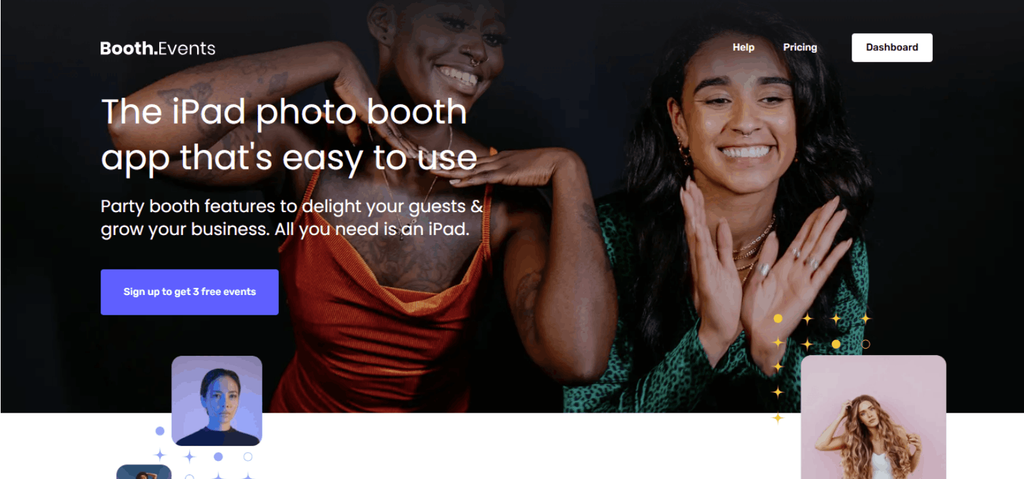
Booth.Events is a photo booth platform that combines photo and video creation with features designed for branded event experiences. Users can create high-definition photos, slow- and fast-motion videos, and Boomerangs, while businesses can customize logos, colors, templates, emails, and galleries.
Why choose it: It combines multiple content formats with branding, online galleries, and consent management for professional event experiences.
Key features:
- Photos and videos
- Boomerangs
- Slow and fast motion
- AI background removal
- Custom branding
- Custom templates
- Online galleries
- Consent management
Best for: Corporate events, branded activations, and professional event experiences.
Good to know: Booth.Events is particularly relevant when branded content, galleries, and consent management are important parts of the event setup.
14. FunEvent
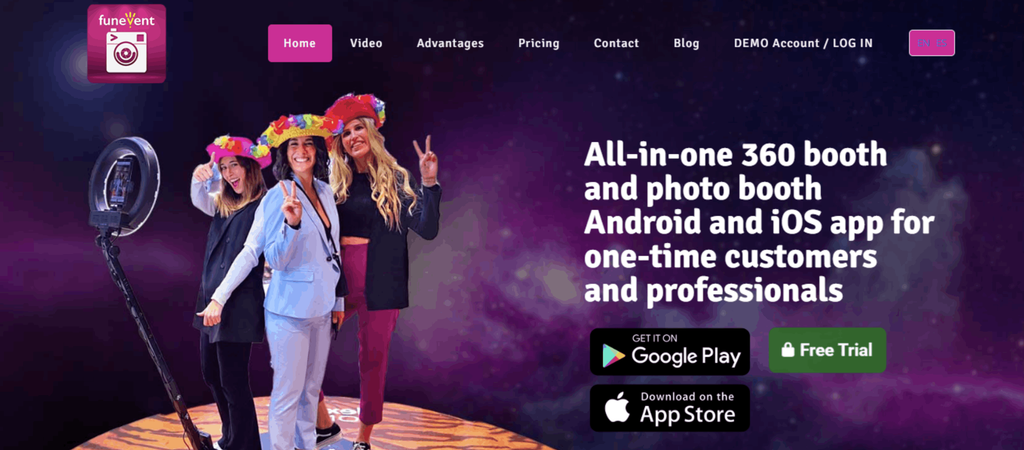
FunEvent is an Android-focused photo booth app supporting photos, GIFs, Boomerangs, and slow-motion videos. It also offers customization features such as branded overlays, templates, AI background removal, and white-labeling.
Why choose it: It offers a broad set of content and branding features for Android-based photo booth setups.
Key features:
- Android support
- Photos and GIFs
- Boomerangs
- Slow-motion video
- AI background removal
- Branded overlays
- White-labeling
Best for: Android-based event setups, marketing campaigns, and private events.
Good to know: FunEvent is most relevant if Android compatibility and white-label branding are important to your setup.
15. SLR Booth
SLR Booth focuses on photo booth setups with automatic capture, live previews, custom templates, branding, printing, and instant sharing. Its support for AI background removal and white-labeling also makes it suitable for businesses looking for a more customized experience.
Why choose it: It combines professional photo booth functionality with branding, printing, sharing, and white-labeling options.
Key features:
- Automatic capture
- Live previews
- Custom templates
- Branding
- Printing
- Instant sharing
- AI background removal
- White-labeling
Best for: Photographers, event professionals, and branded photo booth setups.
Good to know: SLR Booth is a better fit for professional event operators who need control over branding and the overall photo booth setup.
Combine photo booth experiences with social media feeds and live displays.
No Credit Card Required
How to Choose the Best Photo Booth App for Your Event
The best photo booth app isn’t necessarily the one with the longest feature list. Start with what your event needs, then narrow down your options based on the setup, content, and experience you want to create.
1. Start With Your Event Type
A wedding may prioritize easy sharing and fun effects, while a corporate event may need branding, analytics, and moderation. A festival may need high-volume content creation and live displays.
2. Check Device Compatibility
Some apps are built for iPads or Android devices, while others require a Windows computer or professional cameras. Check compatibility before committing to a platform.
3. Decide Which Content Formats You Need
Think beyond static photos. Depending on your event, you may want:
- GIFs
- Boomerangs
- Videos
- Slow-motion clips
- 360° videos
- AI-generated backgrounds
- Filters and effects
4. Look at Sharing Options
Instant sharing can turn a private event moment into social content. Check whether the app supports the channels your guests are most likely to use, including social media, SMS, email, QR codes, or AirDrop.
5. Consider Branding
For businesses, branding is an important part of the photo booth experience. Look for customizable templates, logos, colors, overlays, backgrounds, and digital props.
6. Check for Live Display Capabilities
If you want guest-created content to appear on venue screens, check whether the platform supports live displays or integrations with digital signage. This is particularly useful for conferences, trade shows, brand activations, and large events where you want content to be visible beyond the photo booth itself.
7. Check Moderation Features
When guest content is displayed publicly, moderation becomes important. Make sure your event team can control which photos and posts appear on screens.
8. Look for Analytics
For brands and marketers, analytics can help measure participation and understand how attendees interacted with the experience.
9. Check Internet Requirements
If your event is being held at a venue with unreliable connectivity, check whether the software supports offline use or has alternatives for handling poor internet access.
10. Compare the Total Cost
Consider more than the software subscription. Your total setup cost may also include cameras, tablets, computers, printing equipment, displays, and other hardware.
Showcase approved guest content on screens around your venue in real time.
No Credit Card Required
What Can a Photo Booth App Do for Your Event?
A photo booth app can turn a simple photo-taking setup into an interactive content experience. Depending on the platform, guests can create photos, GIFs, videos, and other content, customize it with event branding, and share it instantly.
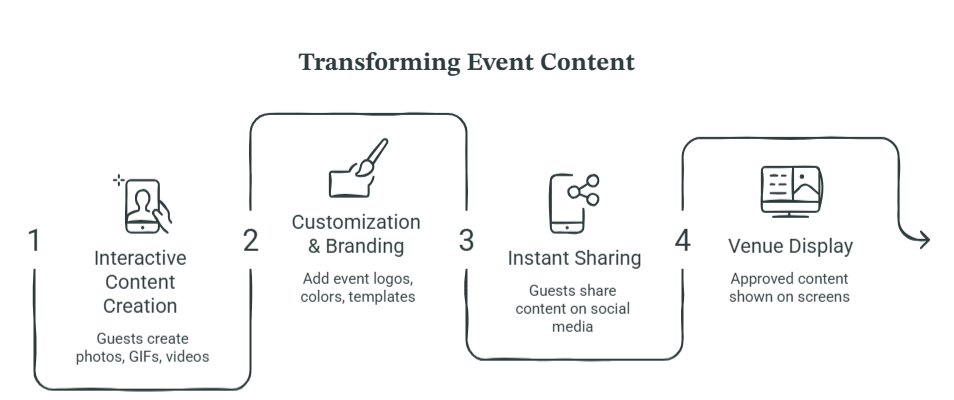
Here’s what that can mean for your event:
1. Keep Guests Engaged
Photo booths give attendees an easy reason to participate and interact with each other. They can be especially useful during networking sessions, breaks, receptions, and other quieter moments.
2. Create Shareable Content
Photos, GIFs, and videos give guests something they can instantly share with friends and followers, helping your event continue beyond the venue.
3. Put Your Brand Into the Content
Custom overlays, logos, colors, templates, and backgrounds can turn guest-created photos and videos into branded event content.
4. Encourage User-Generated Content
Instead of relying entirely on professional event photography, photo booths give attendees a simple way to create their own content around the event, brand, or experience.
5. Extend the Experience Beyond the Booth
The content doesn’t have to stay on guests’ phones. With the right platform, approved photos and social posts can also be displayed across venue screens, giving more attendees a reason to participate.
Conclusion
The best photo booth app depends on what you want your guests to do and what you want your event to achieve.
For simple photo capture, apps such as Pocketbooth, LumaBooth, or Sparkbooth can fit different types of events. Professional setups may benefit from tools such as Breeze Booth or Darkroom Booth, while TouchPix is a better fit for 360° experiences.
But if your goal goes beyond taking photos and you want to capture guest content, bring in social media posts, moderate them, and display them on screens in real time, Social Walls takes the experience a step further.
Because at an event, the best photo isn’t always the one sitting in someone’s camera roll. It’s the one that gets everyone else talking, sharing, and joining in.
Display guest-created content across screens and keep your audience engaged.
No Credit Card Required
Frequently Asked Questions
Some photo booth apps offer free versions, trials, or limited features, while others use paid plans. Pricing and feature limits vary by provider, so check the current pricing and plan details before choosing an app.
Yes. Many photo booth apps support social sharing, while others offer SMS, email, QR codes, or AirDrop. With Social Walls, guests can also scan a QR code to upload photos directly through SnapUp.
Some platforms support live displays. Social Walls can combine photo booth content with social media content and display approved content on digital screens in real time.
Some do, while others depend on an internet connection for features such as sharing, cloud storage, or live displays. If you’re hosting an event at a venue with unreliable connectivity, check the app’s offline capabilities before choosing it.
A traditional photo booth generally relies on dedicated hardware and focuses on capturing and printing photographs. A digital photo booth can use devices such as tablets, phones, or computers and can offer features such as GIFs, videos, digital sharing, AI effects, and social media integration.
Encourage guests to create and share branded photos and videos, collect the resulting user-generated content, and display selected content during the event. You can also repurpose approved content for social media and post-event marketing.