Displaying a Social Wall on Rise Vision Digital Signage is one of the easiest ways to turn static screens into engaging, real-time social displays. With social media signage, you can showcase live posts, event highlights, and authentic user-generated content that build trust and attract attention.
Moreover, a social media aggregator helps you collect, curate, and display posts from multiple platforms such as Instagram, Facebook, LinkedIn, and X (Twitter) — all in one place. By integrating a Social Wall on Mvix Digital Signage, you ensure your digital screens always stay updated, interactive, and visually captivating.
Steps to Display Social Wall on Rise Vision Digital Signage
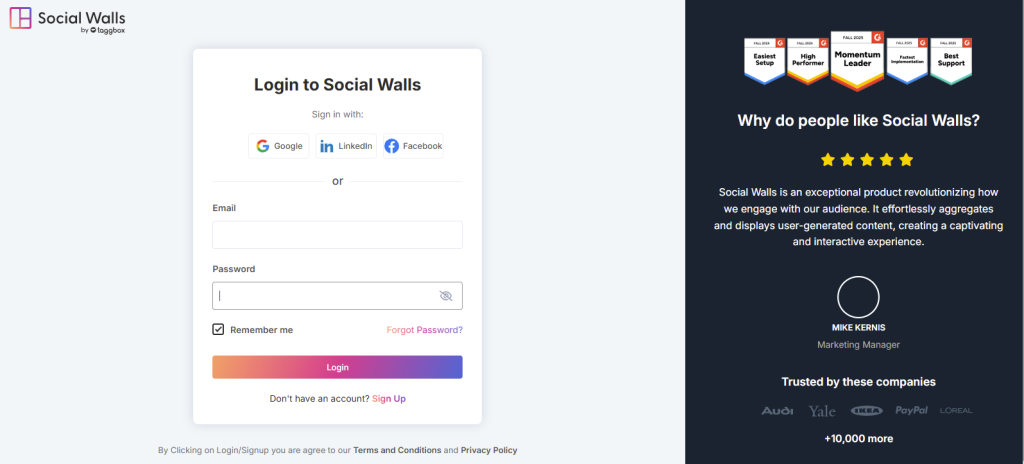
Step 1: Sign up or log in to your Social Walls account.
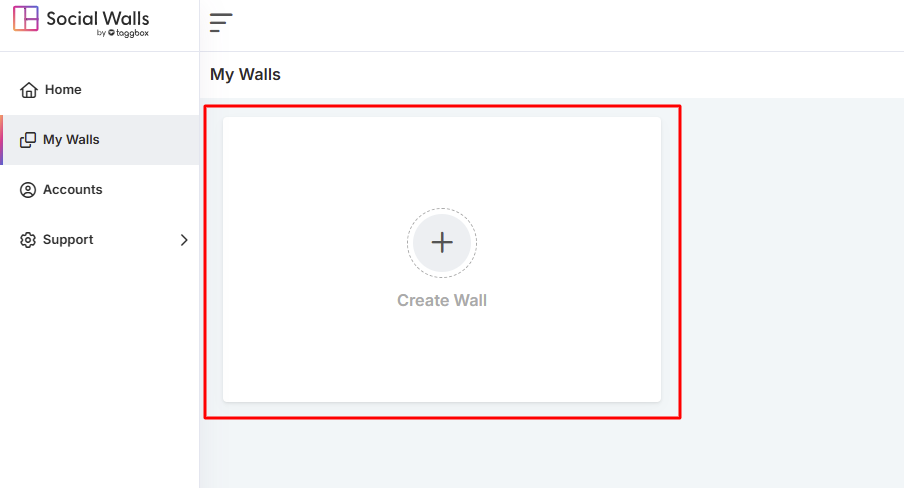
Step 2: After logging in, you’ll land on the home dashboard. Click “Start Now”, and on the next screen, select a social network to create your Social Wall on Mvix.
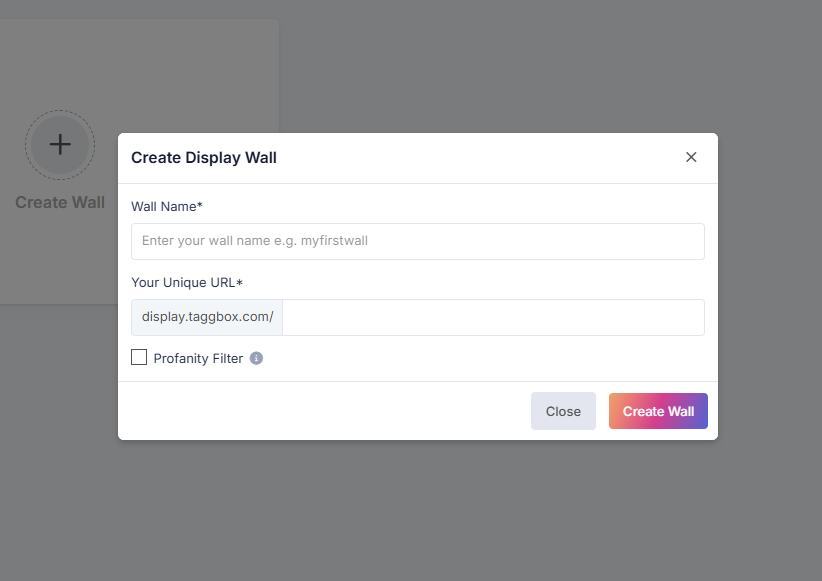
Step 3: Next, Give your wall a name that matches your campaign, event, or theme.
Step 4: Choose the social media source from which you want to fetch your feed.
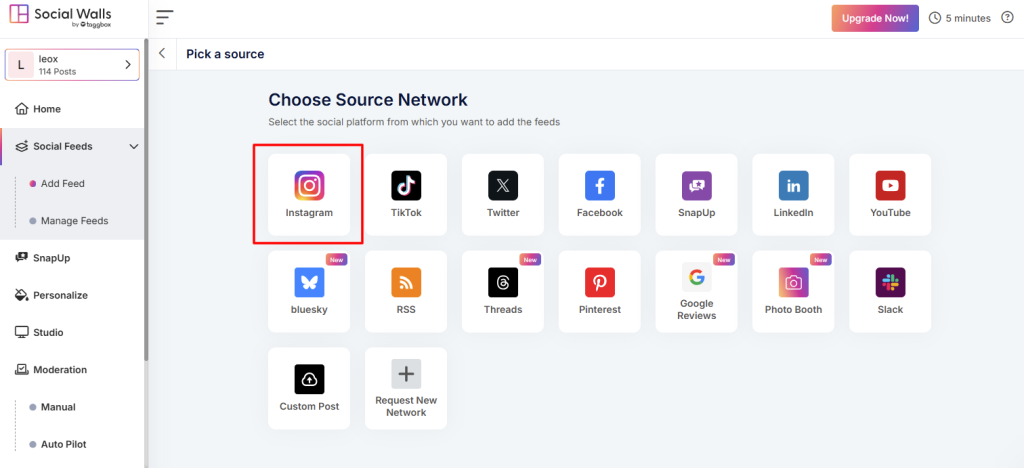
Step 5: For example, select Instagram as your content source.
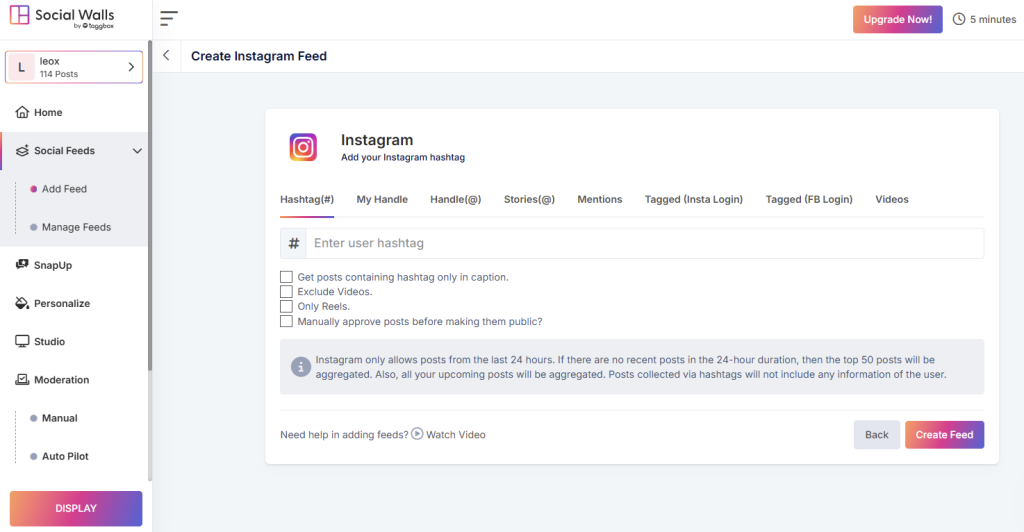
- Hashtags – Pull posts using your event hashtag
- Mentions – Gather posts where users mention your brand
- Tagged Posts – Highlight user-generated content
- Handles / Personal Accounts – Stream posts from your official profiles
- Stories & IGTV Videos – Add rich, immersive visuals
Step 6: Once selected, preview your Social Wall to ensure it looks perfect before displaying it on Mvix.
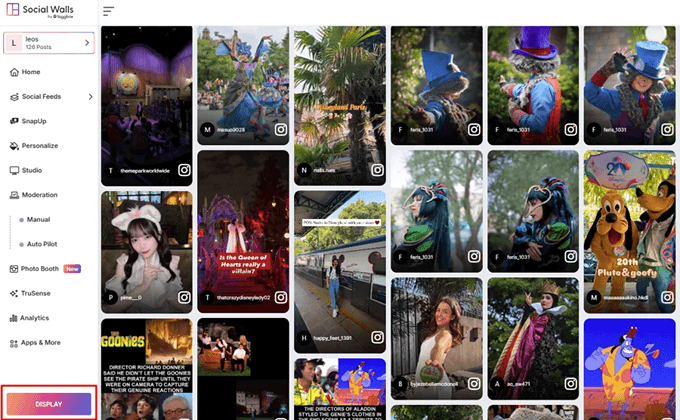
Step 7: Click the Display button at the bottom-left corner. Then, under Integrate with Digital Display → Digital Signage, there you will get social wall display url.
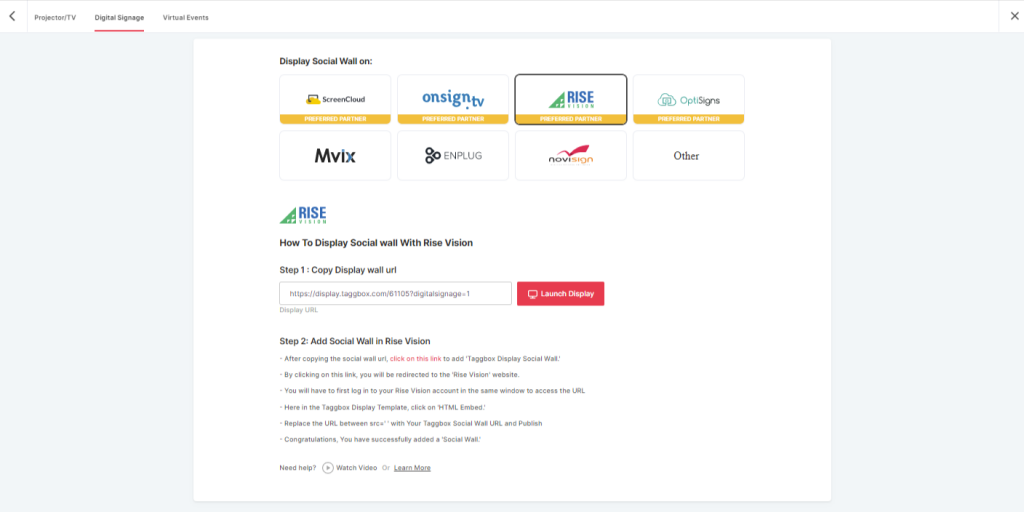
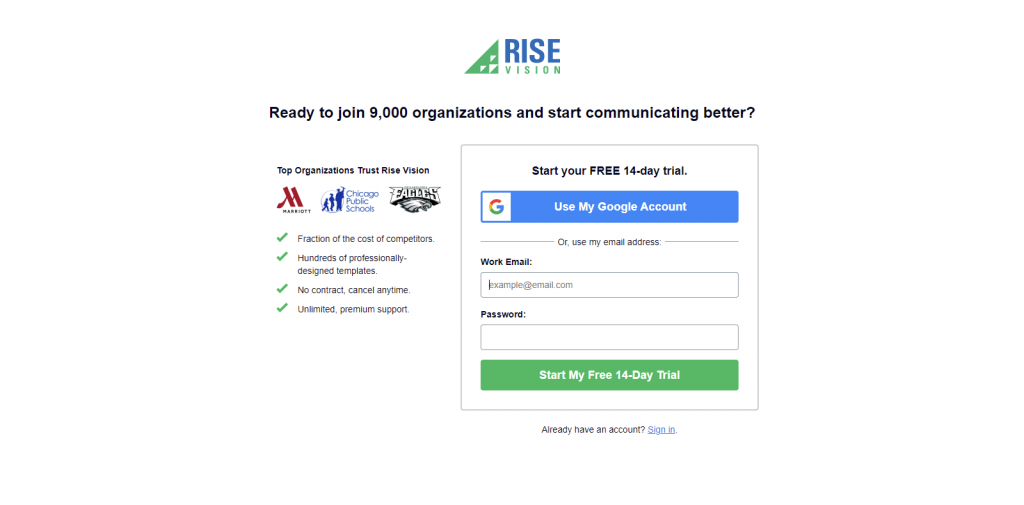
Step 8: Now, Register or Login on Rise Vision or login to your existing account. or if you have already logged into the the Rise Vision then directly follow the
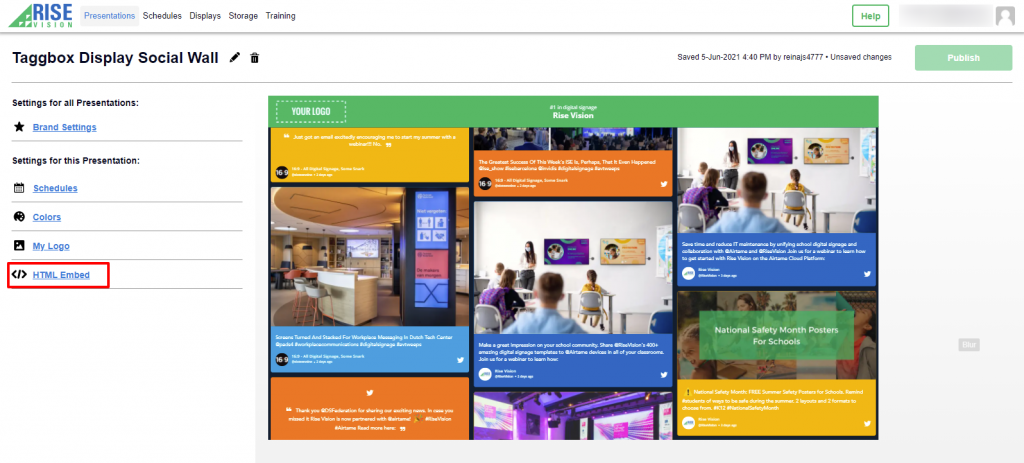
Step 9: Here you have to select the “HTML Embed” Option.
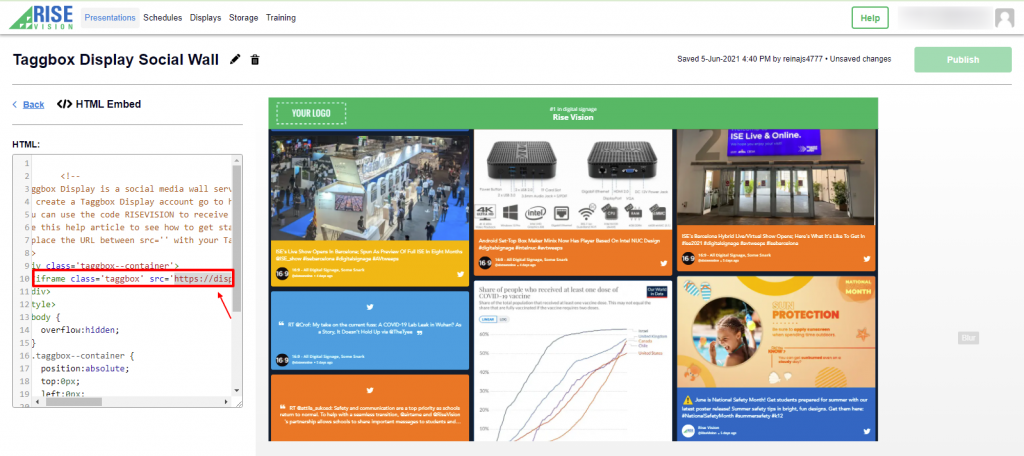
Now Replace the URL between “src=’ ‘ in iframe class section” with your Taggbox Display Social wall URL and click on publish button
Congratulation, you have successfully integrated Social Walls on Rise Vision Digital Signage.
If you have any issues you can contact us or mail us support@socialwalls.com