







Social Wall Pricing Plans Built for Your Needs
Simple plans, endless possibilities. Turn any screen into a vibrant display of social media posts, photos, videos, and more. Choose the plan that fits your needs and get started with a free trial.
Event Plans
One-time payment. No subscription
Features
- For On-site, Hybrid & Virtual Events
- Dedicated Events Success Manager
- Real-time Updates with AI Moderation
- Photobooth, SnapUp, Reactions & Polls
Solution For:
Digital Signage
Save 20% with yearly billing.
Features
- For Brand Hubs & Digital Displays
- Unlimited screens on every plan
- Real-time feed updates, always on
- Dedicated support for setup
Solution For:
Website Plans
Website widgets are provided by our sister product, Taggbox.
Features
- For Websites, Landing Pages & Campaign Pages
- Social Content Integration
- Easy Embed & Customization Options
- Dedicated Support
Solution For:
9,240+ Enterprises Trust Social Walls by Taggbox to Boost Engagement












Real Events. Real Experiences. Real Impact.
Explore how brands, events, and organisations use Social Walls to create interactive experiences and connect with their audiences.


We were looking for a platform that offered both social aggregation and a studio for non-social media content as well as a feature to display the content in an organized and attractive manner.

- Head of Social Media, Oxfam
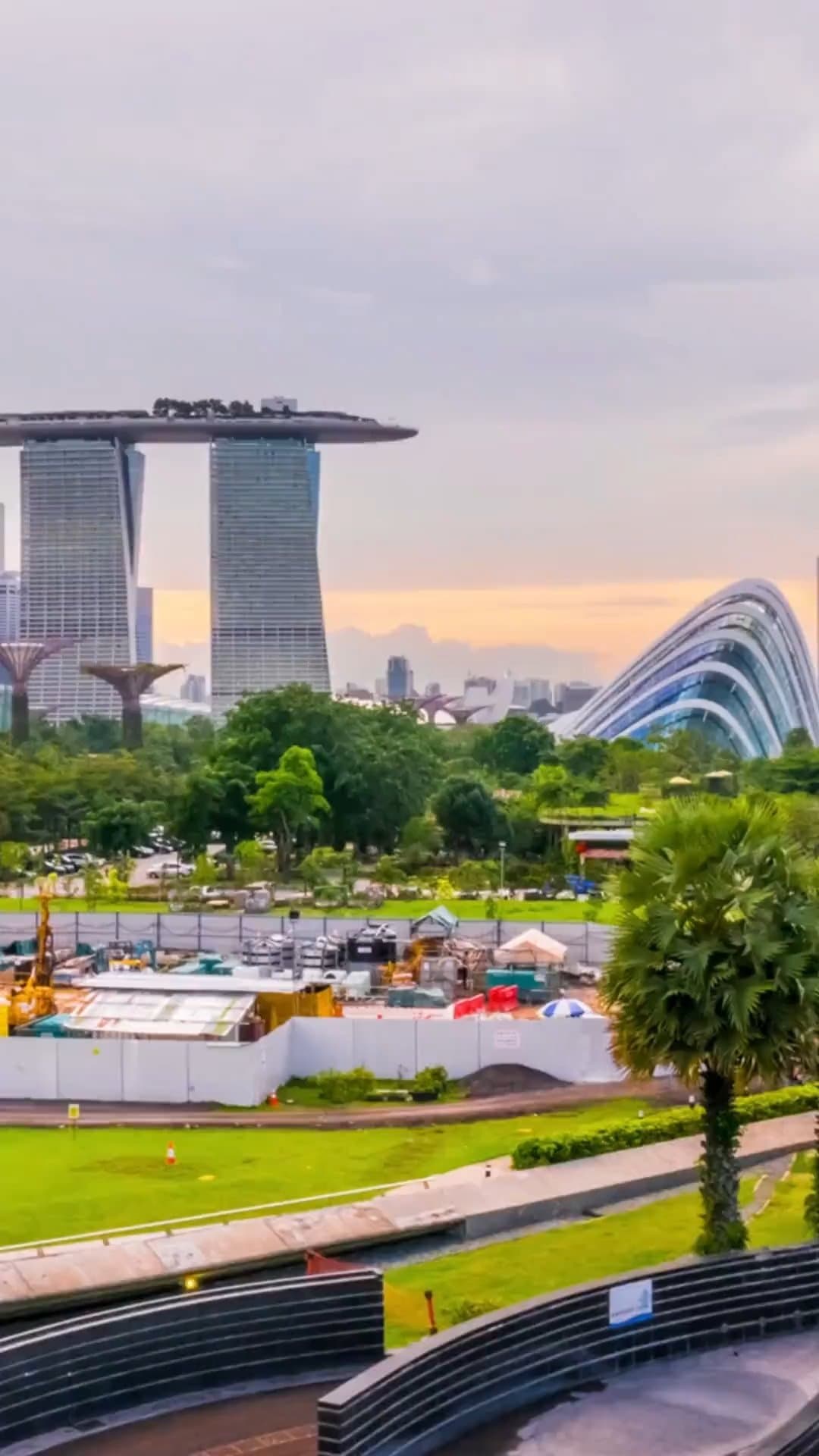

We wanted to increase attendee engagement, showcase the vibrant community we’ve built worldwide, and amplify our social media presence during the event. Since our attendees are highly active on social platforms, we needed a way to bring their real-time content into the physical venue.

- Social Media Manager at ISAPS

Every first step is always special, so we wanted our very first virtual graduation ceremony to be successful and special. We found Social Walls, which can create engaging walls for our event at an affordable price. It helped us as a complete solution for our virtual graduation.
- Head of Enterprise Applications & Integration

OXFAM
We wanted to increase attendee engagement, showcase the vibrant community we’ve built worldwide, and amplify our social media presence during the event. Since our attendees are highly active on social platforms, we needed a way to bring their real-time content into the physical venue.
- Social Media Manager at ISAPS
UAEU
Frequently Asked Questions
FAQs and answers about events plans
Yes. Every plan type starts with a free trial of 14-days, and you can build and preview your wall before you pay.
When you are logged in, go to your account page and cancel the subscription. One of our success managers will reach out to confirm your cancellation. You will have access to your account until the end of your current billing period. Please note that all your collected posts and walls will be deleted once your current billing period runs out.
Yes. You can upgrade from your account at any time, and the new features are available immediately.
We do have an affiliate program. If you have clients, feel free to get in touch with us. We already work with multiple design and marketing agencies as partners.
Absolutely! Our in-house experts can fully customize your Display Wall from layout and content flow to eye-catching designs, even for tight deadlines.
Your account remains with us, and you can upgrade anytime. However, display walls are deleted after the trial ends. You can download all collected posts via email once your event is complete.



Wherever You Want to Display, We Deliver.
Keep your social content organized and your screens in sync. Manage what appears on your displays and deliver engaging experiences across multiple screens.