 Events
  Digital Signage
  Hybrid Events
  Instagram Wall
 Twitter Wall
  TikTok Wall
 Hashtag Campaign
 Social Media Aggregator
 Linkedin Wall
 Facebook Wall
 Studio
 SnapUp
 Spotlight
 Analytics
 Moderation
 Customization
 Reactions
 Photo Booth
 Education
 Fitness
 Hospitality
 Healthcare
 Retail
 Agencies
 Sports
 Finance
 Non-profit
 News & Entertainment
 Ecommerce
 Blog
Blog Support
 Our Clients
 Integration
 Case Studies
 Get Inspired


Fotobox App Review, Pricing, Features and More
Author: Upendra Goswami
6 minute read
Table of Content:
If you’re planning events, running a photo booth rental business, or exploring interactive guest experiences, the Fotobox App is likely on your radar. Known primarily through fotobox.ca, Fotobox is widely recognized for its high-quality photo printing services in Canada. However, many users also associate Fotobox with digital photo booth experiences, especially when searching for a modern foto booth app or fotobox software for events.
In this detailed review, we’ll explore the Fotobox App from a practical, user-first perspective. We’ll break down its features, pricing, limitations, real customer reviews, and how it compares to modern digital photo booth platforms like Social Walls. If you’re evaluating whether Fotobox is the beste fotobox solution—or if there’s a better alternative—this guide will help you decide.
What Is the Fotobox App ?
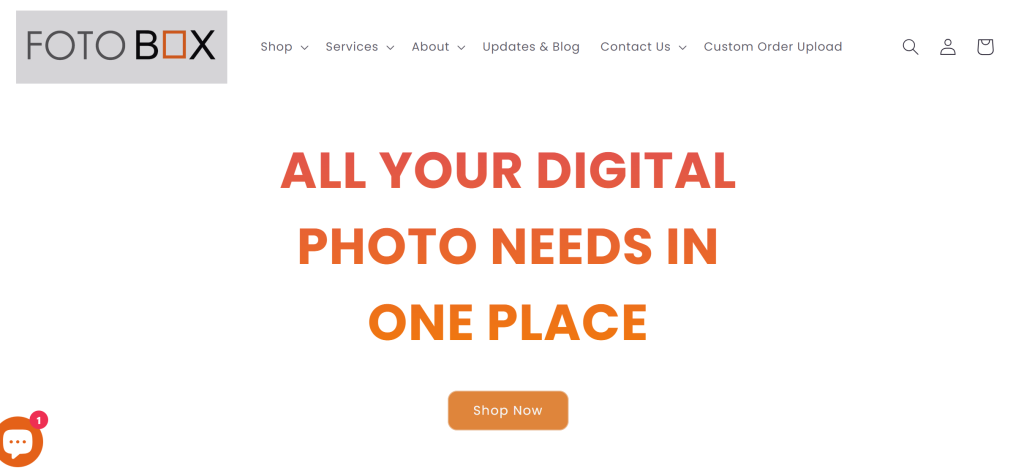
The Fotobox App is commonly understood as a photo booth–style solution that enables users to capture, customize, and print photos for events. While fotobox.ca primarily operates as a digital photo lab offering professional photo printing services across Toronto and the Greater Toronto Area (GTA), the Fotobox name is often searched in the context of:
- Fotobox app
- Fotobox software Windows
- Fotobox app Android / iPad
- Software für fotobox
This shows a strong user intent around using Fotobox as a fotobooth app or part of a broader photo booth setup. Users typically combine Fotobox services with tablets, cameras, or DIY booths to create event photo experiences—especially for weddings, birthdays, and corporate gatherings.
Who Should Use the Fotobox App?
Fotobox works best for users who prioritize print quality and reliability over advanced digital event engagement features.
1. Photographers & Studios
Professional photographers benefit from Fotobox’s premium printing options, fine art papers, and color accuracy.
2. Event Organizers with Print-Focused Needs
If your event revolves around physical photo keepsakes, Fotobox delivers tangible outputs guests can take home.
3. DIY Photo Booth Creators
Users searching for fotobox selber bauen software or fotobox diy solutions often pair Fotobox with external hardware like tablets, lights, and cameras.
4. Tablet & Windows Users
Fotobox is often evaluated alongside fotobox software für tablet, ipad fotobox, and fotobox software Windows kostenlos options—especially by budget-conscious users.
Core Features of the Fotobox App
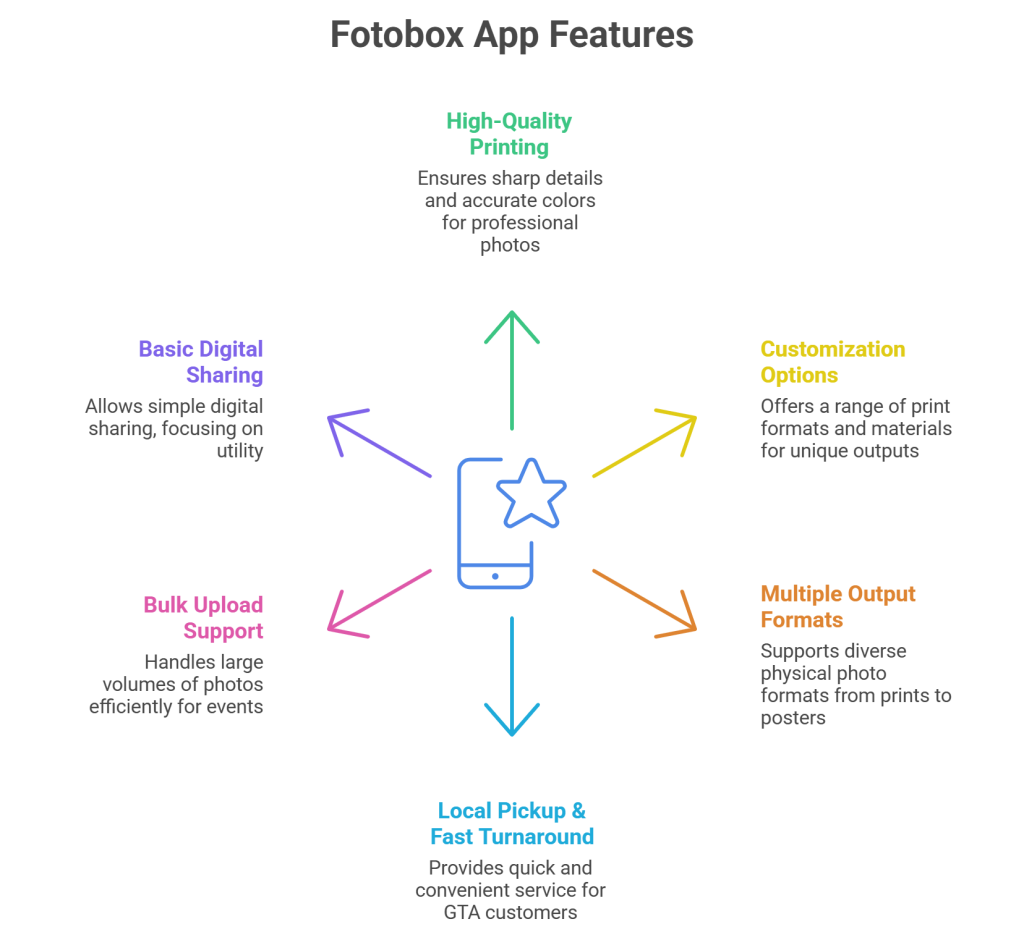
1. High-Quality Photo Printing
Fotobox’s strongest feature is print quality. Using professional-grade equipment and archival papers, it ensures sharp details and accurate colors—ideal for weddings and professional shoots.
2. Customization Options
Users can order:
- Custom photo prints
- Photo books and albums
- Metal, acrylic, and fine art prints
This level of customization appeals to studios and premium events.
3. Multiple Output Formats
From classic 4×6 prints to large posters and framed outputs, Fotobox supports a wide variety of physical photo formats.
4. Local Pickup & Fast Turnaround
Local pickup in Etobicoke with 1–2 business day turnaround is a major advantage for GTA-based customers.
5. Bulk Upload Support
Large batch uploads make Fotobox suitable for events and photographers managing high volumes of photos.
6. Basic Digital Sharing
Photos can be shared digitally, though the experience is more utility-focused than engagement-driven.
Limitations of the Fotobox App
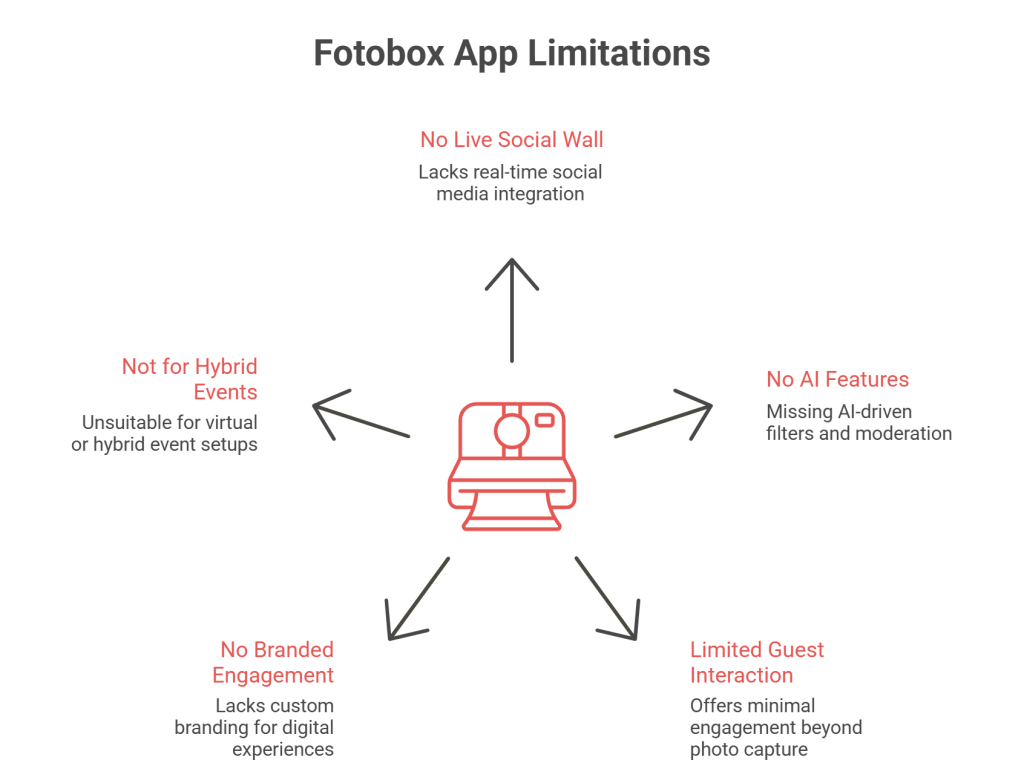
While Fotobox excels in print quality, it lacks several features that modern digital photo booth platforms now consider standard.
Key Limitations:
- No real-time live social wall display
- No AI-based filters, moderation, or curation
- Limited guest interaction beyond photo capture
- No branded digital engagement layer
- Not designed for hybrid or virtual events
All of these missing features are fully available on Social Walls, which focus on live digital experiences rather than just photo output.
Explore Smarter Photo Booth Experiences
For events that prioritize engagement over printing, Social Walls offers a modern alternative

 No Credit Card Required
Fotobox Pricing – What to Expect
Fotobox pricing is transparent and product-based rather than software-based.
Standard Pricing:
- Photo Prints: From $1.50 CAD per print
- Foam Core Mounted Prints: $16.00 CAD
- Fine Art Giclée Prints: From $25.00 CAD
- Minimum Order Fee: $10.00 + HST
- Shipping: Starts at $10 CAD (varies by size and location)
Payment options include Credit/Debit Cards and Affirm financing, subject to eligibility.
For events seeking digital photo booth experiences, platforms like Social Walls eliminate per-print costs by focusing on screen-based engagement.
Pros and Cons of Fotobox App
| Pros | Cons |
|---|---|
| Excellent print quality | Limited digital engagement features |
| Wide range of print products | $10 minimum order requirement |
| Professional photo lab service | Not built for live social displays |
| Fast local pickup (GTA) | No AI or moderation tools |
| Reasonable pricing for prints | Staff behavior reported inconsistent |
Alternatives to Fotobox App
1. Social Walls (Best Alternative)
Social Walls is a modern digital photo booth and social display platform designed for live events. Unlike Fotobox, it focuses on real-time content aggregation, moderation, and display across screens.
Key Features:
- Live digital photo booth
- Social media aggregation
- AI-powered moderation
- Real-time display on screens
- Branded themes and layouts
- QR-based guest uploads
2. Simple Booth
Simple Booth HALO is built for commercial events and brand activations. It combines capture, sharing, and analytics in a polished ecosystem.
Key Features:
- Photo, GIF, and video capture
- Lead generation tools
- Social sharing
- Engagement analytics
3. Snappic

Snappic is popular among photographers and agencies offering DIY photo booth setups with advanced customization.
Key Features:
- Green screen support
- Custom overlays
- DSLR compatibility
4. LumaBooth

LumaBooth is ideal for weddings and personal events where simplicity matters more than enterprise features.
Key Features:
- Easy setup
- Custom templates
- Photo & GIF capture
Fotobox vs Social Walls – Comparison Table
| Feature | Fotobox | Social Walls |
|---|---|---|
| Primary Focus | Photo printing | Digital photo booth & live display |
| Live Event Screens | ❌ | ✅ |
| AI Moderation | ❌ | ✅ |
| Social Media Integration | Limited | Advanced |
| Real-Time Guest Engagement | ❌ | ✅ |
| Hybrid / Virtual Events | ❌ | ✅ |
| Branding & Themes | Basic | Advanced |
When Audience Engagement Matters More Than Output
Choose digital interaction over static photo printing
No Credit Card RequiredConclusion
The Fotobox App is a strong choice for users who value high-quality photo printing and professional lab services. It works well for photographers, studios, and print-focused events where physical keepsakes are the priority.
However, for modern events that demand live interaction, digital photo booths, and real-time engagement, Fotobox shows its limitations. Platforms like Social Walls go beyond printing by turning guest content into dynamic, shareable, on-screen experiences.
If your goal is prints, Fotobox delivers. If your goal is engagement, visibility, and digital impact, Social Walls is the more future-ready solution.
Frequently Asked Questions
-
Is the Fotobox App a digital photo booth solution?
Fotobox supports basic photo booth-style experiences, but it is primarily print-focused. It does not offer advanced digital photo booth features such as live social walls, real-time displays, or interactive audience engagement tools.
-
Which devices support the Fotobox App?
Fotobox is commonly used alongside iPads, Android tablets, and Windows systems, especially in DIY photo booth setups. However, its core service focuses on photo printing rather than device-specific photo booth software.
-
What are the main limitations of the Fotobox App?
Key limitations include the lack of live event screens, AI moderation, real-time guest interaction, and support for hybrid or virtual events. These features are standard in modern digital photo booth platforms.
-
Is there a better alternative to the Fotobox App for digital events?
For events that require live displays, digital photo booths, and real-time audience engagement, platforms like Social Walls offer more advanced features compared to Fotobox’s print-focused approach.
-
How much does the Fotobox App cost?
Fotobox pricing is product-based rather than software-based. Photo prints start at $1.50 CAD per print, with a $10 minimum order fee. Additional costs apply for premium materials and shipping.

Upendra leads the marketing team at Social Walls, bringing over 9 years of expertise in event marketing and SaaS growth strategies....