







Instagram Hashtag幻灯片 – 提升参与度和活动成功率
Instagram营销已成为品牌推广其产品或服务的常用方法,以吸引更广泛的受众。Instagram上60%的用户使用它来发现或关注新品牌。这也是品牌应用一切可能策略来最大化其Instagram触及率的原因。
其中一种有效的策略是Instagram主题标签幻灯片,它最适合用于活动墙以获得更多关注。在活动墙上展示吸引人的内容可以增加您活动的整体参与度和讨论,并最终提升品牌形象。
我们深知,如果操作得当,这项策略将带来颠覆性的改变。因此,我们为您准备了理解和使用Instagram主题标签信息流幻灯片所需的一切。从展示内容的流程到这样做的益处,您都将在本篇博文中找到答案。
什么是 Instagram 标签幻灯片?
Instagram 标签动态信息幻灯片是一种品牌营销人员用于在任何活动中提高参与度的技术。在此技术中,品牌使用 社交媒体聚合工具 根据特定标签从 Instagram 获取数据。
当品牌组织活动时,在大多数情况下,它会围绕该活动创建一个标签宣传活动。此活动鼓励参加活动的人们在社交媒体上发布有关该活动时使用这些标签。这就是 Instagram 标签幻灯片发挥作用的地方。
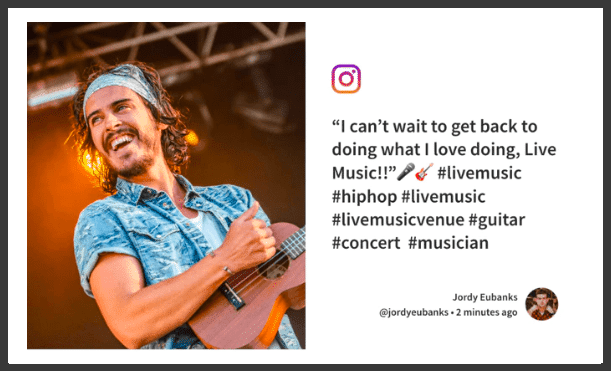
有了合适的社交媒体聚合器,品牌可以收集带有相应标签发布的内容。这些内容可以作为幻灯片添加到活动社交墙中。当人们看到其他人发布的内容被展示出来时,他们会受到激励也发布内容,从而提高参与度。这会促使更多人谈论该活动,从而提高品牌知名度,因为更多人发布意味着更多人看到帖子。
如何在活动中展示标签幻灯片?

 无需信用卡
无需信用卡Instagram 标签动态幻灯片的好处是什么?
正确执行时,Instagram 标签动态幻灯片可以从多个方面对您的活动和品牌产生积极影响。从提升品牌声誉到增加社交媒体参与度,以下是使用此标签幻灯片的一些主要优势。
1. 提升声誉: 在大多数情况下,品牌会使用 Instagram 标签聚合器来展示标签动态并展示用户生成的内容,作为其成功活动的社会证明。这会给品牌留下良好的印象,鼓励潜在客户访问您的网站。
2. 品牌知名度:即使是不知道您品牌的人,标签幻灯片也能给他们留下良好的第一印象,让他们了解您的业务。许多活动参与者可能会仅仅因为看到人们发布有关您的精彩内容而被您的品牌吸引。
3. 更好的数字形象:看到人们在 Instagram 上发帖并在标签幻灯片中展示,无疑会引起其他与会者的“错失恐惧症”(FOMO)。这会鼓励他们发布更多内容,从而使您的标签活动更加成功。这也会增加您 Instagram 帐户的活跃度,可能增加您的关注者,从而改善您的在线形象。
4. 参与度:看到自己发布有关您活动的内容后出现在屏幕上,对某些人来说会非常令人兴奋。这会让他们更积极地参与您的活动,为活动的成功添砖加瓦。
我们可以在哪里推广 Instagram 标签幻灯片?
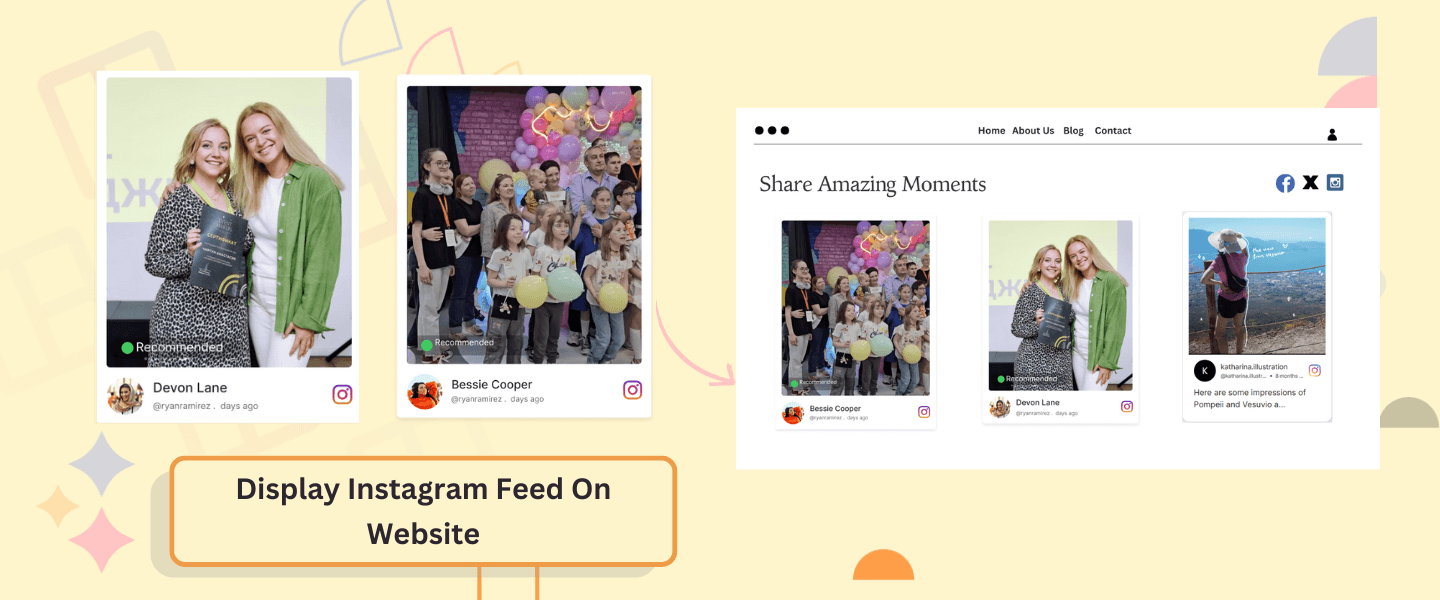
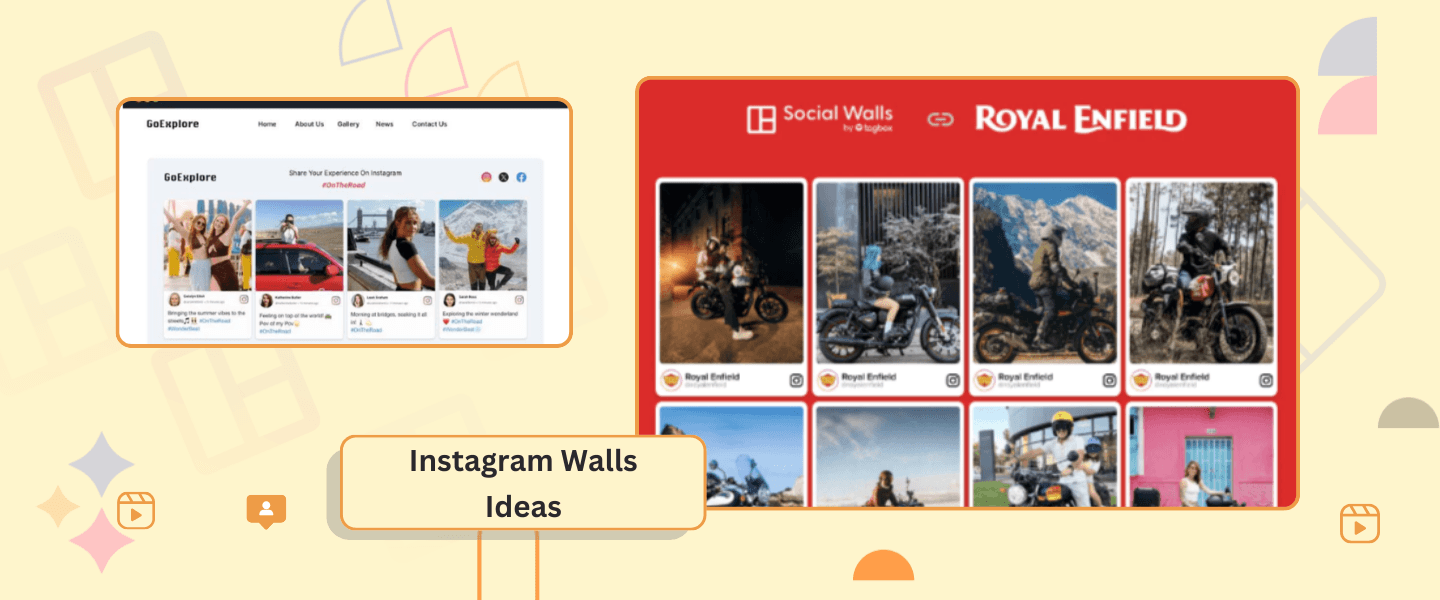
1. 活动: 活动和会议是展示 Instagram 标签幻灯片的绝佳场所。与会者经常使用活动特定的标签在 Instagram 等社交媒体平台上分享他们的体验。将这些帖子整合到免费的 Instagram 墙中,为活动增添了实时元素,鼓励与会者参与并分享他们的体验。
2. 零售空间: 零售商可以利用 Instagram 标签幻灯片展示用户生成内容,其中包含他们的产品。顾客经常在社交媒体平台上分享他们购买的商品照片和评论。
3. 餐厅: 咖啡馆可以通过展示包含顾客照片和评论的 Instagram 主题标签幻灯片来营造充满活力的氛围。这不仅为用餐体验增添了个人色彩,还鼓励顾客在社交媒体上分享他们的精彩瞬间。
4. 大学数字标牌: 将 社交屏幕放置在人流量大的区域,如学生中心、图书馆或食堂,可以确保在学生群体中获得最大的可见度。
5. 公司活动: 屏幕可以放置在公共区域,如休息室、大堂或协作空间,以鼓励员工在社交媒体上分享他们的体验并进行互动。
6. 网站 – 您可以使用 Taggbox Instagram Widget 等工具在任何类型的网站上添加 Instagram 主题标签幻灯片。
社交墙提供的标签幻灯片主题
以下是社交墙为标签幻灯片提供的主题。
现代幻灯片:在现代幻灯片主题中,您可以在屏幕左侧看到 Instagram 图片,在右侧看到标题和帐户详细信息。屏幕上显示的图片会持续放大以吸引用户注意力。
经典幻灯片:此幻灯片主题与现代幻灯片主题类似。唯一的区别是,在经典幻灯片主题中,图片是静止的,而不是放大。
缩放幻灯片: 此幻灯片与经典幻灯片类似,但图片、标题和帐户详细信息都会略微拉伸
结论
我们现在已经讨论了您必须了解的关于 Instagram Hashtag Feed Slideshow 的基本信息,以及它如何支持活动的成功。使用 Social Walls 和它提供的强大功能,展示幻灯片的过程非常简单。
既然您对 Instagram 标签幻灯片如此了解,还在等什么,今天就试试社交墙吧。
Frequently Asked Questions
An Instagram hashtag Slideshow is an effective strategy brands use that consists of showcasing User-generated Content from Instagram at events. You can create an Instagram Hashtag Slideshow using Social Walls.
Just follow the following steps to create an Instagram Hashtag Feed Slideshow.
1. Login to social walls
2. Choose Instagram and add your hashtag.
3. Moderate and customize the feed as per your need
4. Get the display code and display it on a TV/ Projector screen or Digital Signage
To promote your Instagram Hashtag Slideshow you can ask the people attending the event to post their picture using your hashtag. You can organize a contest involving people uploading photos with the hashtag and the best photo being the winner.
Yes, with the latest Social Walls 2.0, you can customize your hashtag feed slideshow and choose from multiple themes. There are various themes available for you to choose such as Zoom, Modern, and Classic.
With Social Walls, you get the analysis report of how your slideshow is performing. To do so, you must go to the analytics section of the dashboard.