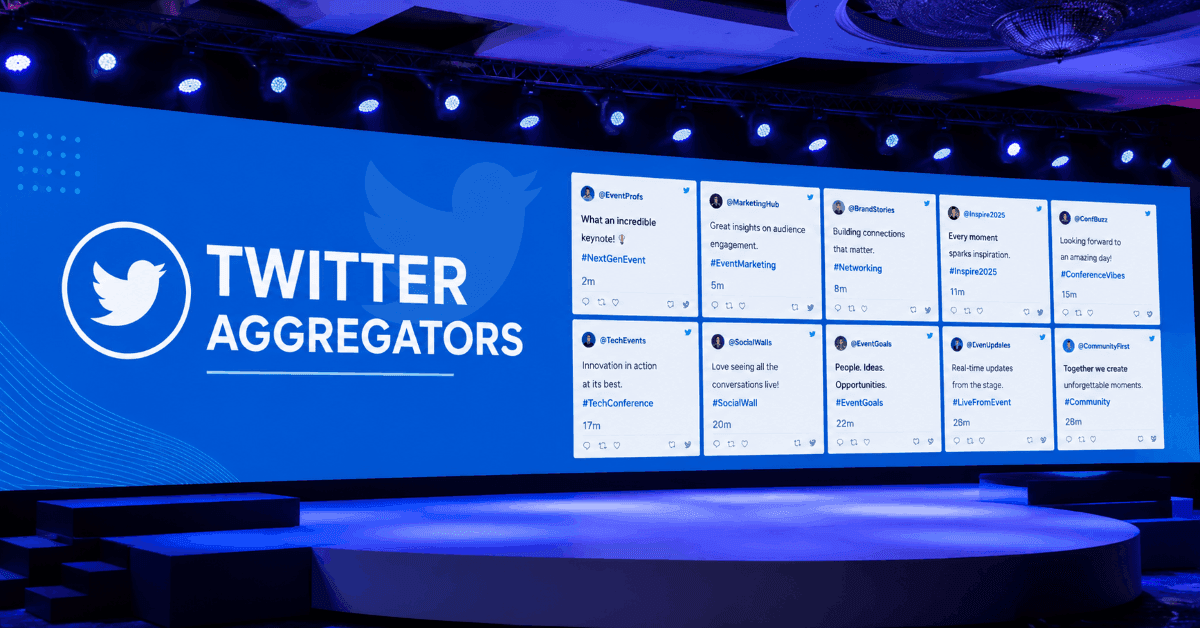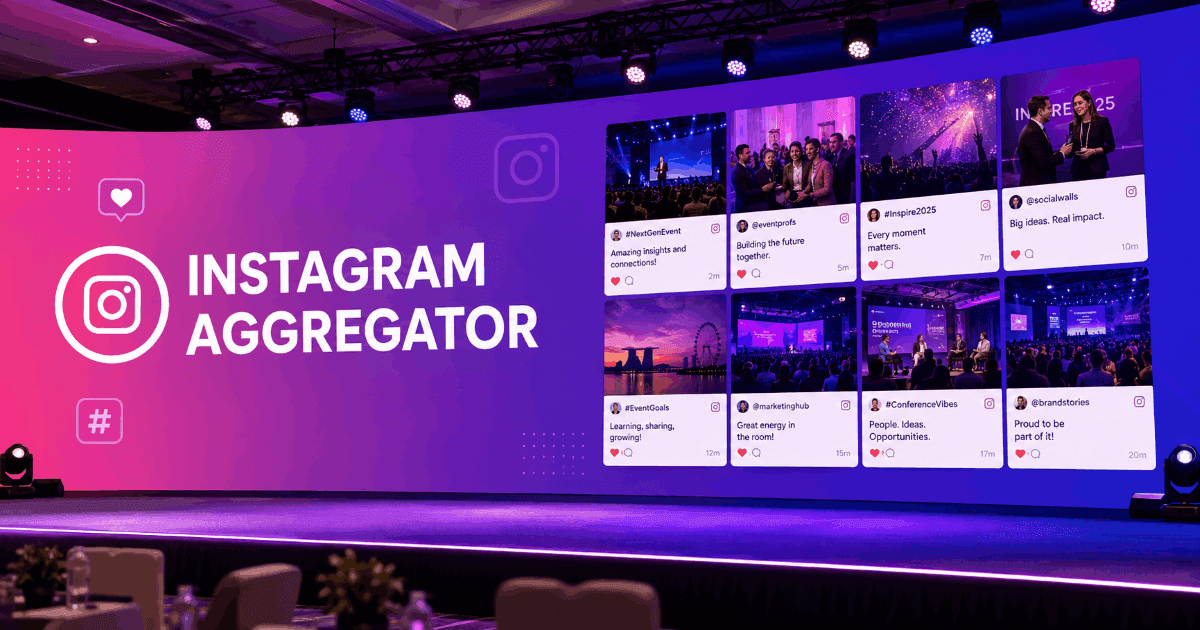








如何为活动创建社交媒体墙 – 设置社交墙的简易步骤
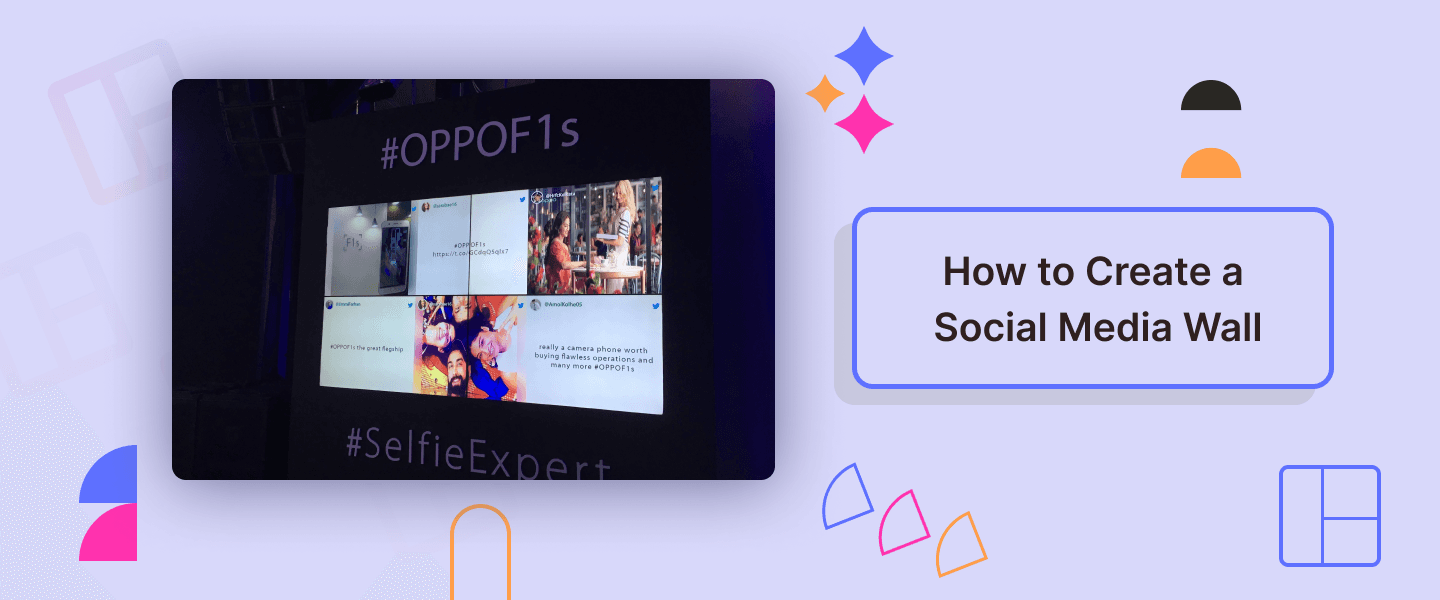
您是否正在寻找将沉闷的活动转变为互动中心的方法?答案就是社交媒体墙展示!一个展示您的社交和真实用户内容的数字空间可以帮助您实现所有目标。
通过社交媒体墙来营销您的产品、连接您的客户、提高您的转化率等等。亲眼看看这些变化吧!社交媒体墙通过展示实时的用户生成内容和新鲜的社交媒体动态来增加兴奋感。
在这篇博客中,我们将讨论从创建社交媒体墙的步骤到使用终极的SocialWall工具的一切内容。
那么,废话不多说,让我们来学习如何为活动创建社交媒体墙。
5步设置您的社交媒体墙
使用像Social Walls这样的社交媒体聚合工具,创建社交媒体墙既简单又快捷。本节将提供一个分步指南,帮助您更接近您的目标。
请继续阅读以了解更多。
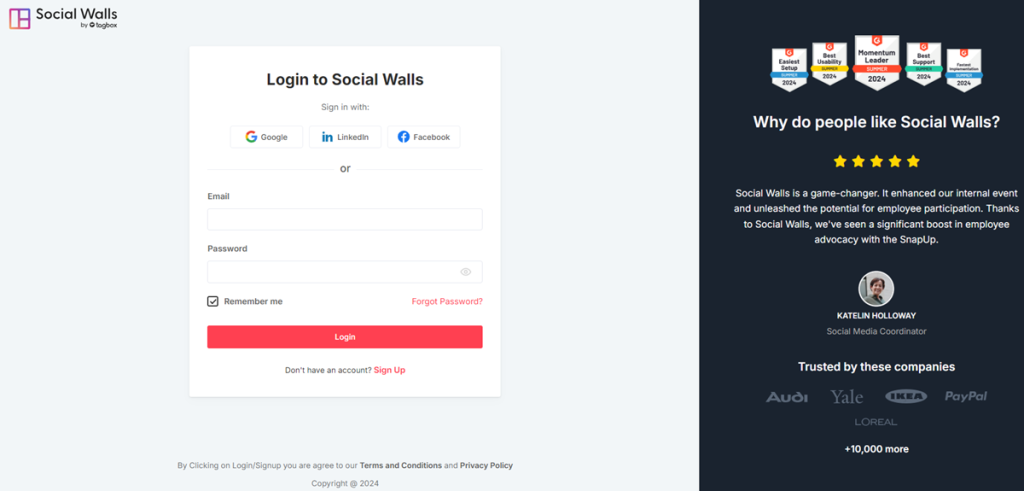
第1步:在Social Walls.com上开始您的14天免费试用。
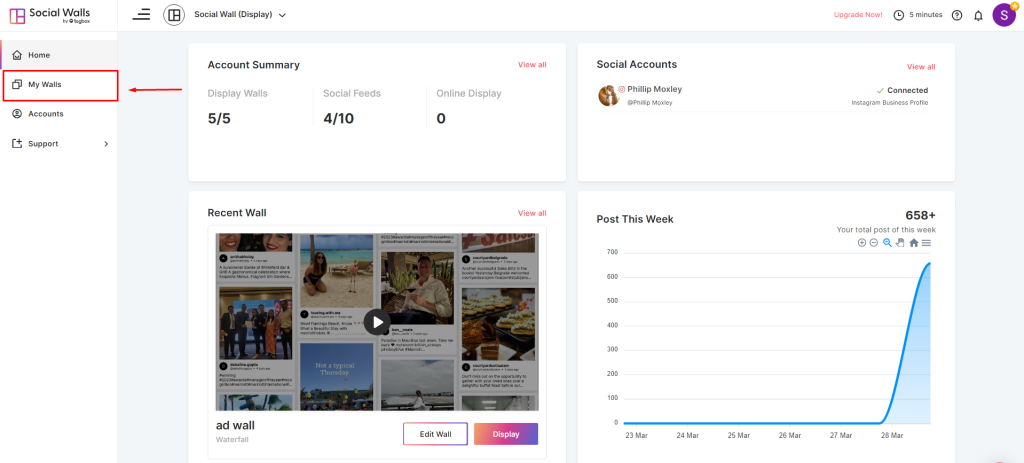
步骤 2: 转到“我的墙”部分,添加一个新墙,并根据您的目标、活动或需求为其命名。
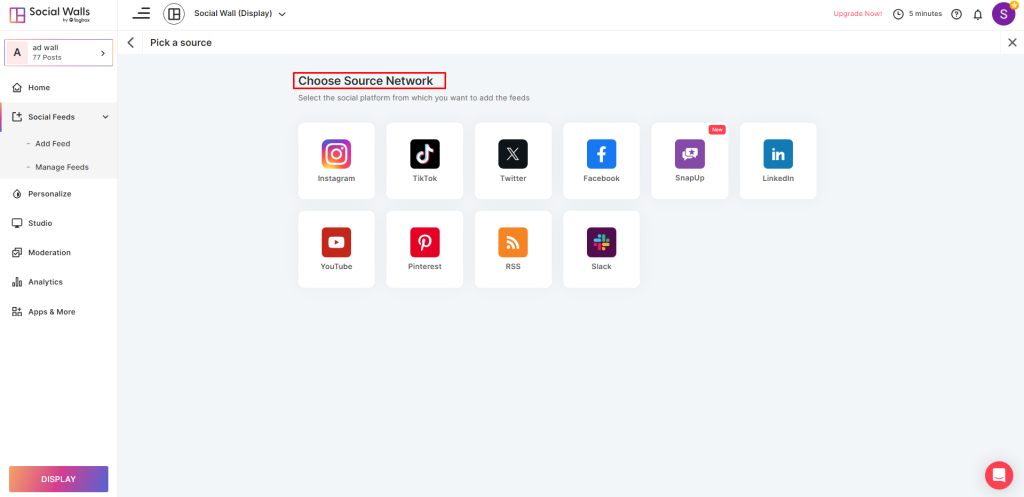
步骤 3: 选择最适合您、能帮助您实现目标并拥有潜在客户的社交媒体网络。
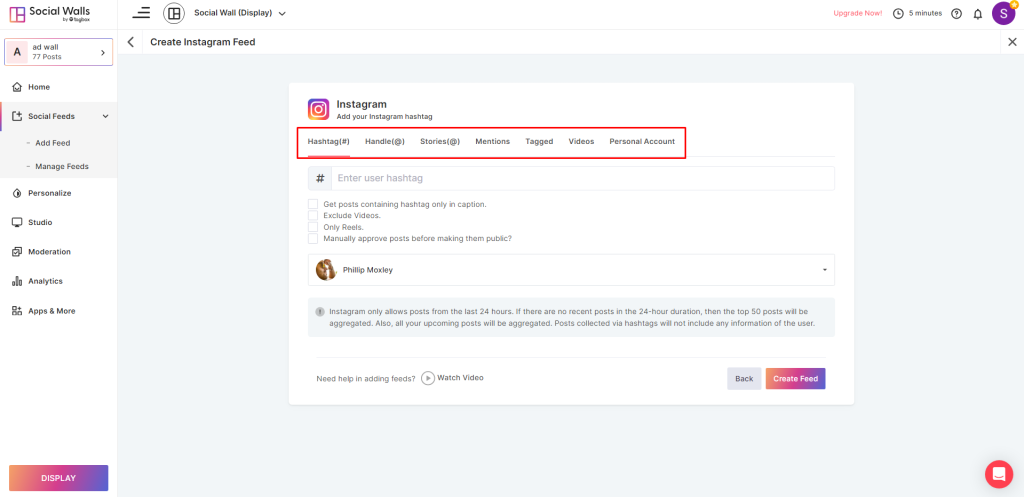
步骤 4:根据您选择的网络,选择一个内容策展源,例如标签、句柄、标签、故事、提及、URL、相册等。
步骤 5:您已经有了您的信息流。您可以轻松使用人工智能审核、工作室、自定义和分析等功能。
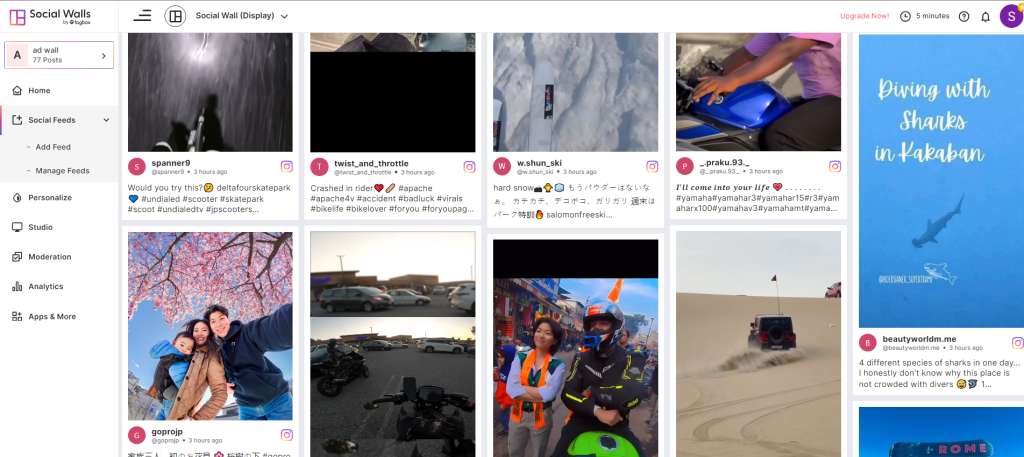
第 6 步:通过添加跑马灯、发布公告、启用脏话过滤器、使用自动驾驶仪等来个性化您的社交媒体墙。
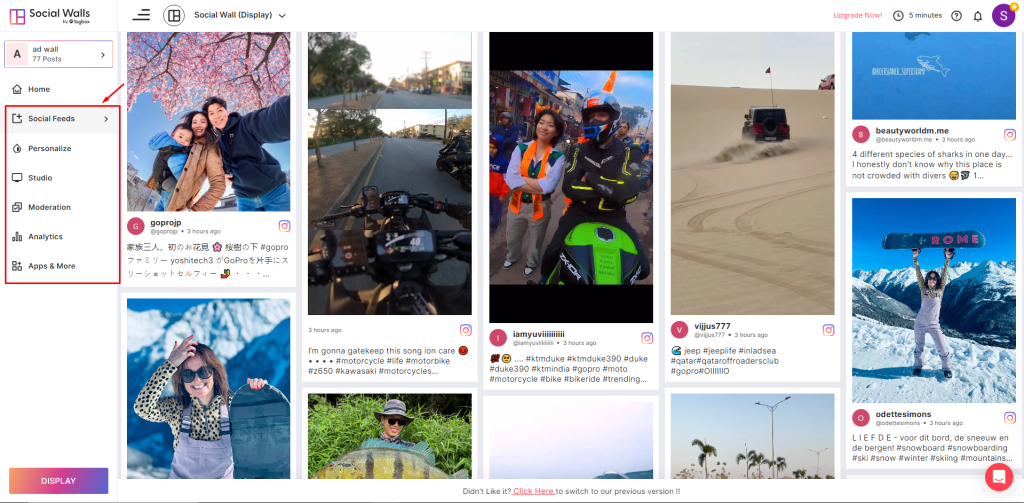
第 7 步:最后,获取代码以在您的活动、会议、节日等场合的数字屏幕、网站、巨型显示屏或 DOOH 广告上展示您的社交墙。
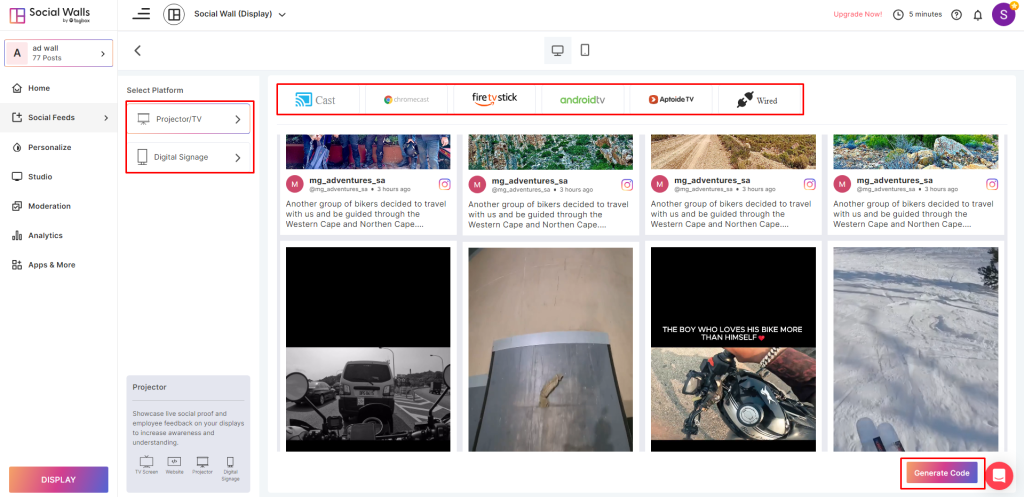
为什么 Social Walls.com 是您活动的完美社交墙解决方案?
您是否厌倦了寻找完美的解决方案:一个具有独特功能和易于导航的仪表板的 社交媒体墙工具?
本节将讨论为什么 Social Walls 是您活动的完美社交墙解决方案!
Social Walls 是一个社交媒体聚合工具,它允许用户在屏幕上收集、策划和发布他们的社交动态墙。但这还不是全部;Social Walls 还有更多功能。继续阅读,立即了解!
AI 审核
使用 SocialWall 的高级 AI 功能审核您的内容。告别手动审核内容的传统方法,进入 AI 驱动的先进数字世界。
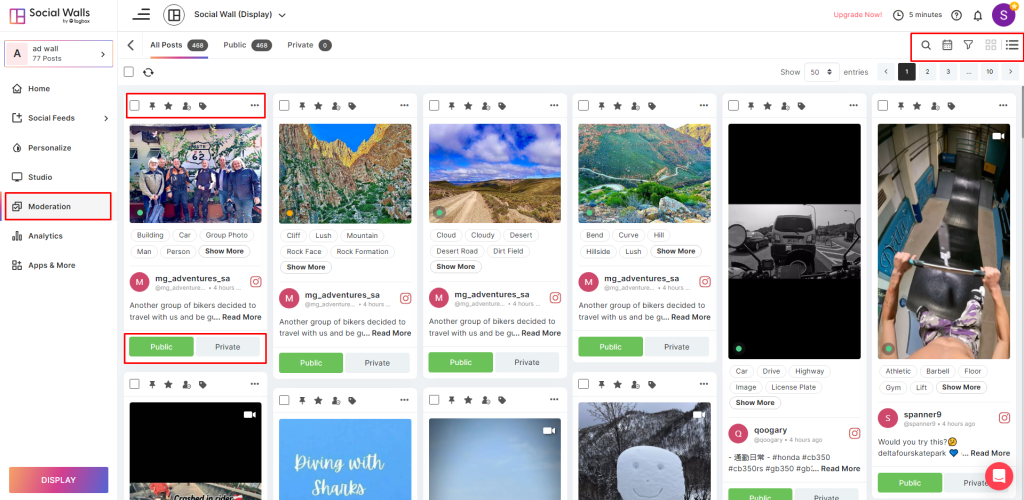
使用 Social Walls,您可以将最佳内容归类为推荐或有潜力但需要考虑的内容。此外,它还会将不适合展示的帖子标记为不推荐。
从您的动态中移除重复的帖子,并向您的受众展示最能引起共鸣的内容。您还可以根据最近的精彩瞬间或久远的回忆中的时间胶囊来排序帖子并创建动态。
自定义
社交墙引入了新颖的主题,使用户能够创建高度吸引人的动态。
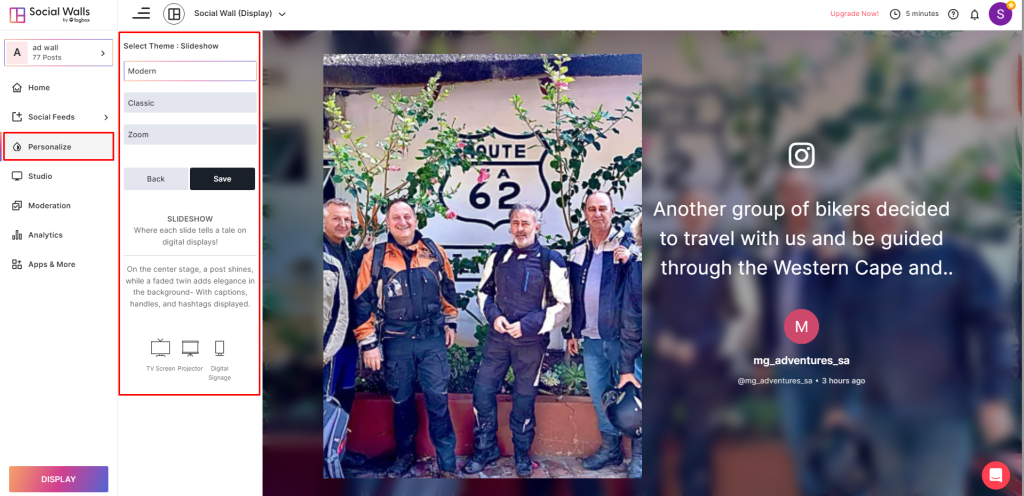
选择您的社交媒体墙数字显示的布局,将其变成一个引人注目的磁石。使用样式、主题和设计来自定义您的墙,使其具有视觉吸引力。
收集并展示您的数字显示屏真实且最具影响力的内容,使用您的品牌徽标和配色方案为其提供更个性化的外观。如果您还没有独特的视觉标识,这个过程可能会激发您创建徽标,以完美捕捉您品牌的精髓。
分析
您想跟踪用户参与度、点击次数和浏览量,以增强您的客户体验并最大化投资回报率吗?
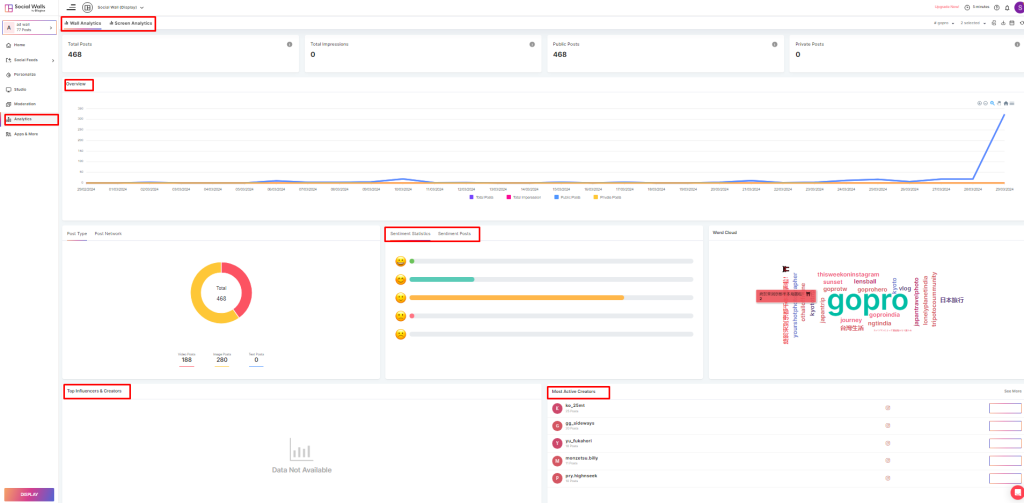
获取有关您活动参与者情绪的信息,以提高您的绩效,并获得您的标签活动参与度和覆盖范围的概述,以便将来做得更好。
除此之外,Social Walls.com 还为其用户提供了顶级和活跃的影响者及创作者列表。
SnapUp
您是否需要帮助让您的活动观众远离手机?您希望他们参与游戏和活动吗?
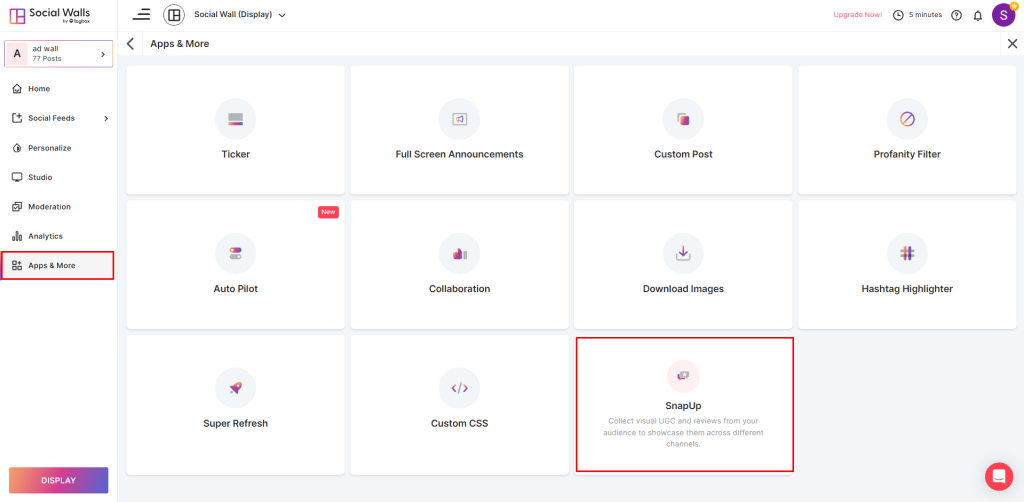
Social Walls 提供 SnapUp 等高级功能,以消除社交媒体的存在。此功能允许活动参与者通过扫描二维码或网址直接分享他们的图片、视频和评论。
通过信任建立新的客户联系,并在屏幕上展示真实的、用户生成的内容。
游戏化
说到 Social Walls,他们永不止步!通过在社交媒体墙显示中引入游戏化元素,为您的活动和派对带来新颖性和互动性。
通过扫描二维码进行实时投票和排行榜等游戏化功能,让您的聚会更具互动性。
还在等什么?立即开始您的 Social Walls 之旅,享受为期 14 天的免费试用,亲自体验这些以及更多令人惊叹的功能!
结论
在我们结束这篇博文之际,让我们达成一个共识:无论是在举办工作会议、贸易展览还是音乐活动,社交媒体墙数字显示屏都可以扭转局面,帮助您打造一场难忘的活动。
但为此,您需要为您的品牌挑选合适的社交媒体墙工具。Social Walls 不仅仅是列表中的另一个选项;它是您的终极目的地!
因此,事不宜迟,欢迎使用 Social Wall,让您的活动和品牌达到新的高度。
Frequently Asked Questions
Social media walls are digital displays that showcase your branded and user-generated content from multiple social media channels like Instagram and Twitter, as well as at events and websites, stadiums, institutes, and more. You can showcase reviews and feedback from your customers on screens to reach them more comprehensively with trust.
Social media walls can enhance your attendees’ experience, help you leave a lasting impact, and reach wider audiences. You can also brain engagement and ask your customers for their reviews and what they want to see. Social wall displays allow you to attract potential customers into your advocates
To create a social media feed for your event, log in to your SocialWalls account, select your social media network, and choose a source like a hashtag, mention, or handle. Your feed is ready.
When choosing social media wall tools, look for moderation, customization, and analytics features. Additionally, look for premium features like AI, SnapUp, and Studio to make your wall shine.
Use advanced analytics features with your social media wall tool. Social Walls provides a detailed overview of your campaigns’ total posts and engagement, as well as top creators and sentiment analysis.