
 Events
  Digital Signage
  Hybrid Events
  Instagram Wall
 Twitter Wall
  TikTok Wall
 Hashtag Campaign
 Social Media Aggregator
 Linkedin Wall
 Facebook Wall
 Studio
 SnapUp
 Spotlight
 Analytics
 Moderation
 Customization
 Reactions
 Photo Booth
 Education
 Fitness
 Hospitality
 Healthcare
 Retail
 Agencies
 Sports
 Finance
 Non-profit
 News & Entertainment
 Ecommerce
 Blog
Blog Support
 Our Clients
 Integration
 Case Studies
 Get Inspired


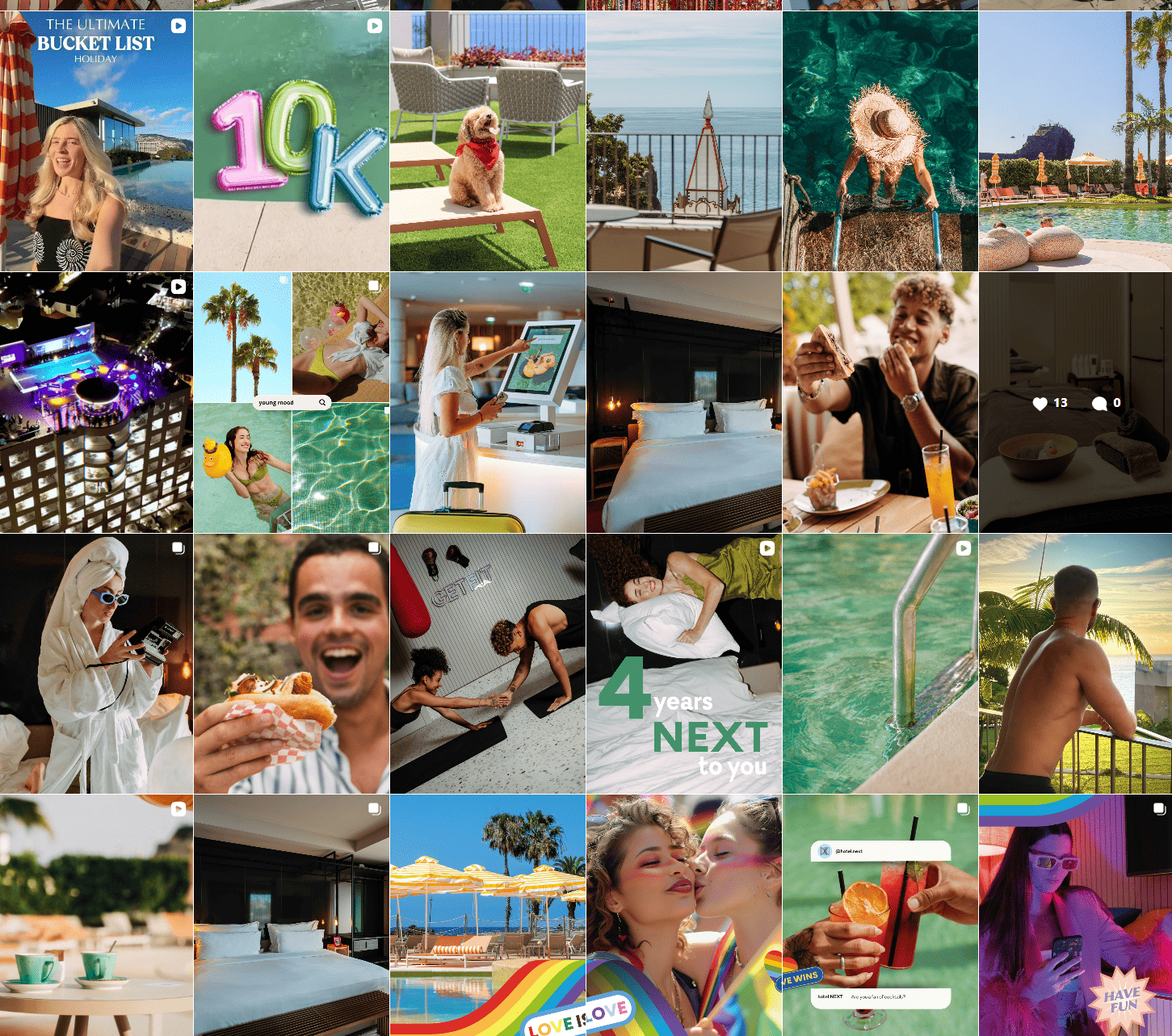
Best Social Media Widget Tools to Try in 2026
Author: Upendra Goswami
9 minute read
Table of Content:
Social media is where your brand stays active — but your website is where decisions happen. That’s why businesses today are looking for smarter ways to connect the two. A social media widget helps bridge this gap by bringing real-time social media feed on website.
Instead of keeping your social posts isolated on platforms like Instagram, X (Twitter), Facebook, or LinkedIn, a social media widget for websites allows you to display live content, user-generated posts, reviews, or social proof exactly where your visitors are ready to engage or convert.
Modern marketers no longer treat websites as static pages. They treat them as dynamic experiences. Adding social media widgets is one of the easiest ways to:
- Keep your website updated automatically
- Increase trust with real social proof
- Improve engagement and session duration
- Encourage follows, shares, and conversions
Whether you run an ecommerce store, SaaS platform, event website, or personal brand, choosing the right social widget tools can significantly improve your website’s performance.
In this guide, we’ll explore:
- What a social media widget is
- Types of social media widgets
- Benefits for businesses
- Best Social Media Widget Tools
- Real-world examples and advanced use cases
What is a Social Media Widget?
A social media widget is a website component that allows you to display or connect social media content directly on your site. It pulls content from social platforms and embeds it into your pages automatically.
In simple words:
A social media widget for website = social media content or stats like followers, like button or social sharing options displayed on your website with automatic updates.
Depending on the type, a social media widget for websites can:
- Show your latest posts or videos
- Add follow or share buttons
- Display customer-generated content
- Showcase hashtag campaigns
- Create live social walls
Instead of manually updating your site, the widget automatically refreshes when new content is posted or after a specific time interval— keeping your website fresh and engaging.
Types of Social Media Widgets
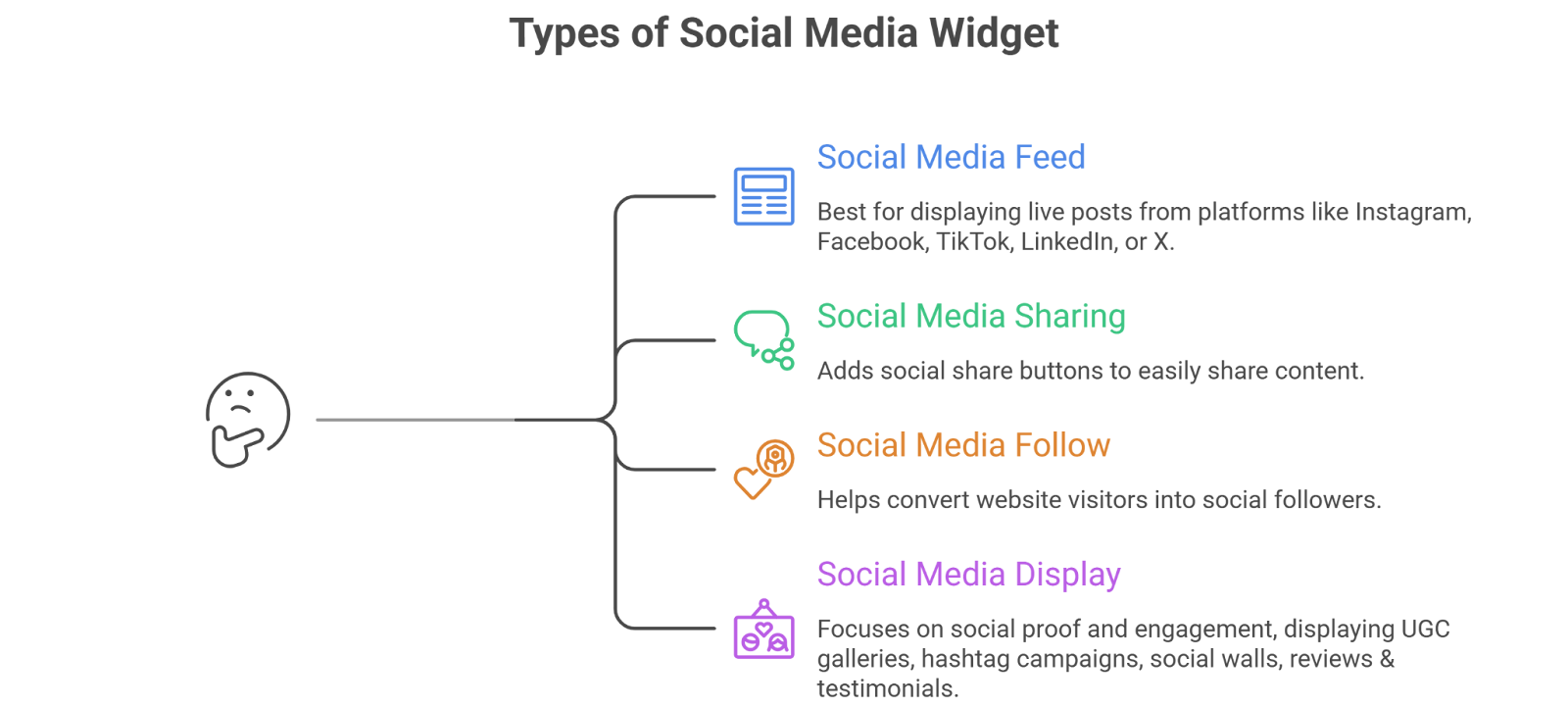
There are four major categories of social media widgets, each serving a different purpose.
1. Social Media Feed Widgets

A social feed widget displays posts from platforms like Instagram, Facebook, TikTok, LinkedIn, or X on websites.
Best for:
- Brands posting regularly
- Ecommerce stores
- Content-driven websites
Example:
- Instagram feed on homepage
- LinkedIn feed on SaaS website
2. Social Media Sharing Widget

A social sharing widget adds social share buttons so visitors can easily share your content.
Best for:
- Blogs
- Publishers
- Content marketing websites
Common platforms:
- X
3. Social Media Follow Widget
Social media follow widgets help convert website visitors into social followers.
Best for:
- Growing audience
- Creator brands
- Small businesses
Example:
- Instagram follow button
- Facebook page plugin
4. Social Media Display Widget

This is a more advanced category that focuses on social proof and engagement on digital screens and displays.
These widgets display:
- UGC galleries
- Hashtag campaigns
- Social walls
- Reviews & testimonials
Best for:
- Ecommerce conversion optimization
- Events
- Campaign landing pages
Benefits of Having a Social Media Widget
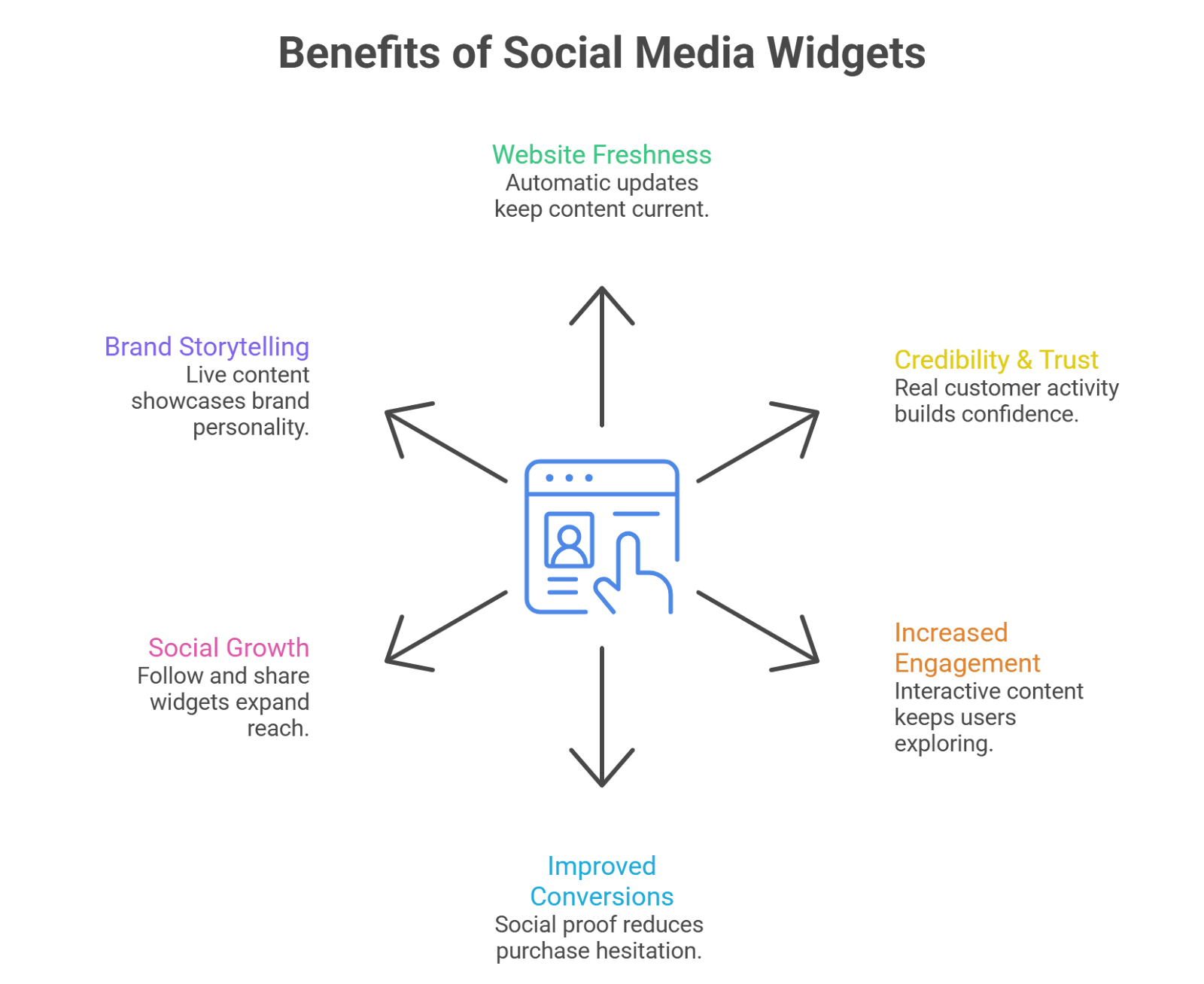
Using a social media widget for website isn’t just about aesthetics — it directly impacts performance.
✔ Keeps your website fresh – Automatic updates mean no manual content upload.
✔ Builds credibility & trust – Visitors see real customer activity and engagement.
✔ Increases engagement – Interactive social content keeps users exploring longer.
✔ Improves conversions – UGC and social proof reduce purchase hesitation.
✔ Encourages social growth – Follow and share widgets to expand your reach.
✔ Enhances brand storytelling – Showcase your brand personality through live content.
Best Social Media Feed Widgets
1. Taggbox

Taggbox is an advanced social media widget for websites designed for brands that want to go beyond basic feeds. It allows businesses to collect, curate, moderate, and display social media content and UGC in visually engaging layouts, real time updates, AI powered moderations, that increase engagement and conversions.
Unlike simple feed tools, Taggbox combines social aggregation with social proof and marketing features — making it one of the most complete Social Media Widget Tools for businesses.
Features
- Multi-platform social media aggregation (Instagram, Facebook, LinkedIn, TikTok, YouTube, X, reviews & more)
- AI-powered moderation and filtering controls
- UGC rights management & approval workflows
- Multiple display layouts (grid, carousel, slider, masonry, story style)
- Custom CSS & branding controls
- Hashtag aggregation
- Shoppable feeds with product tagging
- Reviews & testimonial integration
- CTA buttons inside widgets
- Analytics and engagement tracking
- Responsive & mobile-optimized widgets
- Lightweight embed with fast loading and SEO benefits
Pricing
- Free plan available
- Starter & advanced plans depending on feeds and features
- Enterprise plans for brands needing custom workflows
2. Tagembed
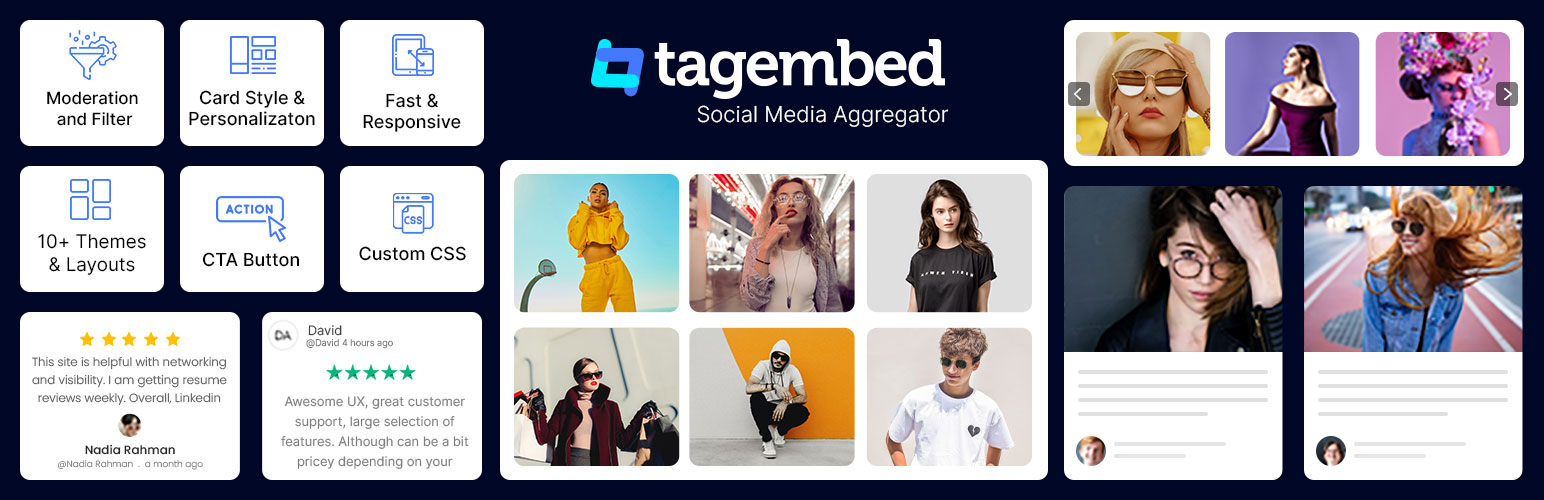
Tagembed is a social media aggregator focused on embedding feeds quickly without coding. With a powerful social media widget plugin for WordPress, Tagembed stands as a robust solution for embedding social media content on
Features
- Aggregates feeds from 20+ platforms
- Custom themes and layouts
- Basic moderation options
- Review integration support
- Fast loading widgets
Pricing
- Free plan available
- Paid plans with higher views & sources
3. Flockler
Flockler is a social media aggregator that allows users to embed unlimited social media feeds across digital platforms, improving engagement and conversions.
It supports over 13 platforms, including Instagram, LinkedIn, TikTok, YouTube, and Facebook, and offers customizable layouts for embedding.
Features
- Unlimited layout creation
- UGC and review embedding
- Multi-source aggregation
- Brand customization
- Rights management support
Pricing
- Paid plans (Lite and higher tiers)
4. Curator
Curator is a lightweight and easy-to-use social media feed widget tool and hashtag aggregator to collect, curate, and display or embed social media feeds from various social media platforms.
Features
- Multi-source feeds
- Feed moderation
- Custom styling
- Edit & pin posts
- Quick setup
Pricing
- Free plan (limited sources)
- Paid plans starting around $25/month
Best Social Sharing Widget Plugins
5. ShareThis
ShareThis offers free social sharing and privacy tools to boost website engagement, grow social followings, and build connections with users.
The platform provides real-time consumer interest and intent data to help businesses make smarter, faster decisions, predict trends, and engage meaningfully with global audiences.
Features
- Inline share buttons
- Sticky sharing bars
- Image & video sharing
- 40+ social channels
- Customizable designs
Pricing
- Free
6. Social Warfare
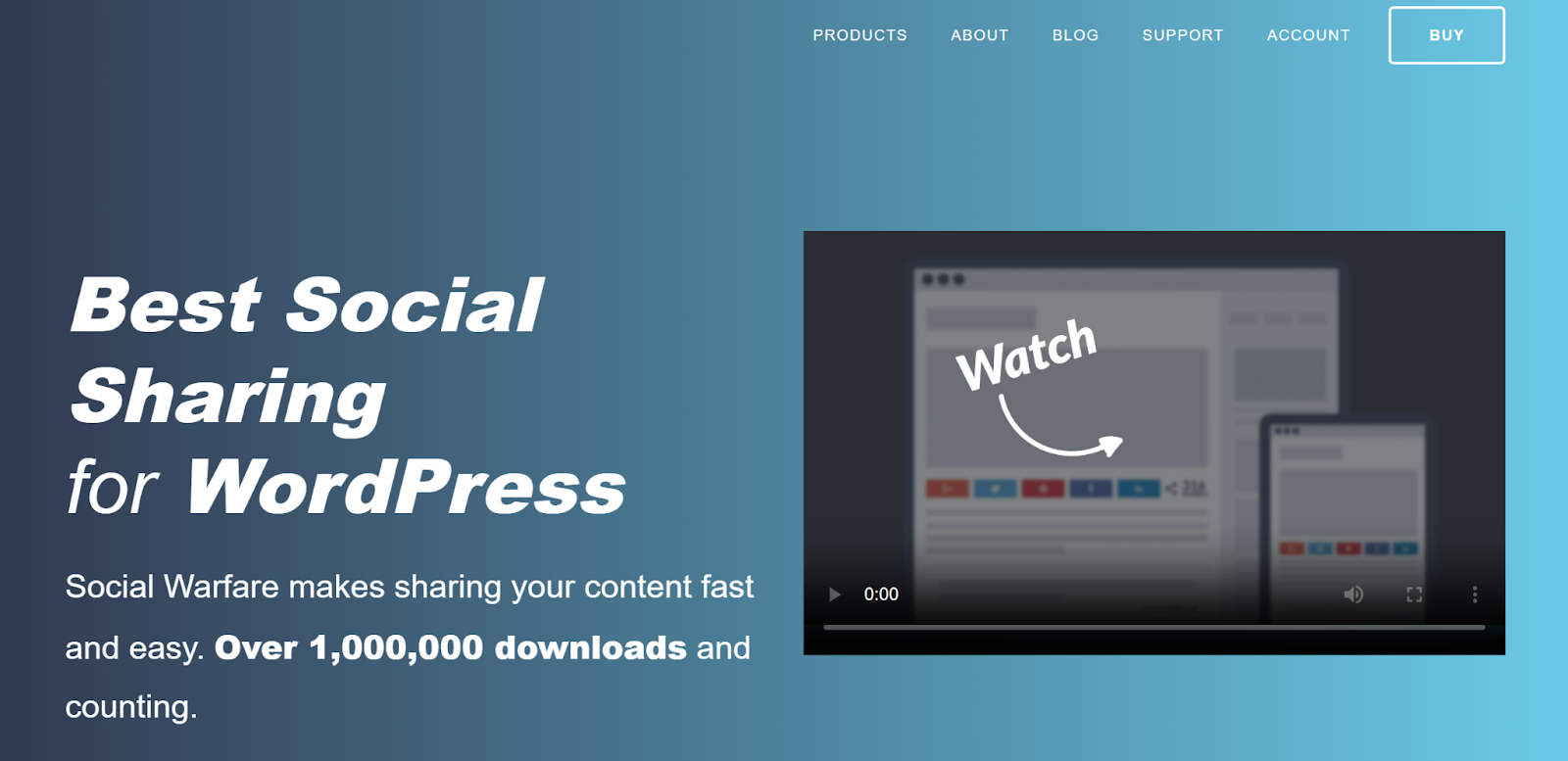
Social Warfare is a WordPress plugin designed to enhance social sharing without compromising website speed or aesthetics.
The plugin offers customizable social sharing buttons for major platforms like Facebook, Twitter, and Pinterest, with flexible placement options such as floating or static buttons
Features
- Control sharing metadata
- Share count tracking
- Lightweight performance
- Click-to-tweet quotes
- Google Analytics event tracking
Pricing
- One-time pricing starts around $29/site
7. Monarch

Monarch by Elegant Themes offers advanced sharing and follow options.
Features
- Popup & fly-in sharing
- Multiple placement options
- Hover effects
- Design customization
- Social follow integration
Pricing
- Included with Divi membership ($89/year)
8. Social Snap
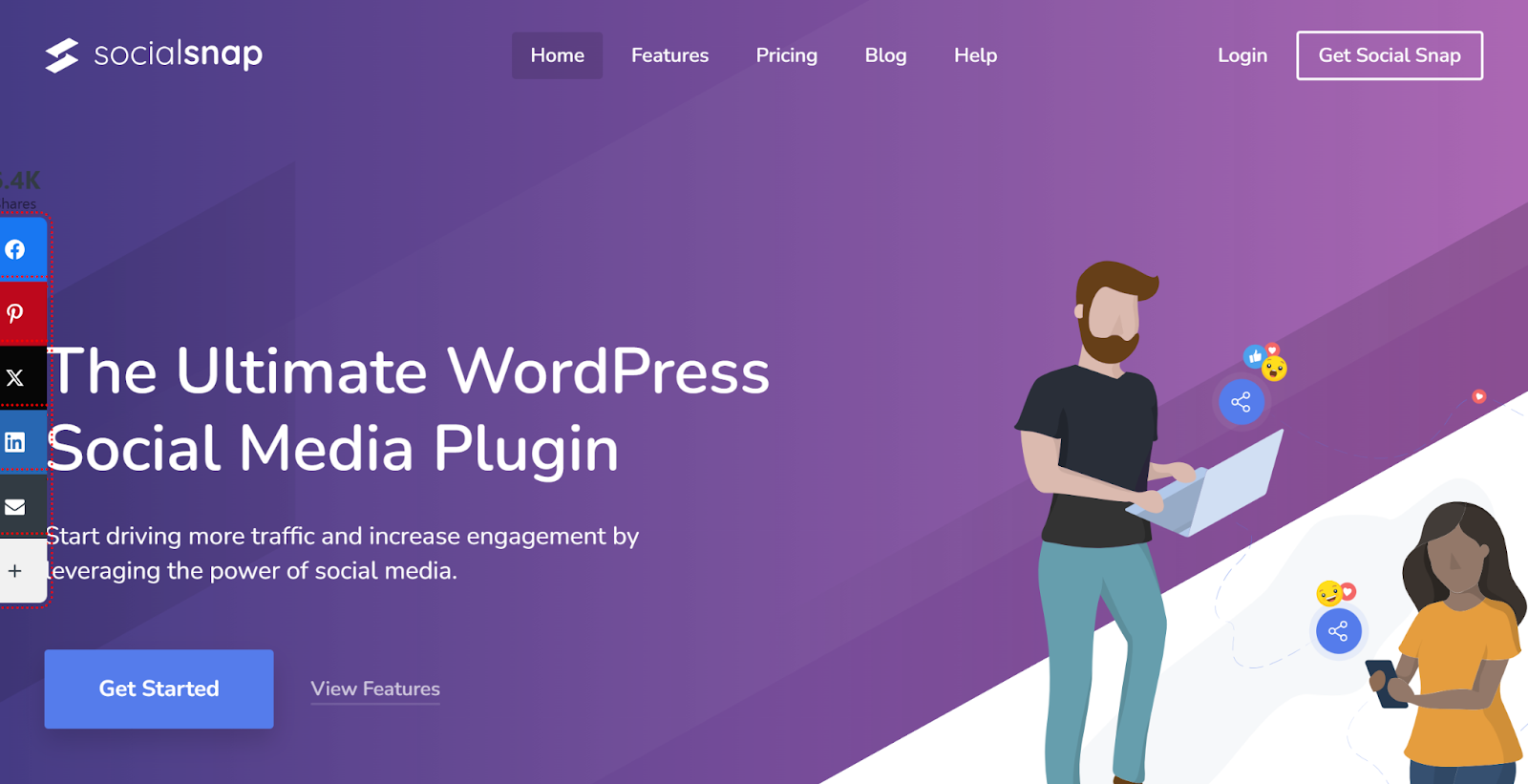
Social Snap focuses on modern design and analytics-driven sharing.
Features
- Social share buttons
- Share counts
- Social follower counters
- Advanced analytics
- Metadata customization
Pricing
- Paid plans starting around $39/year
9. Novashare
Novashare is known for lightweight performance and speed.
Features
- Fast loading buttons
- Click-to-tweet blocks
- Device optimized
- Share counts
- Custom styling
Pricing
- Starts around $19.95/year
Best Social Follow Widgets
10. Facebook Page Plugin by Meta
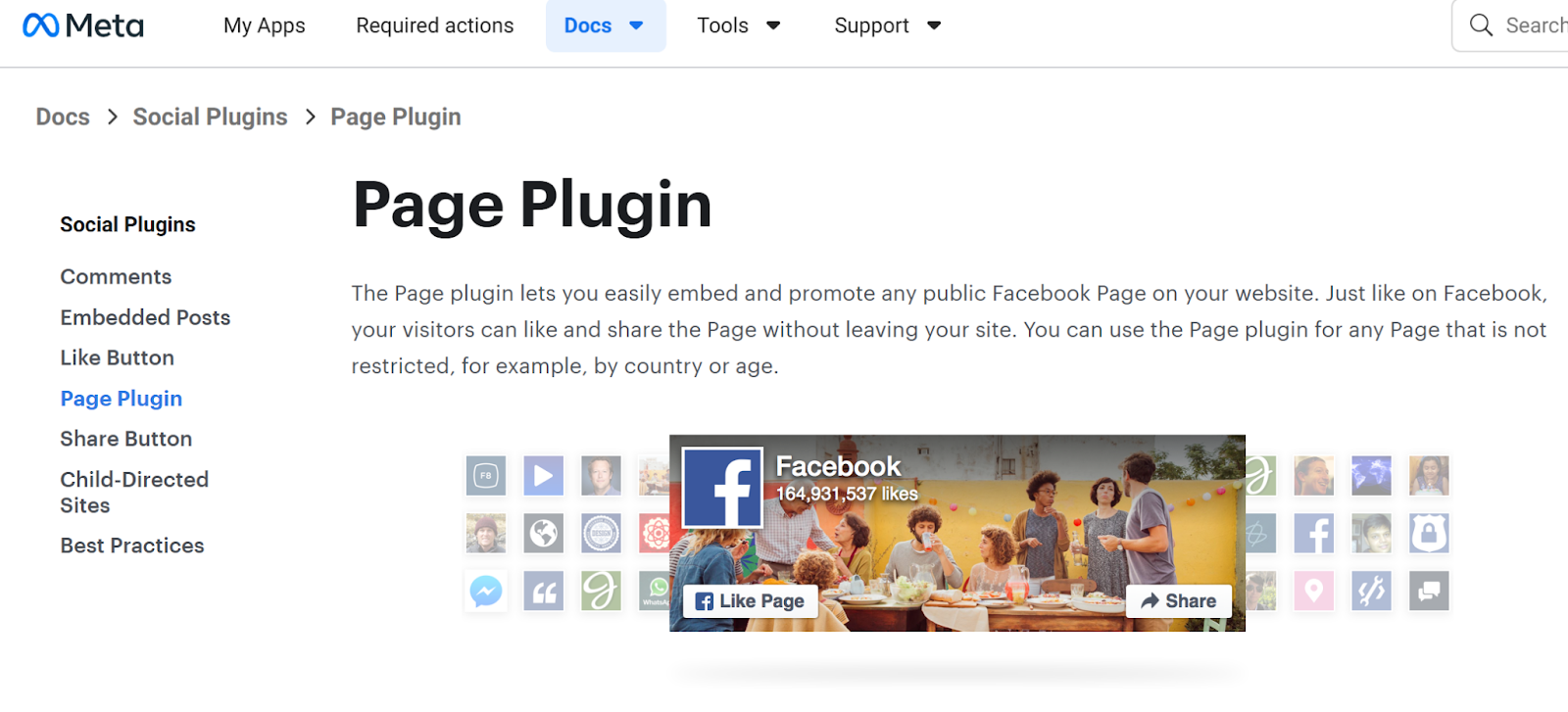
Official Facebook follow widget from Meta developers.
Features
- Page embedding
- Like button integration
- Timeline or events tabs
- Custom width/height
- Works on all websites
Pricing
- Free
12. ShareThis Instagram Follow Button
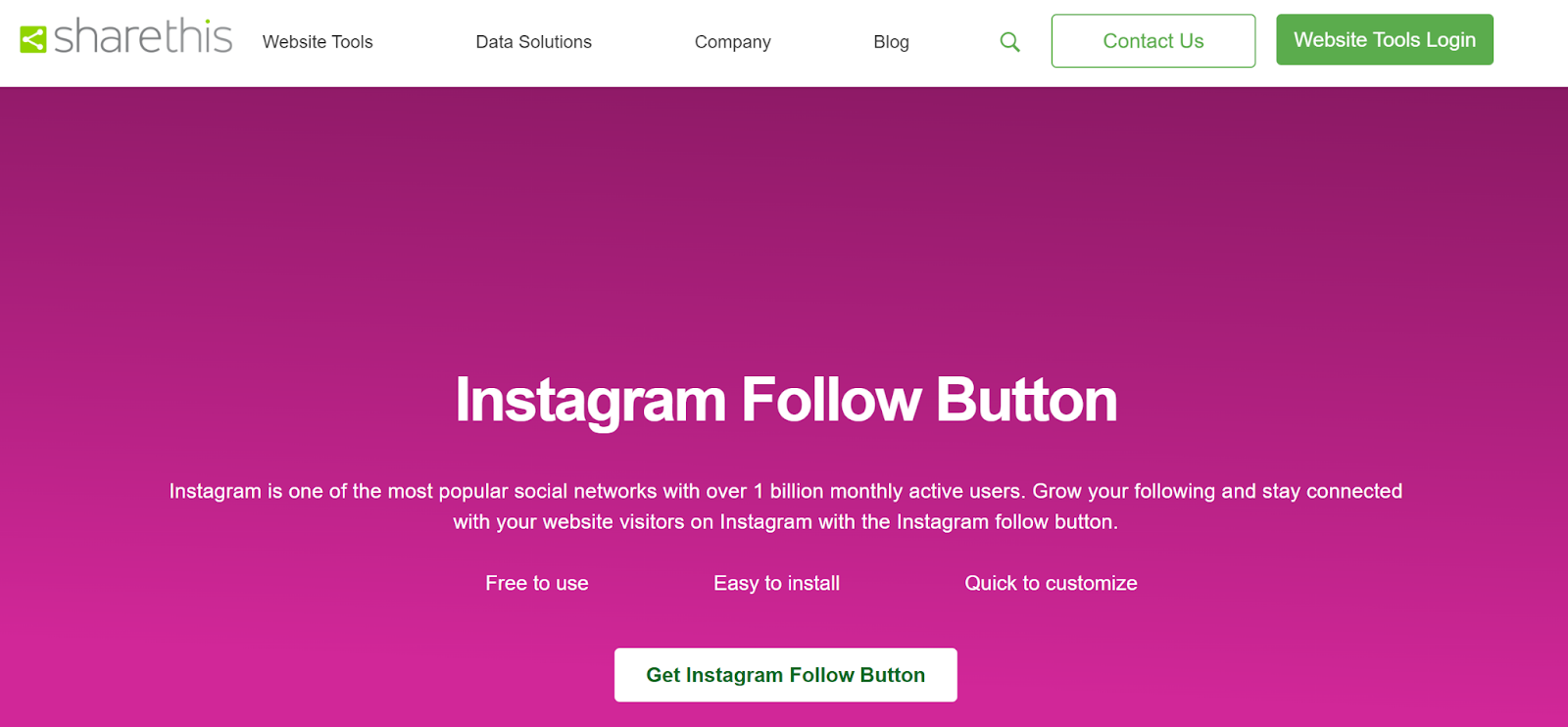
Simple follow button for Instagram growth.
Features
- Easy installation
- Brand color customization
- Mobile responsive
- Works on any CMS
- Lightweight embed
Pricing
- Free
14. X Follow Button
Official follow button for X (Twitter).
Features
- Custom button size
- Show/hide username
- Lightweight HTML embed
- Easy integration
- Fast loading
Pricing
- Free
15. Jotform Social Follow Widget
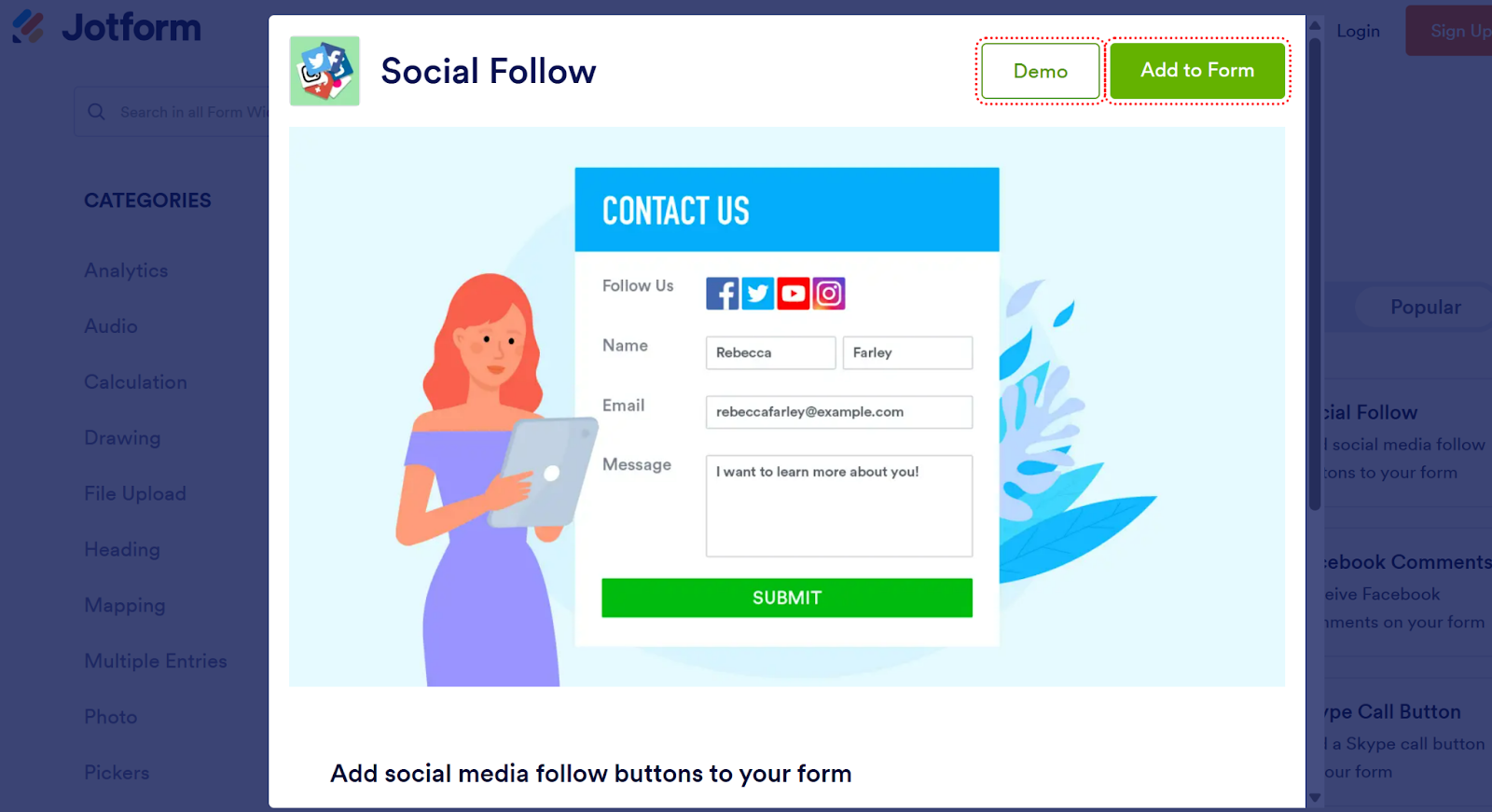
Allows adding follow buttons inside forms.
Features
- Social icons in forms
- Multi-network support
- Easy drag-and-drop setup
- Works across website builders
- Lead capture friendly
Pricing
- Free plan available
- Paid plans for higher submissions
Best Social Media Display Widgets
15. Social Walls by Taggbox

A social media widget tool for digital screens from the house of one of the best UGC platform and social feed widget; Taggbox, Social Walls comes with real time feed update and amazing themes and templates to hook event attendees while increasing the social media engagements.
Social Walls is not just a social media feed widget but an audience engagement tool that allows you to use polls, Q/A, banners, announcements, sponsor placements, QR Code photo uploader (SnapUp), and a digital photobooth that makes it a 360-degree engagement companion for your events and venues.
Features
- Live hashtag feeds
- Event engagement displays
- Real-time updates
- Multi-platform aggregation
- Large screen support
Pricing
- Event and monthly plans available
Real Examples of Social Media Widgets
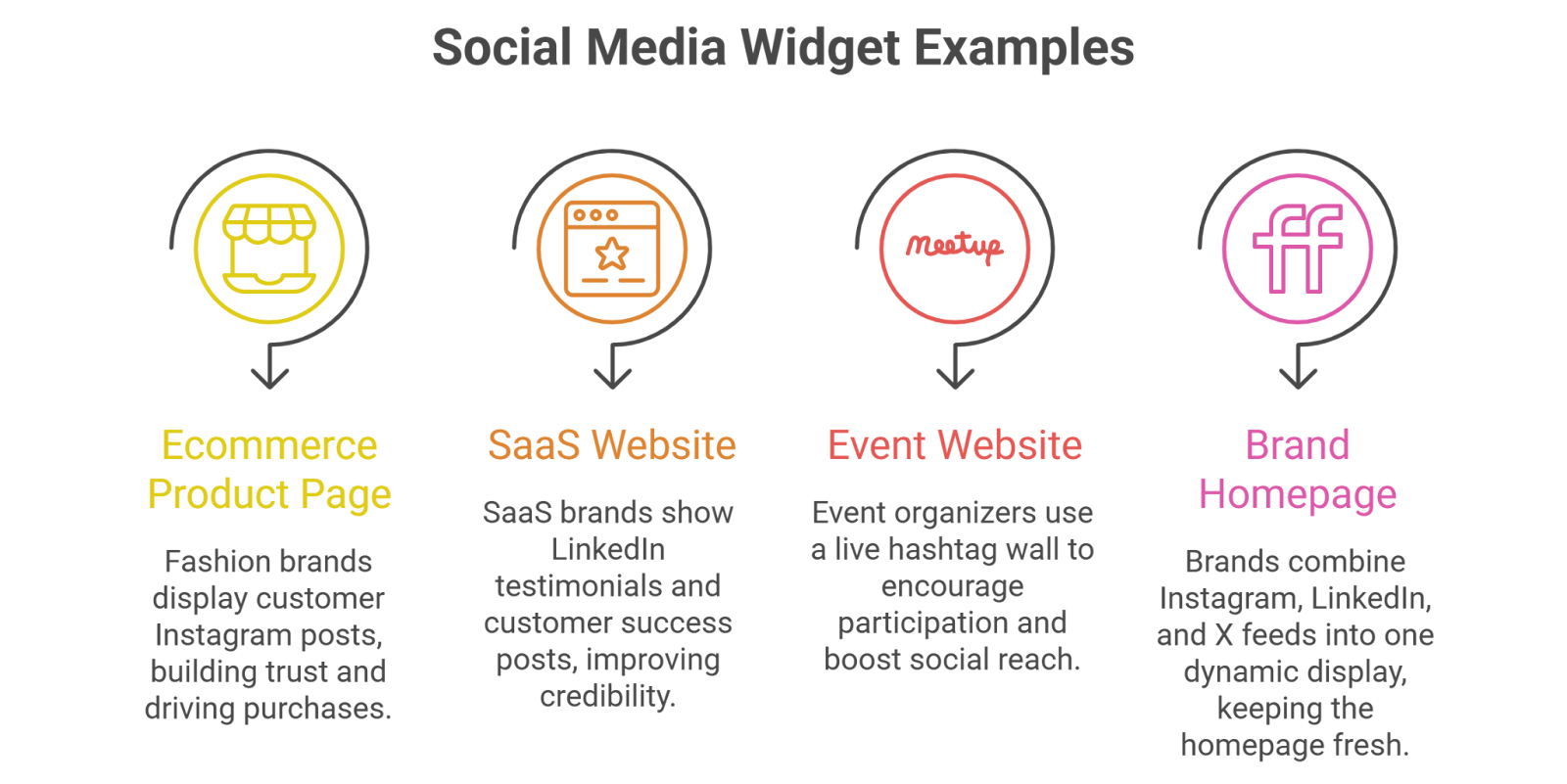
Ecommerce Product Page – Star Stuck by Sunny Leone
Showcasing your products in a convincing manner and actually making your customers stay and explore your products is what persuades customers to make a purchase. Star Stuck by Sunny Leone used Taggbox social media widget to do the same.
Read Full Case Study
Why it works:
- UGC builds trust instantly
- Real customers reduce buying hesitation
- Shoppable feeds drive direct purchases
Result:
- Higher conversion rate
- Increased average order value
Sports Club Website and Events
Why it works:
- Encourages participation
- Creates FOMO
- Boosts social reach in real time
Brand Homepage – Reina Olga
Explore how Reina Olga increased its revenue by 21.67% in a month with Taggbox.
Read Full Case Study
Why it works:
- Homepage stays fresh automatically
- Shows active brand presence
- Builds authenticity
Conclusion
A well-designed social media widget for websites like a shoppable Instagram Widget, or twitter widget transforms your website from static to dynamic. Instead of asking visitors to check your social channels separately, you bring real-time engagement directly to your pages.
Whether you need feed embeds, follow buttons, sharing tools, or advanced social displays, choosing the right Social Media Widget Tools depends on your goals:
- Engagement → Feed widgets
- Growth → Follow widgets
- Reach → Sharing widgets
- Conversions → Display & UGC widgets
If you want to maximize trust, engagement, and conversions together, combining multiple social media widgets strategically across your website delivers the best results.

Upendra leads the marketing team at Social Walls, bringing over 9 years of expertise in event marketing and SaaS growth strategies....