






Fotobox 应用评测、定价、功能及更多

If you’re planning events, running a photo booth rental business, or exploring interactive guest experiences, the Fotobox App is likely on your radar. Known primarily through fotobox.ca, Fotobox is widely recognized for its high-quality photo printing services in Canada. However, many users also associate Fotobox with digital photo booth experiences, especially when searching for a modern foto booth app or fotobox software for events.
In this detailed review, we’ll explore the Fotobox App from a practical, user-first perspective. We’ll break down its features, pricing, limitations, real customer reviews, and how it compares to modern digital photo booth platforms like Social Walls. If you’re evaluating whether Fotobox is the beste fotobox solution—or if there’s a better alternative—this guide will help you decide.
What Is the Fotobox App ?
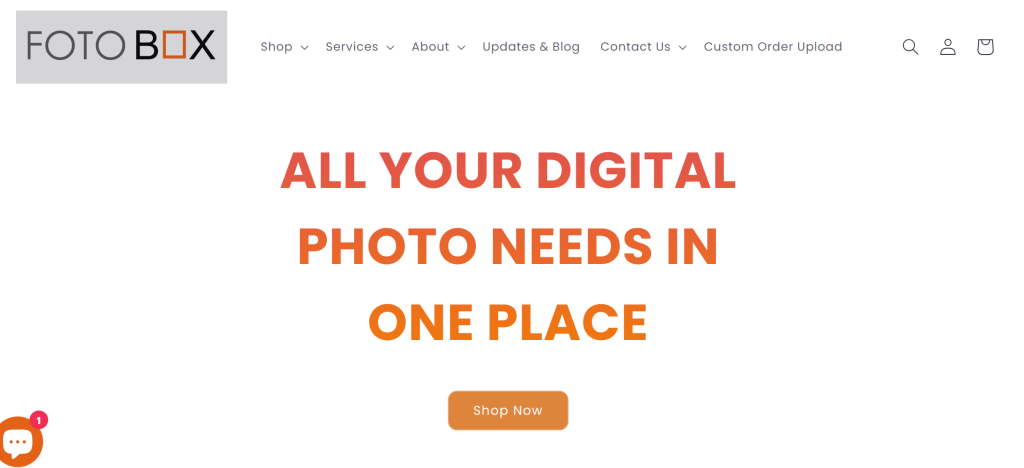
The Fotobox App is commonly understood as a photo booth–style solution that enables users to capture, customize, and print photos for events. While fotobox.ca primarily operates as a digital photo lab offering professional photo printing services across Toronto and the Greater Toronto Area (GTA), the Fotobox name is often searched in the context of:
- Fotobox app
- Fotobox software Windows
- Fotobox app Android / iPad
- Software für fotobox
This shows a strong user intent around using Fotobox as a fotobooth app or part of a broader photo booth setup. Users typically combine Fotobox services with tablets, cameras, or DIY booths to create event photo experiences—especially for weddings, birthdays, and corporate gatherings.
Who Should Use the Fotobox App?
Fotobox works best for users who prioritize print quality and reliability over advanced digital event engagement features.
1. Photographers & Studios
Professional photographers benefit from Fotobox’s premium printing options, fine art papers, and color accuracy.
2. Event Organizers with Print-Focused Needs
If your event revolves around physical photo keepsakes, Fotobox delivers tangible outputs guests can take home.
3. DIY Photo Booth Creators
Users searching for fotobox selber bauen software or fotobox diy solutions often pair Fotobox with external hardware like tablets, lights, and cameras.
4. Tablet & Windows Users
Fotobox is often evaluated alongside fotobox software für tablet, ipad fotobox, and fotobox software Windows kostenlos options—especially by budget-conscious users.
Core Features of the Fotobox App
1. High-Quality Photo Printing
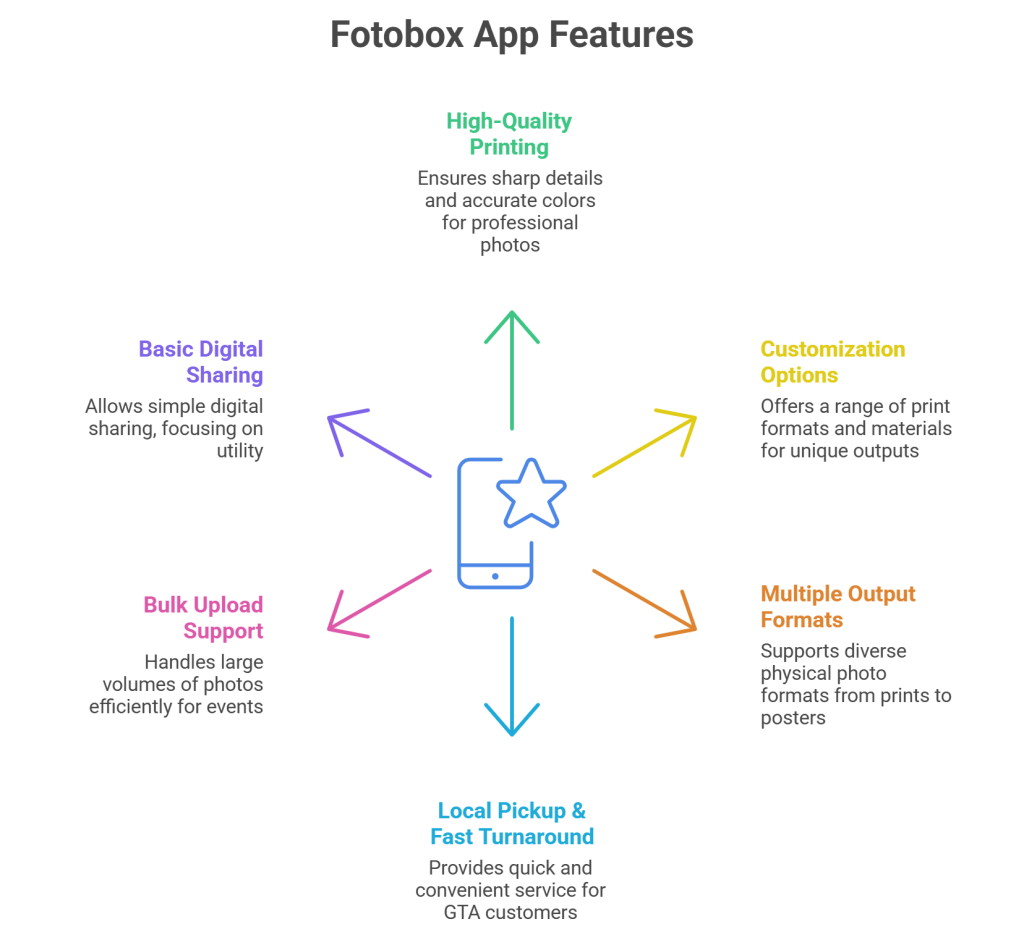
Fotobox’s strongest feature is print quality. Using professional-grade equipment and archival papers, it ensures sharp details and accurate colors—ideal for weddings and professional shoots.
2. Customization Options
Users can order:
- Custom photo prints
- Photo books and albums
- Metal, acrylic, and fine art prints
This level of customization appeals to studios and premium events.
3. Multiple Output Formats
From classic 4×6 prints to large posters and framed outputs, Fotobox supports a wide variety of physical photo formats.
4. Local Pickup & Fast Turnaround
Local pickup in Etobicoke with 1–2 business day turnaround is a major advantage for GTA-based customers.
5. Bulk Upload Support
Large batch uploads make Fotobox suitable for events and photographers managing high volumes of photos.
6. Basic Digital Sharing
Photos can be shared digitally, though the experience is more utility-focused than engagement-driven.
Limitations of the Fotobox App
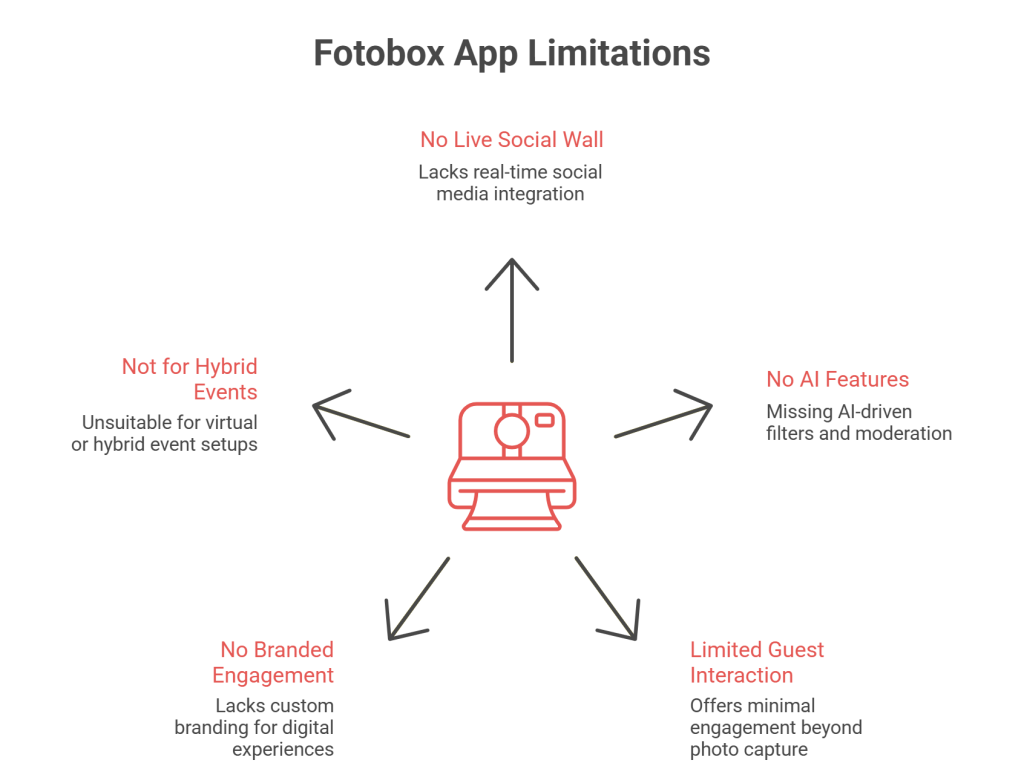
While Fotobox excels in print quality, it lacks several features that modern digital photo booth platforms now consider standard.
Key Limitations:
- No real-time live social wall display
- No AI-based filters, moderation, or curation
- Limited guest interaction beyond photo capture
- No branded digital engagement layer
- Not designed for hybrid or virtual events
All of these missing features are fully available on Social Walls, which focus on live digital experiences rather than just photo output.
For events that prioritize engagement over printing, Social Walls offers a modern alternative

 No Credit Card Required
Fotobox Pricing – What to Expect
Fotobox pricing is transparent and product-based rather than software-based.
Standard Pricing:
- Photo Prints: From $1.50 CAD per print
- Foam Core Mounted Prints: $16.00 CAD
- Fine Art Giclée Prints: From $25.00 CAD
- Minimum Order Fee: $10.00 + HST
- Shipping: Starts at $10 CAD (varies by size and location)
Payment options include Credit/Debit Cards and Affirm financing, subject to eligibility.
For events seeking digital photo booth experiences, platforms like Social Walls eliminate per-print costs by focusing on screen-based engagement.
Pros and Cons of Fotobox App
| Pros | Cons |
|---|---|
| Excellent print quality | Limited digital engagement features |
| Wide range of print products | $10 minimum order requirement |
| Professional photo lab service | Not built for live social displays |
| Fast local pickup (GTA) | No AI or moderation tools |
| Reasonable pricing for prints | Staff behavior reported inconsistent |
Alternatives to Fotobox App
1. Social Walls (Best Alternative)
Social Walls is a modern digital photo booth and social display platform designed for live events. Unlike Fotobox, it focuses on real-time content aggregation, moderation, and display across screens.
Key Features:
- Live digital photo booth
- Social media aggregation
- AI-powered moderation
- Real-time display on screens
- Branded themes and layouts
- QR-based guest uploads
2. Simple Booth
Simple Booth HALO is built for commercial events and brand activations. It combines capture, sharing, and analytics in a polished ecosystem.
Key Features:
- Photo, GIF, and video capture
- Lead generation tools
- Social sharing
- Engagement analytics
3. Snappic

Snappic is popular among photographers and agencies offering DIY photo booth setups with advanced customization.
Key Features:
- Green screen support
- Custom overlays
- DSLR compatibility
4. LumaBooth

LumaBooth is ideal for weddings and personal events where simplicity matters more than enterprise features.
Key Features:
- Easy setup
- Custom templates
- Photo & GIF capture
Fotobox vs Social Walls – Comparison Table
| Feature | Fotobox | Social Walls |
|---|---|---|
| Primary Focus | Photo printing | Digital photo booth & live display |
| Live Event Screens | ❌ | ✅ |
| AI Moderation | ❌ | ✅ |
| Social Media Integration | Limited | Advanced |
| Real-Time Guest Engagement | ❌ | ✅ |
| Hybrid / Virtual Events | ❌ | ✅ |
| Branding & Themes | Basic | Advanced |
Choose digital interaction over static photo printing
No Credit Card RequiredConclusion
The Fotobox App is a strong choice for users who value high-quality photo printing and professional lab services. It works well for photographers, studios, and print-focused events where physical keepsakes are the priority.
However, for modern events that demand live interaction, digital photo booths, and real-time engagement, Fotobox shows its limitations. Platforms like Social Walls go beyond printing by turning guest content into dynamic, shareable, on-screen experiences.
If your goal is prints, Fotobox delivers. If your goal is engagement, visibility, and digital impact, Social Walls is the more future-ready solution.
常见问题解答
Fotobox 支持基本的照片亭式体验,但它主要侧重于打印。它不提供高级的数字照片亭功能,例如实时社交墙、实时显示或交互式 观众参与工具。
Fotobox 通常与 iPad、Android 平板电脑和 Windows 系统一起使用,尤其是在 DIY 照片亭设置中。然而,其核心服务侧重于照片打印,而不是特定于设备的照片亭软件。
主要局限性包括缺乏现场活动屏幕、AI审核、实时访客互动以及对混合或虚拟活动的支持。这些功能是现代数字照相亭平台中的标准配置。
对于需要现场展示、数字照片亭和实时观众互动功能的活动,与 Fotobox 以打印为中心的方法相比,Social Walls 等平台提供了更高级的功能。
Fotobox 的定价是基于产品的,而不是基于软件的。照片打印起价为每张 1.50 加元,最低订单费为 10 加元。高级材料和运输将产生额外费用。