How to Monitor Tweets During a Live Show?
Want to keep track of audience conversations during a live show? With Social Walls, you can collect relevant posts from X (formerly Twitter), review audience content, and display selected tweets on event screens. Whether you’re hosting a concert, conference, product launch, or award show, a live social wall helps you follow audience reactions and encourage participation throughout the event.
Follow these steps to monitor tweets and display relevant conversations during your live show.
Step 1: Log In to Social Walls
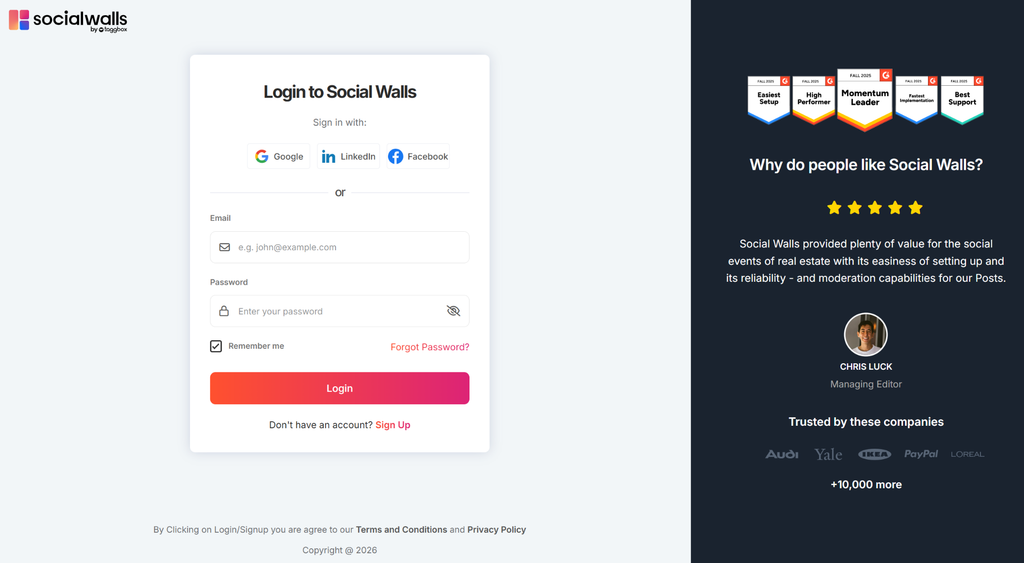
Visit app.socialwalls.com and log in to your account. Open an existing social wall or create a new one for your live show.
Step 2: Select X (Twitter)
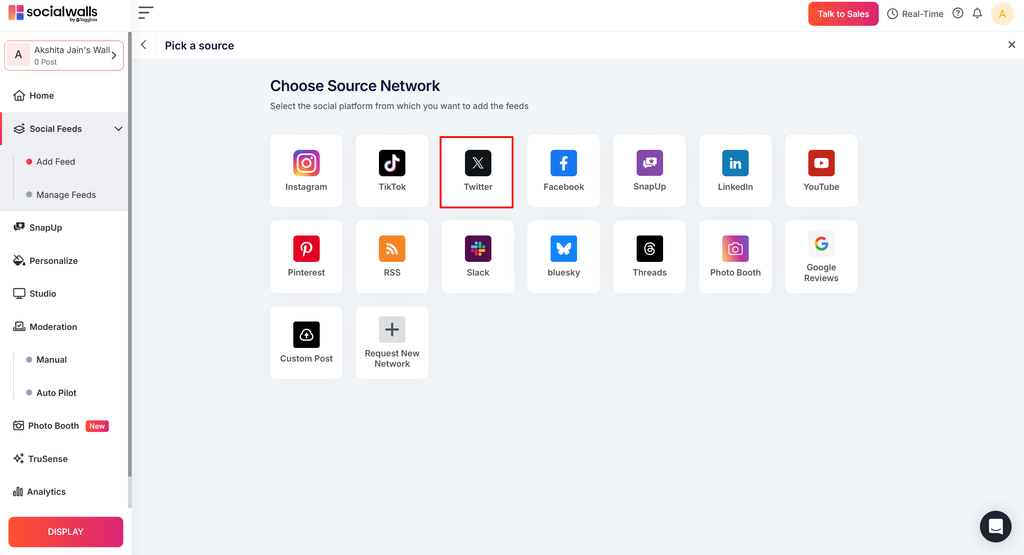
Open the content source section and select X (Twitter) to explore the available feed options.
Step 3: Set Up Your Tweet Feed
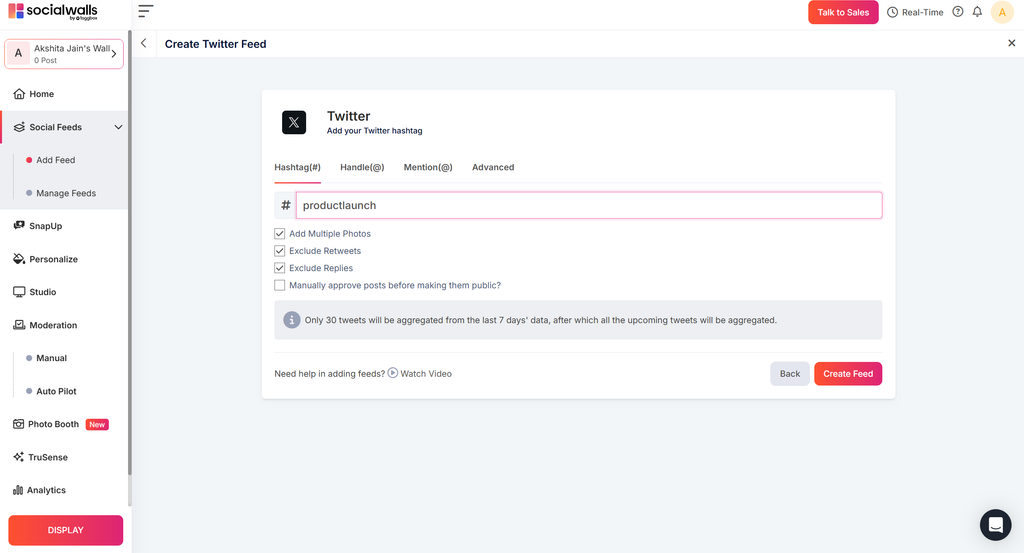
Choose an available feed type, such as a hashtag or keyword feed, depending on the options supported by your account. Enter the relevant event hashtag or keywords to collect related posts.
Step 4: Review and Moderate Tweets
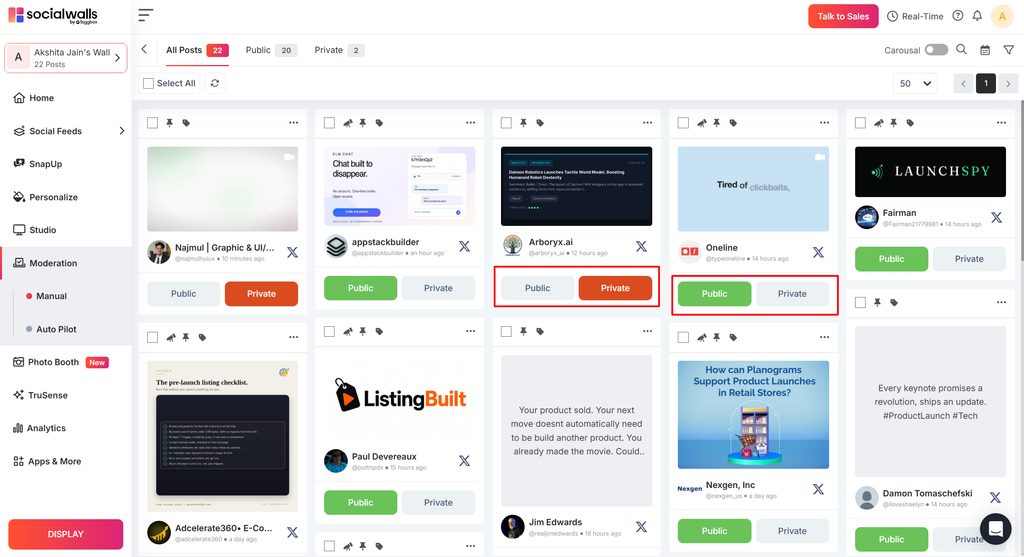
Open the moderation section to review collected tweets. Approve relevant posts and hide content you don’t want to appear on the event screen.
Step 5: Customize Your Social Wall
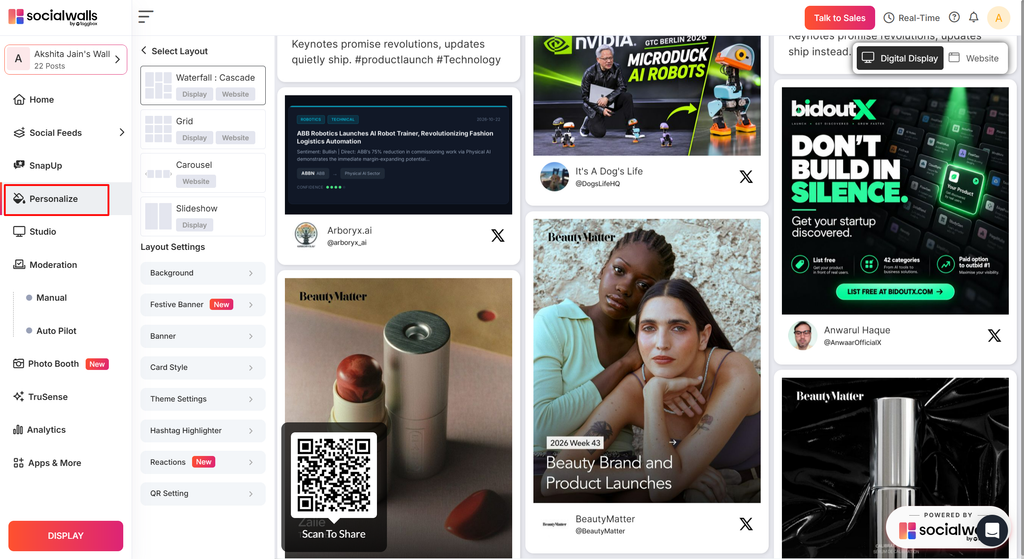
Choose a layout and customize the available colors, backgrounds, and design settings to match your event branding. Make sure the tweets are easy to read from a distance.
Step 6: Display Tweets During the Show
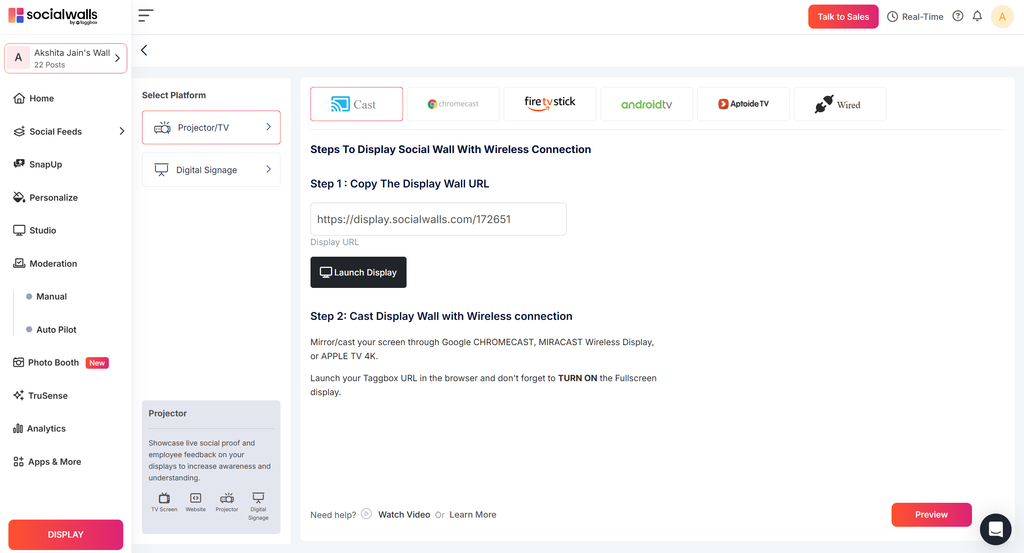
Open the display options and launch your twitter wall on a compatible TV, projector, LED wall, or digital signage screen. Check that approved tweets are visible and readable to your audience.
Step 7: Monitor Conversations Throughout the Event
Keep an eye on incoming posts and review new content as the show progresses. Moderate the feed regularly to keep the displayed conversation relevant, appropriate, and engaging.
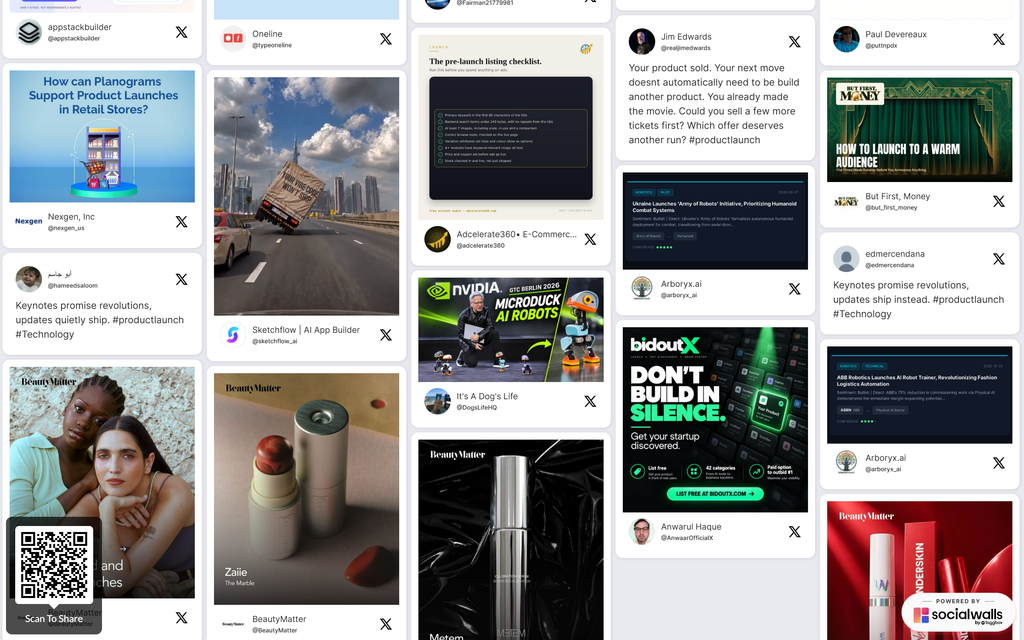
Your live tweet feed is ready to help you follow audience reactions and bring social conversations to the big screen. For additional assistance, contact the Social Walls support team.