如何将二维码应用于社交墙
QR Code
The QR code feature of Social Walls offers event organizers an efficient way to boost audience interaction with the social wall. By scanning a QR code, users can instantly access the wall on their devices, open specific links or URLs, and contribute content in real-time. This feature not only enhances engagement but also provides a seamless way for attendees to explore additional resources, promotions, or event-related information with just a quick scan.
Create A QR Code
Follow steps below to Create and Add a QR Code To Social Wall
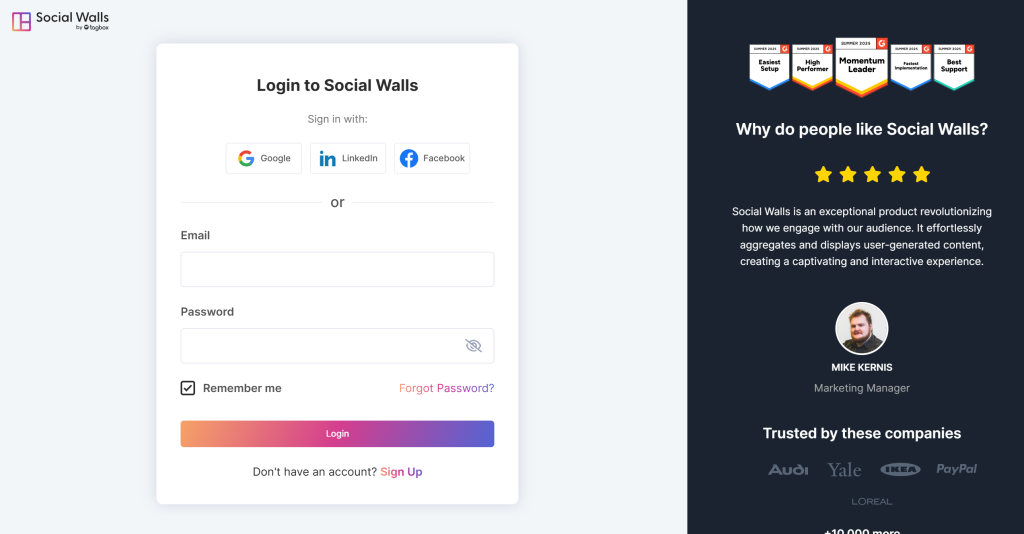
Step 1. First, Create a Social Walls account or login to your existing account.
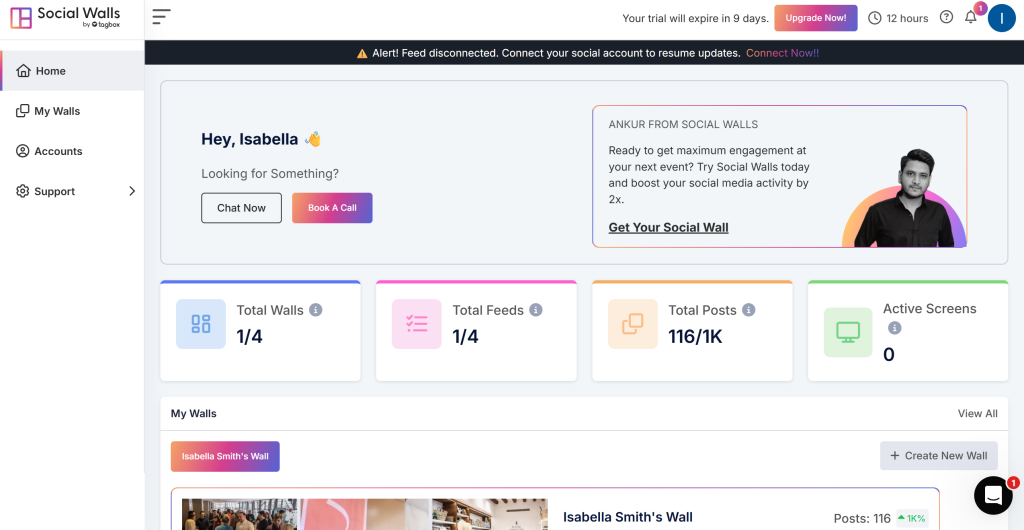
Step 2. You’ll be redirected to Social Walls Dashboard.
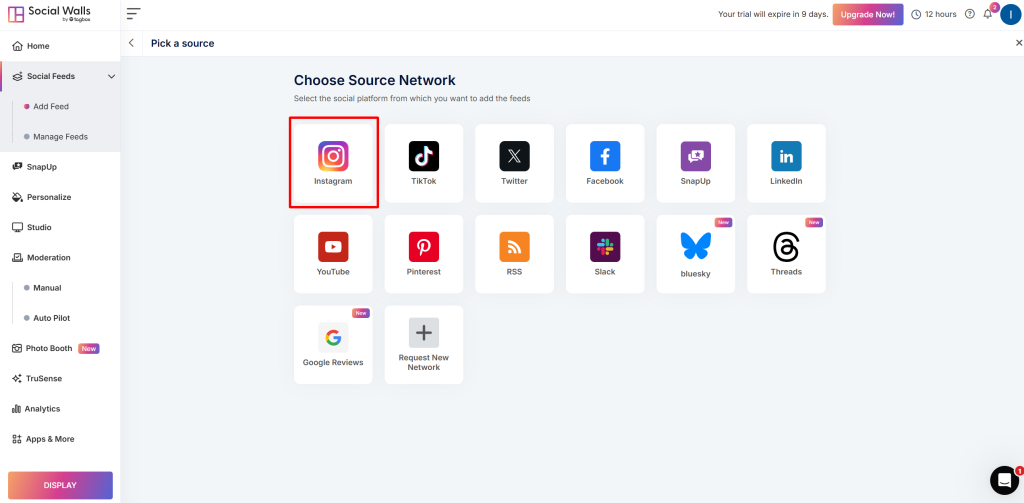
Step 3: Now, create your feed using source network like “Instagram“.
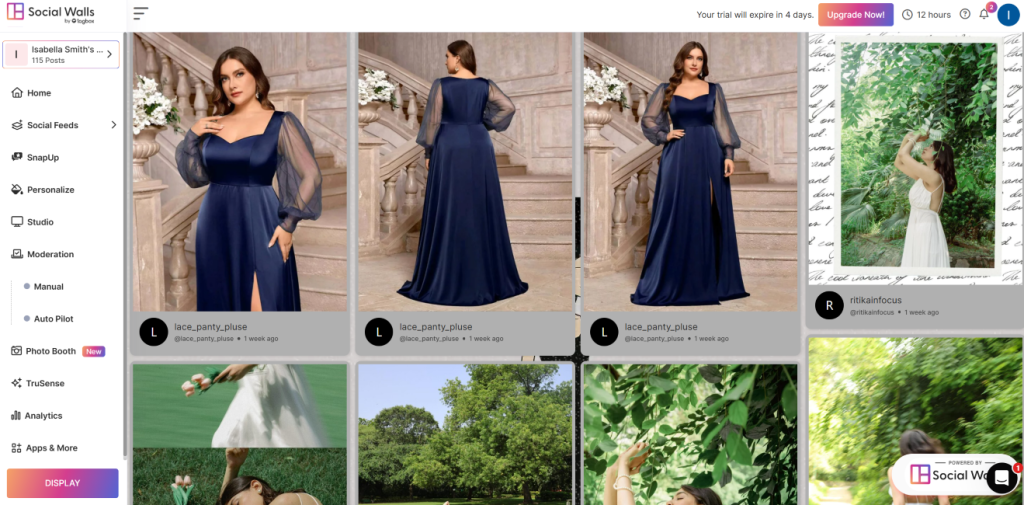
Step 4: A box “Create Instagram Feed” will appear, enter your hashtag(#) & Now Click the “Create Feed” button.
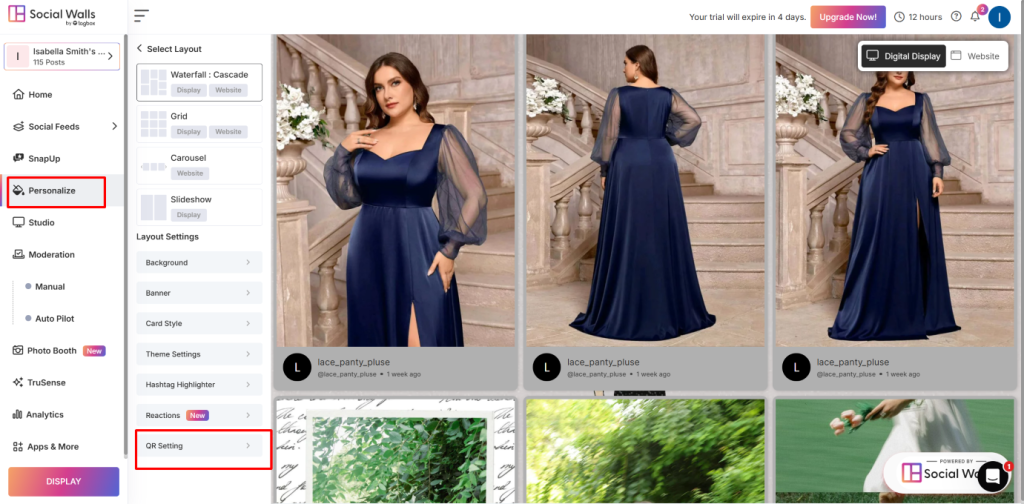
Step 5: Than, Go to “Personalize Option” and Click on “QR Setting“.
Step 6: Now on the toggle and change the properties of the QR code display, such as the text below the QR, the background of the QR, text color, etc. and click on “Save“.
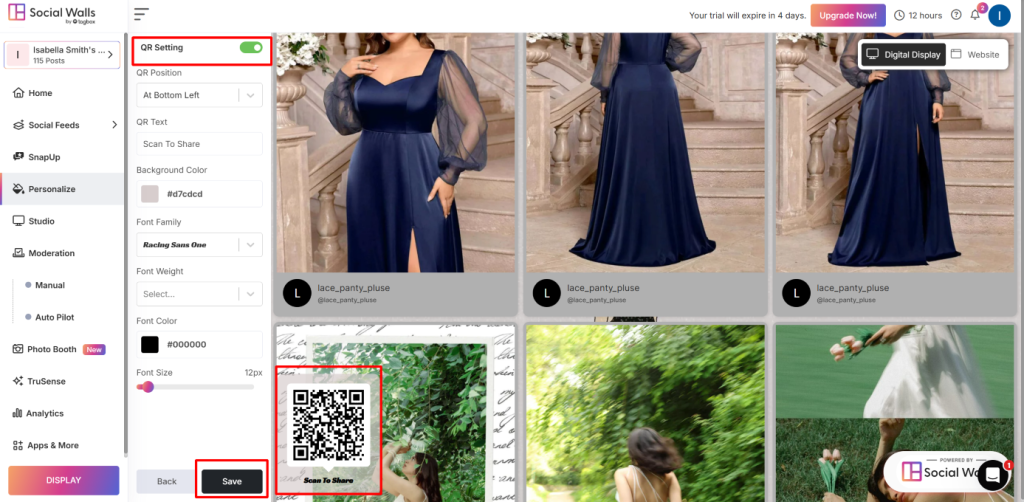
That is all! You’ve successfully added the QR code feature to your Social Wall.