A Step-by-Step Guide To Display Your Social Wall On NoviSign

Discover how easy it is to display social media feeds to your screens using NoviSign and Social Walls by Taggbox. Just follow these steps to showcase engaging, real-time social content at your venue or event.

Steps To Display Your Social Wall

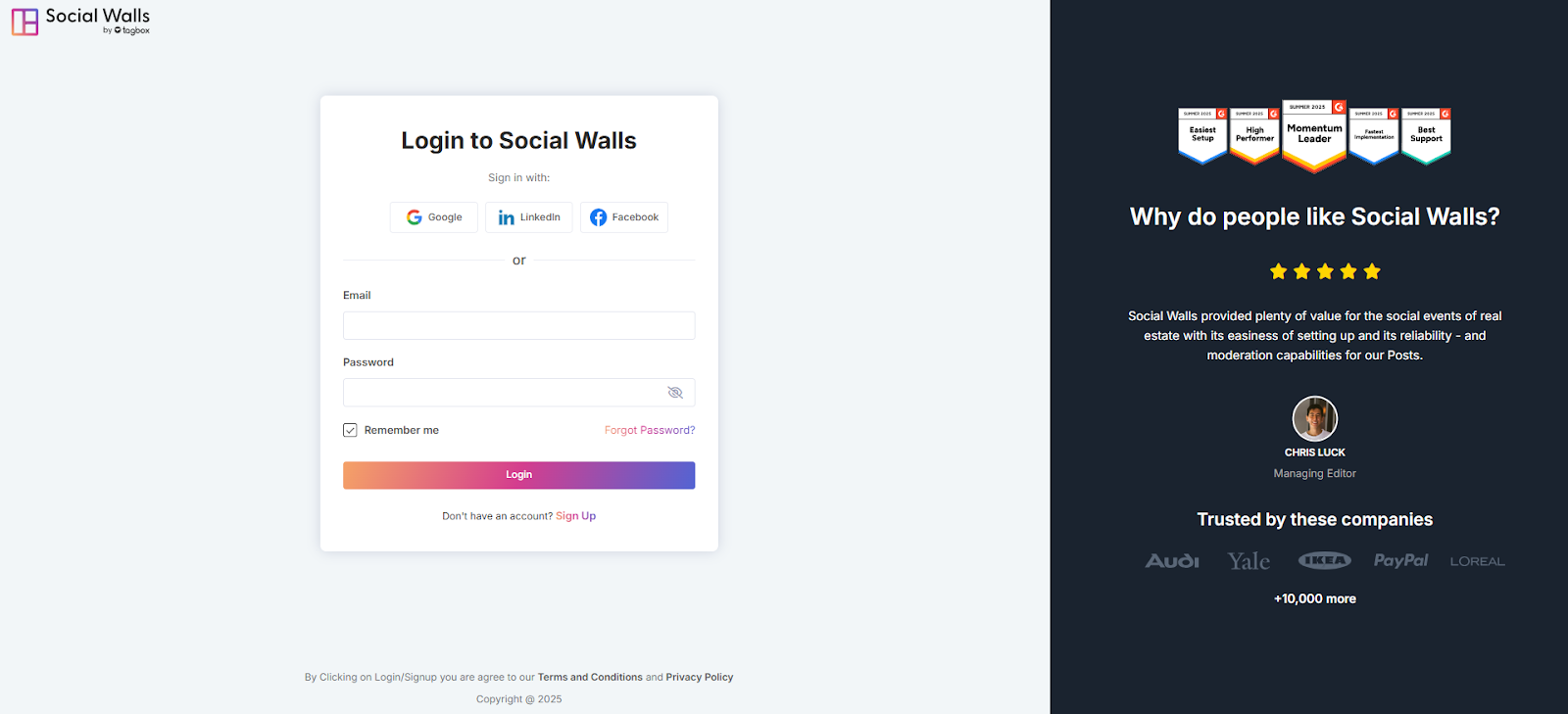
  • Login or SignUp to your Social Walls account.
social walls login account

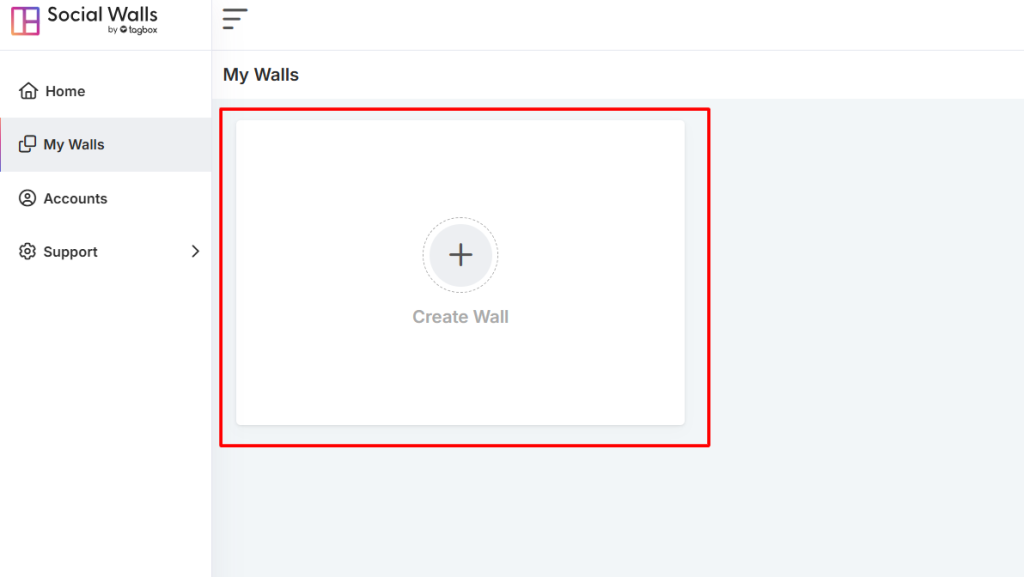
  • Go to “My Walls” and click “Create Wall.”
create a wall

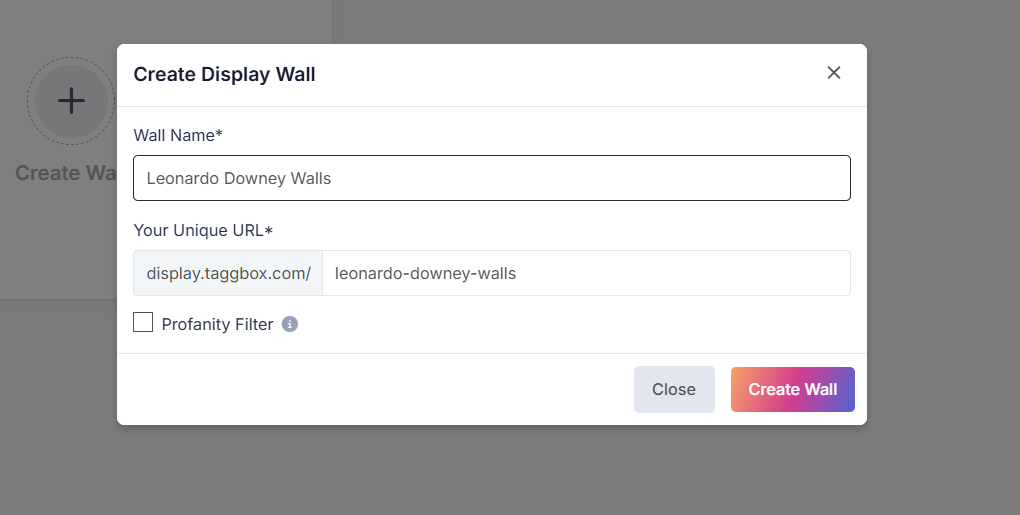
  • Give your wall a name that fits your event or campaign.

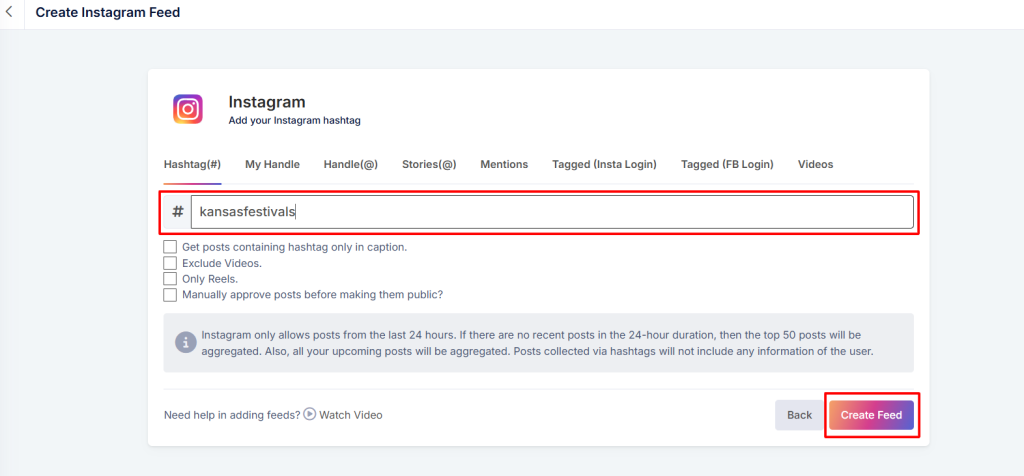
  • Choose your content sources. Pick hashtags, profiles, mentions, and more from the platforms you want to connect to, then click “Create Feed.”

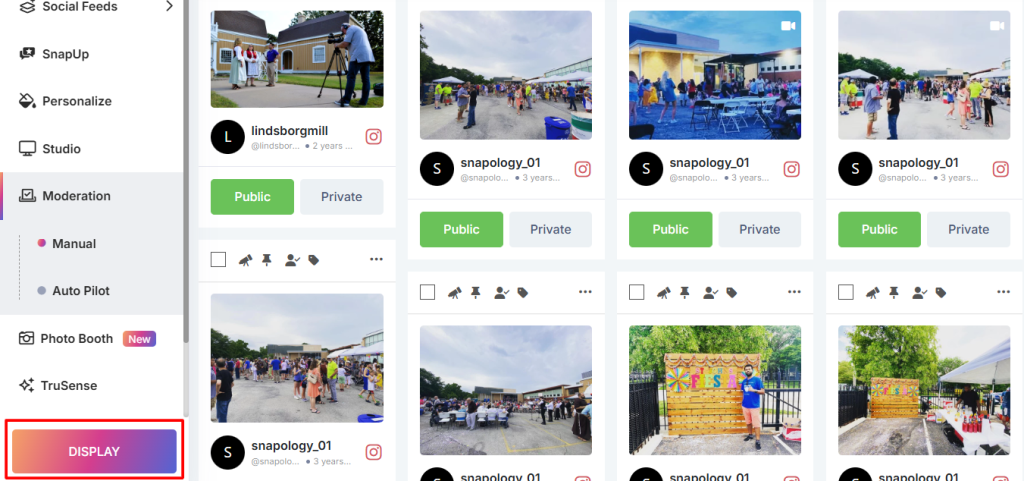
  • Preview your wall. Once it looks right, click the “Display” button.

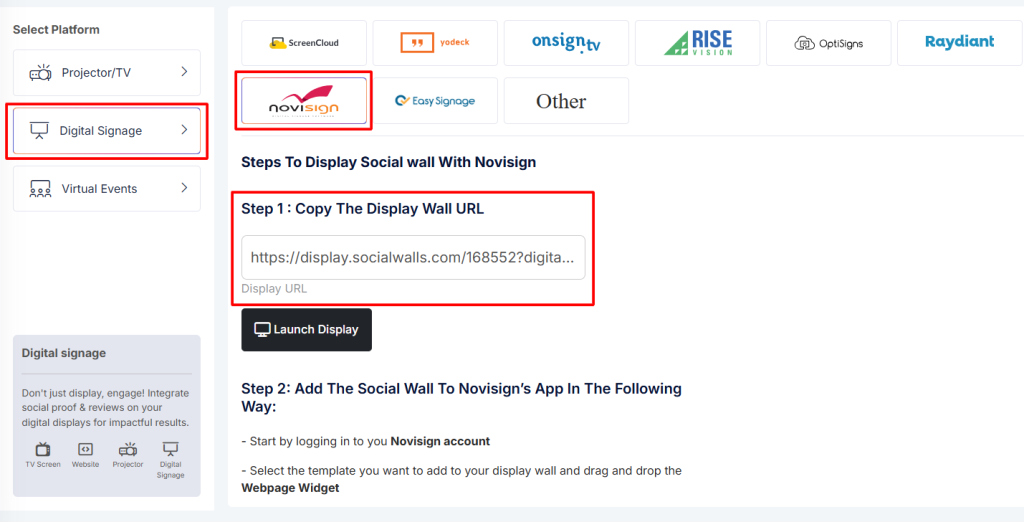
  • Select ‘Digital Display’, then ‘Digital Signage’, and choose ‘NoviSign’. Copy the display URL that appears.

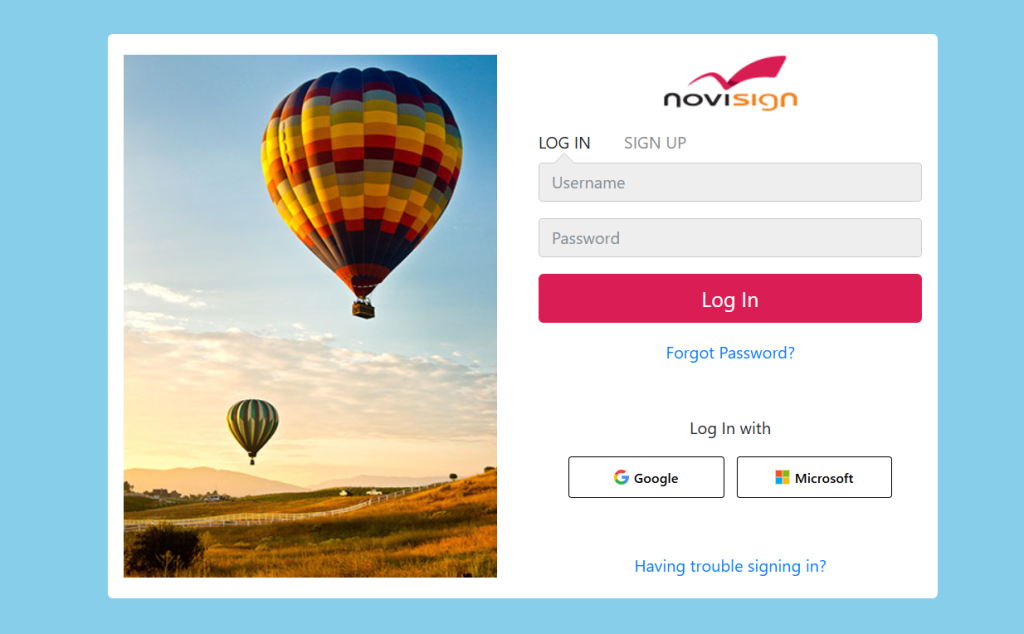
  • Log in to your NoviSign account.

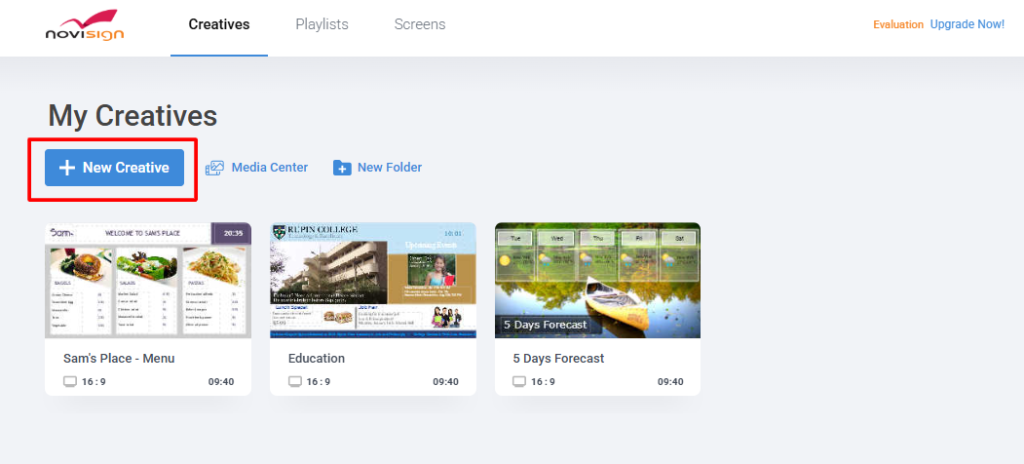
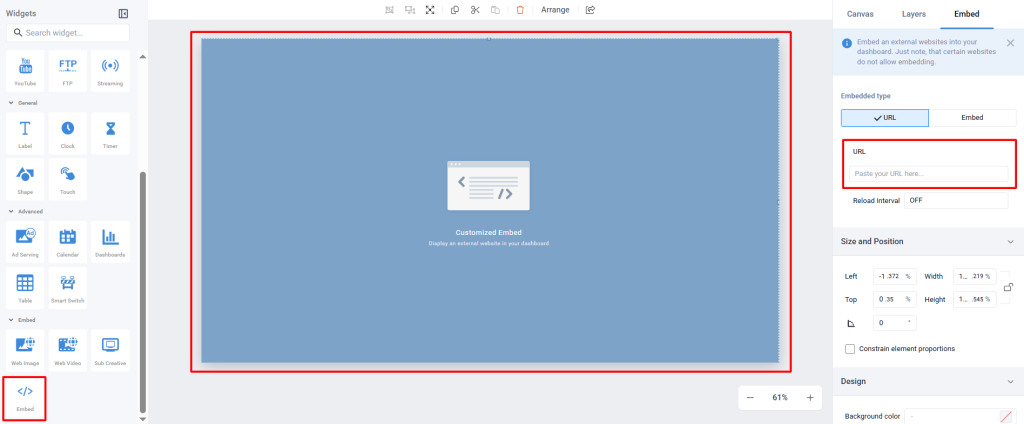
  • In NoviSign, go to the “New Creative”, select a new blank page add a “Webpage” widget.

  • Go to embed in widgets. Paste the copied Social Wall display URL into the widget’s URL field. Set up the widget with any necessary details, such as name, description, tags, and timings for when it should appear.

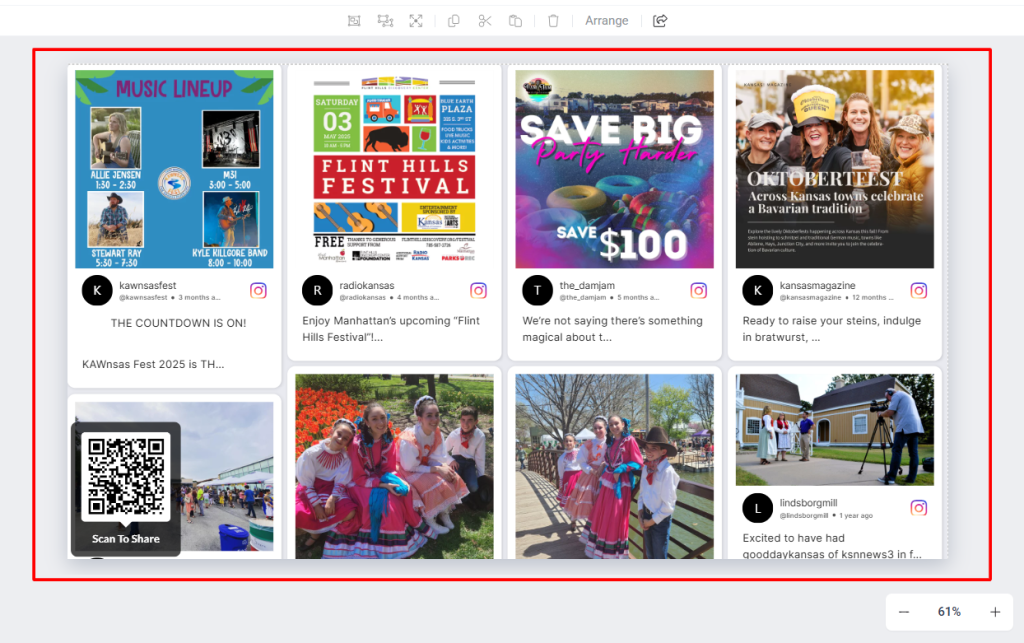
  • Click “Save” to finish and preview it. Now you’re all set! See how your Social Wall looks live on your signage screen, bringing vibrant, real-time social media engagement to your audience.”

Great! You have successfully integrated the social wall on your Novisign digital signage. 

If you have any questions or need help, please contact us or write to us at support@Social Walls.com

支持团队成员 1
支持团队成员 2
支持团队成员 3

24×7 现场活动专家随时为您服务

在您的活动之前、期间和之后获得专家支持,以确保每个社交墙都能顺利运行。

开始免费试用