2026 年 10 大最佳新闻聚合器:功能、定价和最佳用例
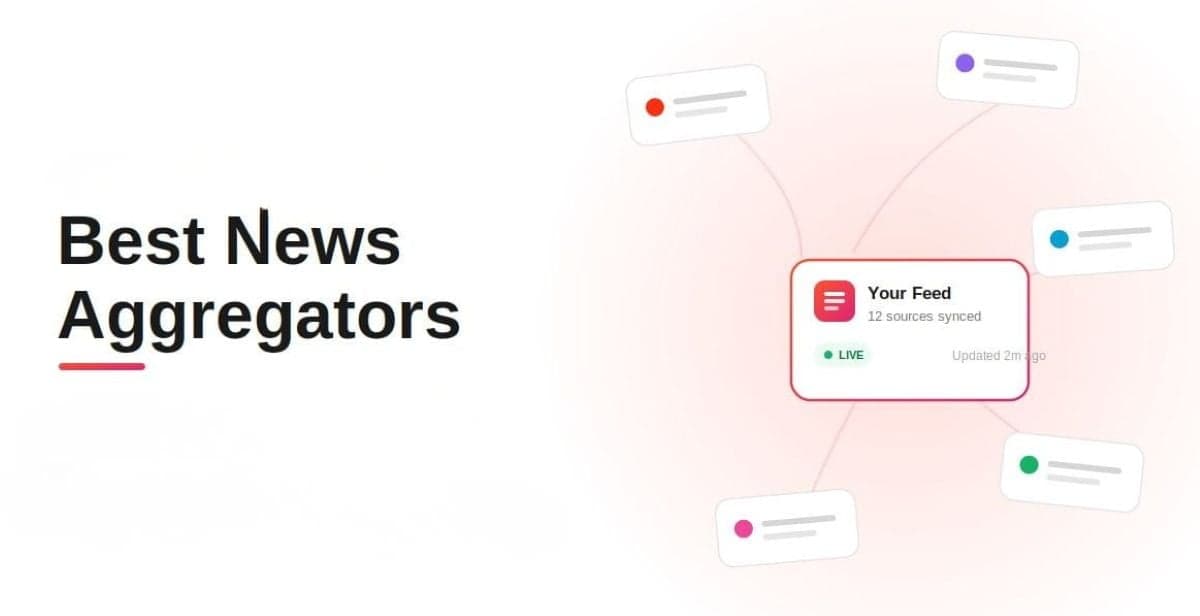
News moves fast, and keeping up often means checking multiple websites, apps, newsletters, and RSS feeds. News aggregators bring those sources together, making it easier to find and follow the stories that matter. A news aggregator can save time by collecting information from different publications in one place.
But businesses can use aggregation for more than reading. Social Walls helps brands collect news, social posts, UGC, and other live content and turn it into branded displays for events, TVs, and digital signage.
In this guide, we’ll compare the 10 best news aggregators in 2026, their key features, pricing, and best use cases, including options for businesses that want to aggregate and display content.
Quick Answer: What Is the Best News Aggregator in 2026?
There isn’t one best news aggregator for everyone. The right choice depends on what you want to do with the content.
Google News is a strong choice for everyday reading. Feedly and Inoreader are better for research and monitoring, while Ground News and AllSides are useful for comparing coverage and perspectives.
For businesses that want to aggregate news and other live content and display it on a website, Taggbox and Social Walls are strong options. They take aggregation beyond reading by helping you collect, curate, customize, and publish content as a branded experience.
| News Aggregator | Best For | Type | Free Option |
| Social Walls | Aggregating and displaying news & live content | Content aggregation & digital display | Yes |
| Taggbox | Aggregating & displaying content on websites | Social media & UGC aggregation | Yes |
| Google News | Everyday news | Mainstream news | Yes |
| Feedly | Research and monitoring | RSS & intelligence | Yes |
| Ground News | Comparing coverage | News comparison | Yes |
| Inoreader | Advanced RSS monitoring | RSS & automation | Yes |
| Apple News | Apple users | News & editorial | Yes |
| Visual discovery | Curated news | Yes | |
| AllSides | Comparing perspectives | News comparison | Yes |
| SmartNews | Mobile news | Mainstream news | Yes |
| Techmeme | Technology news | Vertical aggregator | Yes |
Best for aggregating and displaying live content: Social Walls
Best for website content aggregation: Taggbox
Best for everyday news: Google News
Best for research: Feedly
Best for comparing coverage: Ground News
Best for advanced RSS: Inoreader
Best for comparing perspectives: AllSides
Best for technology news: Techmeme
What is a News Aggregator?
A news aggregator collects stories from multiple sources and brings them together in one place.
Those sources can include newspapers, online publications, blogs, RSS feeds, newsletters, and other websites. Depending on the platform, you may also be able to follow specific topics, filter sources, receive alerts, compare coverage, or personalize your feed.
The goal is simple: instead of checking every publication individually, you get the information you care about in one place.
For businesses, though, aggregation can go a step further. You may want to collect relevant content and publish it somewhere your audience can see it, such as a website, event screen, TV, or digital display.
That’s where content aggregation platforms like Social Walls come in.
Create a branded content wall for events, businesses, digital displays, and more.
No Credit Card RequiredHow Do News Aggregators Work?
Most news aggregators apps follow a similar process:
- Collect content from publishers, websites, RSS feeds, newsletters, or other supported sources.
- Organize stories by topic, source, category, location, or interest.
- Filter and rank content using algorithms, editorial choices, or user-defined rules.
- Deliver the content through a feed, app, dashboard, newsletter, or another format.
The amount of control varies by platform.
Google News focuses heavily on personalized discovery, while RSS platforms such as Feedly, Inoreader, and NewsBlur give you more control over the sources you follow.
For businesses, though, there’s one more question worth asking:
What happens after the content has been collected?
If you’re reading it yourself, a news aggregator may be all you need. If you’re putting that content on a website, event screen, TV, or digital display, you need a platform built to publish and present it, too.
Types of News Aggregators
Not every news aggregator app solves the same problem. All of them serve a different purpose, here they are:
1. Mainstream News Aggregators
These are designed for people who want a simple way to keep up with current events.
Examples: Google News, Apple News, SmartNews, Flipboard
They typically combine automated recommendations with editorial curation and personalization.
2. RSS News Aggregators
These give you more control over the publications and websites you follow.
Examples: Feedly, Inoreader, Taggbox
They’re particularly useful when you already know which sources you want to monitor. Many of these platforms are also available as web-based news aggregator sites.
3. News Comparison Platforms
These help you compare how different publications cover the same story.
Examples: Ground News, AllSides
They’re useful when you want more context instead of relying on a single source.
4. Vertical News Aggregators
These focus on a specific industry or topic.
Example: Techmeme for technology news
They’re useful when you want to filter out everything that isn’t relevant to your field.
5. Content Aggregators for Websites and Digital Displays
These help businesses collect content from multiple sources and display it where their audience can see it.
Example: Taggbox & Social Walls
They’re useful when you want to aggregate news, social posts, UGC, RSS feeds, and other live content into a branded feed or display for websites, events, TVs, and digital signage.
10 Best News Aggregators in 2026
1. Social Walls
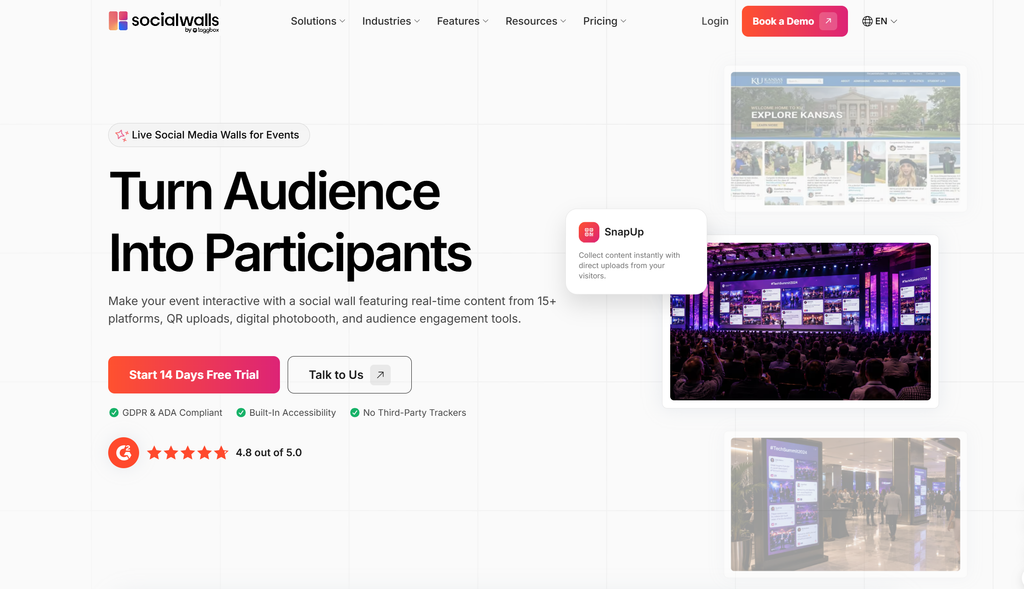
Social Walls takes content aggregation beyond the traditional news-reader model. Instead of simply bringing stories together for someone to read, it helps businesses collect relevant content, curate what gets displayed, customize the presentation, and publish it across digital touchpoints.
You can use Social Walls to bring content together and create live displays for events, venues, TVs, and digital signage. As a social media news aggregator, Social Walls can also help businesses bring social posts, UGC, and other live content into one branded experience.
Key Features
- Content aggregation
- Social media feeds
- UGC collection
- Content moderation
- Customizable displays
- Digital display support
- Audience engagement features
- Analytics
- QR-code content collection with SnapUp
- Digital signage
- TV and LED screen displays
- Interactive polls and reactions
- Photo booth experiences
- Sponsor visibility
Pricing
Social Walls offers 14-days free trial and event-focused plans, including a weekly option for smaller events. Current plans include real-time updates, multiple feeds, content sources, and SnapUp.
Go beyond reading by turning news, social content, and UGC into an engaging digital display.
No Credit Card Required2. Taggbox
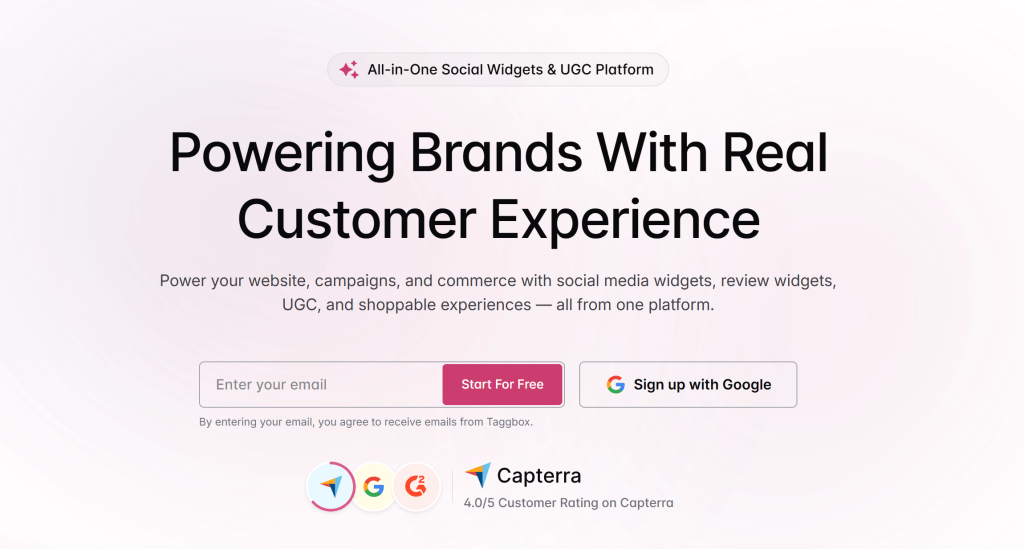
Taggbox is a content aggregation platform designed for businesses that want to collect and display content on their websites.
It can bring together social media posts, UGC, reviews, RSS feeds, and other supported content sources into customizable website widgets. Businesses can moderate content, customize the appearance, and embed the resulting feed into their website.
For brands looking for a news aggregator for websites, Taggbox can be useful when the goal is not just to collect information but also to turn aggregated content into an engaging website experience.
Key Features
- Social media content aggregation
- UGC collection
- RSS feed aggregation
- Content moderation
- Customizable widgets
- Website embedding
- Responsive layouts
- Analytics
- Multiple content sources
Pricing
Taggbox offers different plans depending on the type and scale of content aggregation and display requirements. Plans and features vary based on the product and usage needs.
3. Google News
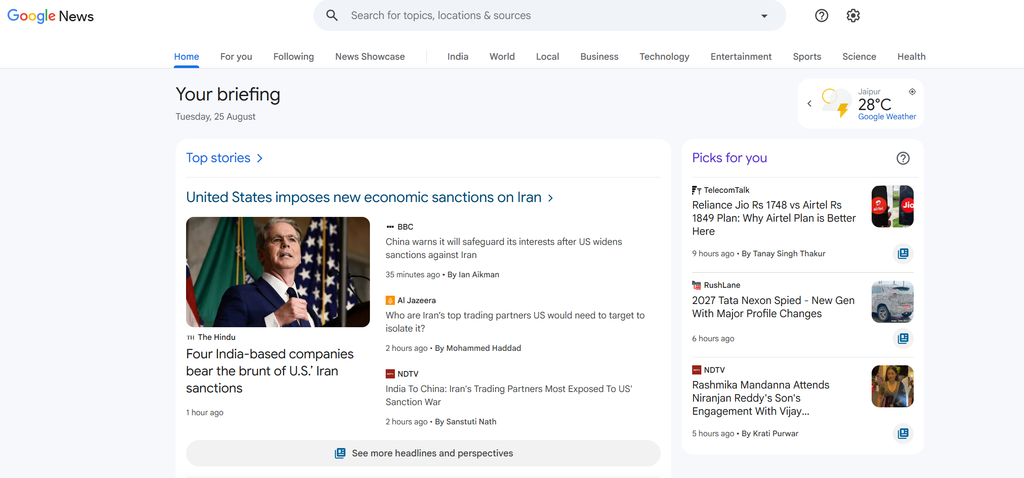
Google News is one of the simplest ways to keep up with current events without visiting dozens of individual publications.
It brings stories from different publishers together and lets users personalize their feeds by following topics, sources, and locations. Its Full Coverage feature also helps readers explore different reporting and perspectives around a story.
Key Features
- Personalized news feed
- Topic and source following
- Local and international coverage
- Full Coverage
- News alerts
- Web and mobile access
Pricing
Google News is available at no additional cost, although some stories may lead to publishers that require a subscription.
4. Feedly
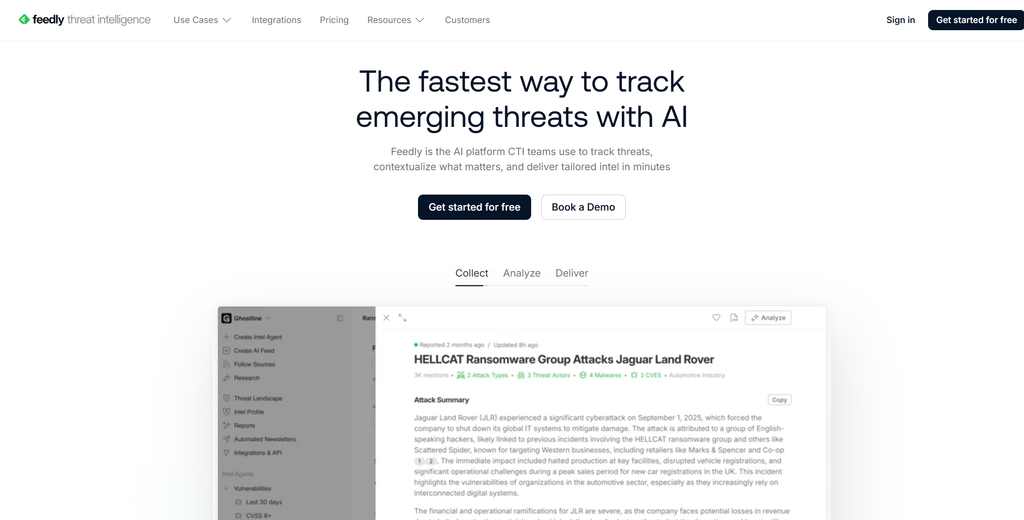
Feedly is built for people who need to follow more than just the day’s biggest headlines.
It brings publications, websites, RSS feeds, and other sources into one place, making it useful for tracking industries, competitors, trends, and topics.
Its professional offerings also include AI-powered research and social monitoring tools.
Key Features
- RSS and website monitoring
- AI-powered research
- Competitor monitoring
- Trend tracking
- AI feeds
- Team collaboration
- Newsletter workflows
Pricing
Feedly has free options for basic use, while its Market Intelligence plans are designed for professional teams. Current paid Market Intelligence plans start at $1,600/month when billed annually.
5. Ground News
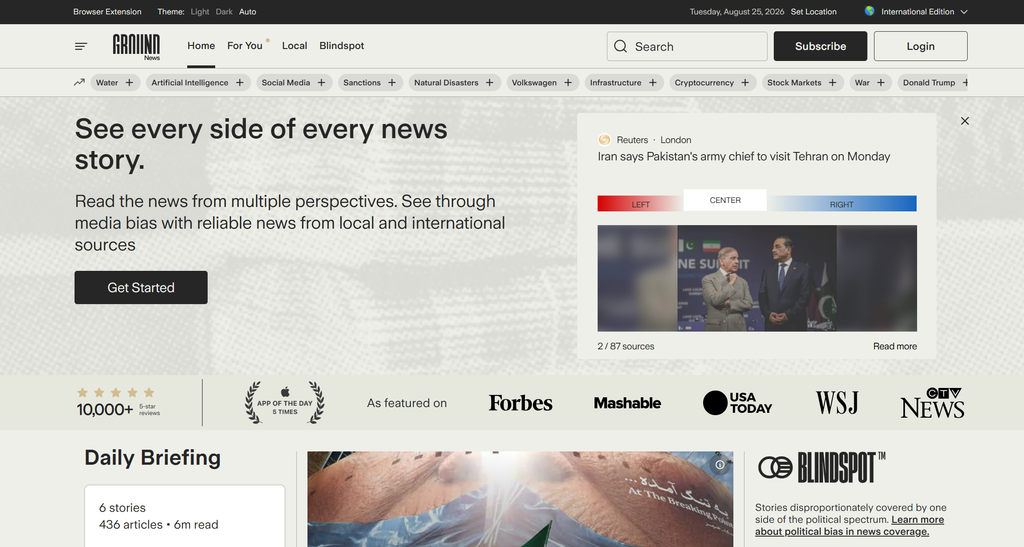
Ground News is designed for readers who want to see more than one version of a story.
It brings coverage from different publishers together and provides tools that help users compare sources, media bias, and ownership.
Key Features
- Cross-source story comparison
- Media-bias information
- Source information
- Personalized feeds
- Coverage comparison
- Blindspot stories
Pricing
Ground News offers free access alongside paid subscription options. Its paid plans are available on the web and in mobile apps, with annual web billing and monthly options through mobile app stores.
6. Inoreader
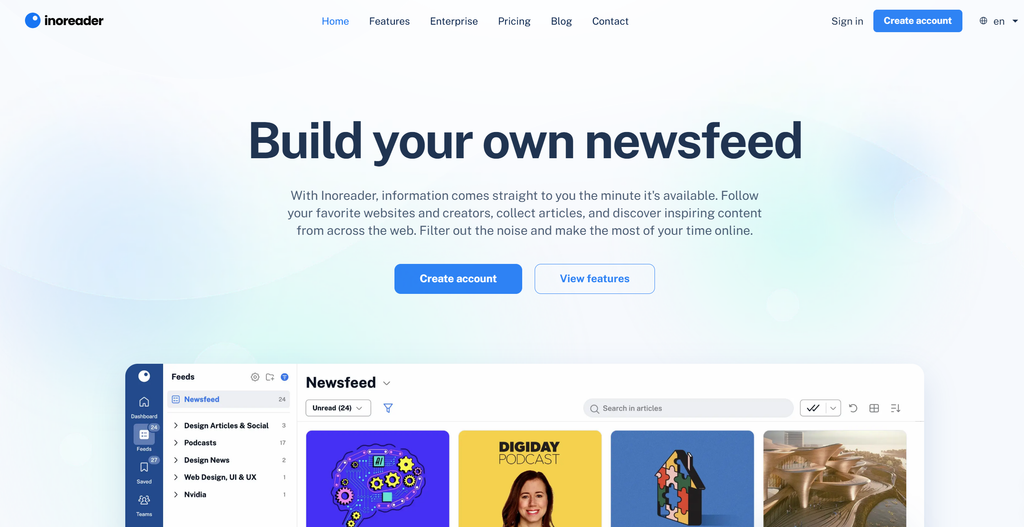
Inoreader gives you more control over what enters your feed.
You can follow RSS feeds, websites, newsletters, and other sources, then use filters, rules, and monitoring tools to organize the information.
Key Features
- RSS feeds
- Website monitoring
- Newsletter feeds
- Social feeds
- Rules and filters
- AI summaries
- Custom feeds
- Automation and integrations
Pricing
Inoreader has a free plan. Its Pro plan currently costs $7.50/month when billed annually or $9.99/month when billed monthly.
7. Apple News
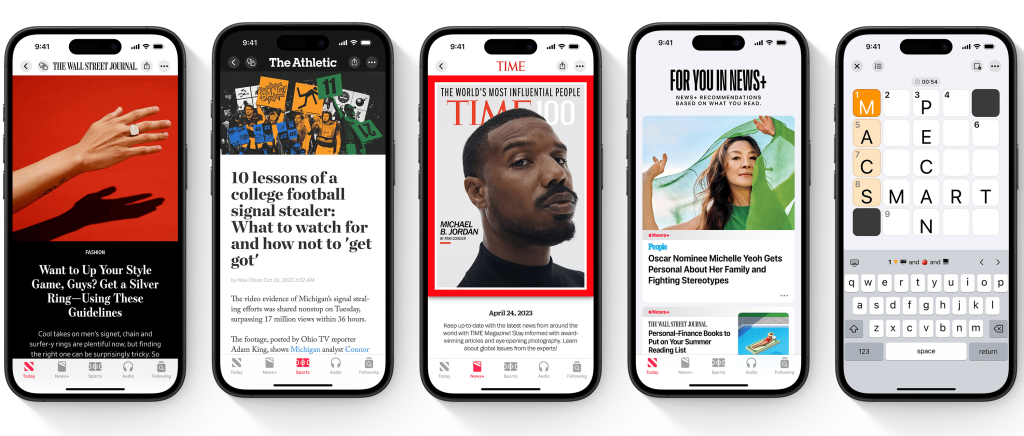
Apple News combines personalized recommendations with editorially curated content and fits naturally into Apple’s ecosystem.
Apple News+ provides access to additional newspapers and magazines in supported markets.
Key Features
- Personalized recommendations
- Editorial curation
- News and magazine content
- Audio stories
- Offline reading for supported content
- Apple ecosystem integration
Pricing
Apple News is available for free in supported markets, while Apple News+ is a paid subscription with additional content.
8. Flipboard
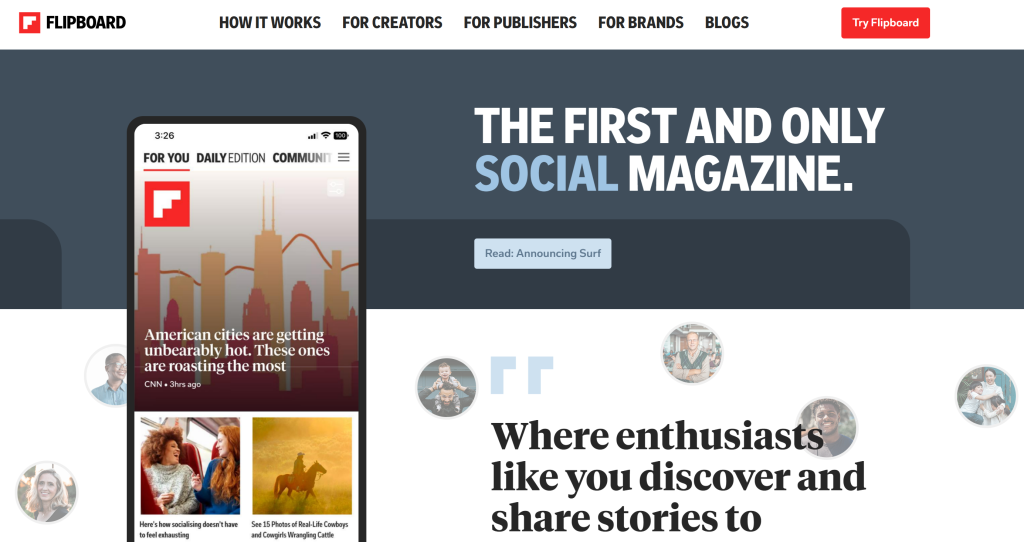
Flipboard takes a more visual approach to news aggregation.
You can follow topics, people, and interests and browse stories through a magazine-style interface. You can also create your own magazines around specific subjects.
Key Features
- Personalized topics
- Visual feeds
- Magazine-style layouts
- User-created magazines
- Topic and source controls
- Web and mobile access
Pricing
Flipboard is free to use, with the core experience available without a paid subscription.
9. AllSides

AllSides brings together coverage from different political perspectives so readers can compare how stories are being reported.
The platform provides media-bias ratings and organizes coverage by perspective.
Key Features
- Perspective comparison
- Media-bias ratings
- Source comparison
- News roundups
- Media literacy resources
Pricing
AllSides offers free access to its news and perspective comparison content, with additional features and services available through its broader offerings.
10. SmartNews
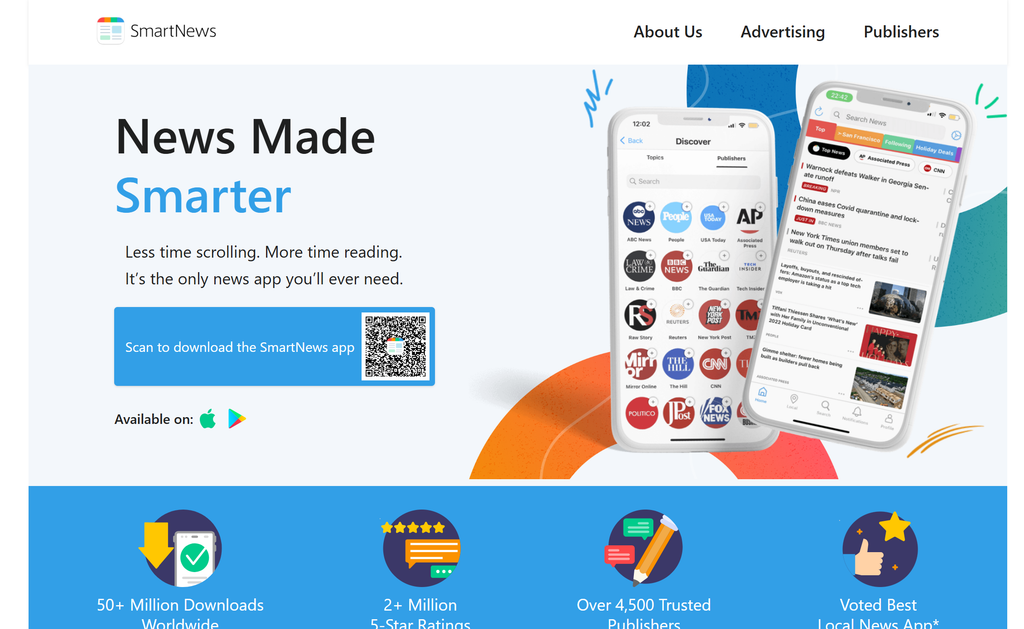
SmartNews helps users quickly discover and read news on mobile devices.
It brings stories from multiple publishers into one feed and uses personalization to help users find relevant content.
Key Features
- Personalized news feed
- Mobile-first experience
- Local and national coverage
- Offline reading
- Publisher channels
- Breaking-news updates
Pricing
SmartNews is available as a free news app.
Bring multiple content sources together and showcase them in a branded experience your audience can interact with.
No Credit Card RequiredNews Aggregators Compared
Here’s a quick look at how the platforms differ.
| Platform | Best Use Case | Content Sources | RSS Support | Content Moderation | Best For |
| Social Walls | Aggregate & display live content | Social, UGC, RSS & more | Yes | Yes | Events, brands & digital displays |
| Taggbox | Aggregate & display content on websites | Social, UGC, RSS & more | Yes | Yes | Websites, brands & marketers |
| Google News | Discover current news | News publishers | No | No | Everyday news |
| Feedly | Monitor sources & research | RSS, websites & publications | Yes | No | Researchers & marketers |
| Ground News | Compare coverage | News publishers | No | No | Perspective comparison |
| Inoreader | Advanced monitoring | RSS, websites & newsletters | Yes | Yes | Analysts & researchers |
| Apple News | Personalized news | Publishers & magazines | No | No | Apple users |
| Visual discovery | Publishers & topics | Limited | No | Visual readers | |
| AllSides | Compare perspectives | News publishers | No | No | Media comparison |
| SmartNews | Mobile news discovery | News publishers | No | No | Mobile users |
How to Display News and Live Content on Digital Screens
If your goal is to put aggregated content on a TV, event screen, LED display, or digital signage, the workflow looks different from traditional news reading.
Step 1: Choose Your Content Sources
Decide what you want to display. This could include news feeds, social posts, hashtags, UGC, customer content, event updates, or a mix of sources.
Step 2: Collect the Content
Bring your chosen sources into one content stream instead of managing each one separately.
Step 3: Filter and Moderate
Not every piece of content belongs on a public display. Use moderation and filtering to control what appears.
Step 4: Customize the Display
Match the content experience to your brand, event, website, venue, or campaign.
Step 5: Publish It to Your Screen
Display the finished content wall on your website, TV, event screen, LED display, or supported digital signage setup.
Step 6: Keep It Live
The advantage of live content is that the screen doesn’t have to remain static. New content can keep the experience fresh as your audience interacts and contributes.
How Social Walls Turns Aggregated Content Into a Live Display
Social Walls is built for the publishing and display side of content aggregation. Instead of simply collecting content for someone to read, it helps businesses collect, curate, customize, and display live content for an audience.
1. Bring Different Content Sources Together
Bring content from supported social platforms, hashtags, handles, and other sources into one place. You can also let people contribute directly through SnapUp using a QR code or link. For events, this gives attendees a simple way to share photos and content and become part of the live experience.
2. Control What Appears
Not every post belongs on a public display. Social Walls includes moderation tools that help you control what makes it onto your wall before it goes live. That gives event organizers, marketers, and businesses more control over their live content.
3. Customize the Experience
An aggregated feed doesn’t have to look like a collection of disconnected posts. Customize the layout and presentation to match your event, campaign, venue, or brand. You can also add interactive elements such as reactions, polls, announcements, and other engagement features.
4. Display Content Where Your Audience Is
Once your content is ready, publish it across supported event screens, TVs, LED displays, digital signage, and other displays. This is where Social Walls differs from a traditional news reader. A news aggregator helps you find information. Social Walls helps you turn aggregated content into an audience-facing experience.
5. Turn Viewers Into Participants
A live wall can do more than display content. QR-based submissions, reactions, polls, and other interactive elements give your audience a way to contribute. Instead of a screen people simply look at, you can create something they actively participate in.
6. Measure Engagement
The experience doesn’t end when the wall goes live. Analytics can help you understand what’s happening on your wall and how people are interacting with the content.
The workflow is simple:
Collect → Moderate → Customize → Display → Engage → Measure
Collect news, social content, UGC, and live updates, then display them across events, TVs, and digital signage.
No Credit Card RequiredFinal Verdict
The best news aggregator depends on your needs. Google News is great for everyday reading, Feedly and Inoreader for research, and Ground News and AllSides for comparing coverage.
But if you want to aggregate content and turn it into a live audience experience, Social Walls is built for that. Collect news, social content, and UGC, then display it across websites, events, and digital screens.
Frequently Asked Questions
A news aggregator collects stories from multiple publishers, websites, RSS feeds, newsletters, or other sources and brings them together in one place.
Yes. Content aggregation platforms can collect social posts, UGC, RSS content, and other supported sources and display the resulting content on a website.
Yes. Platforms like Social Walls by Taggbox built for content aggregation and digital displays can collect, curate, and display live content on screens.
Yes. Social Walls can aggregate news and other live content, then help businesses curate, customize, and display it across events, TVs, and digital signage. Unlike traditional news aggregators built mainly for reading, Social Walls is designed to turn aggregated content into a live audience experience.